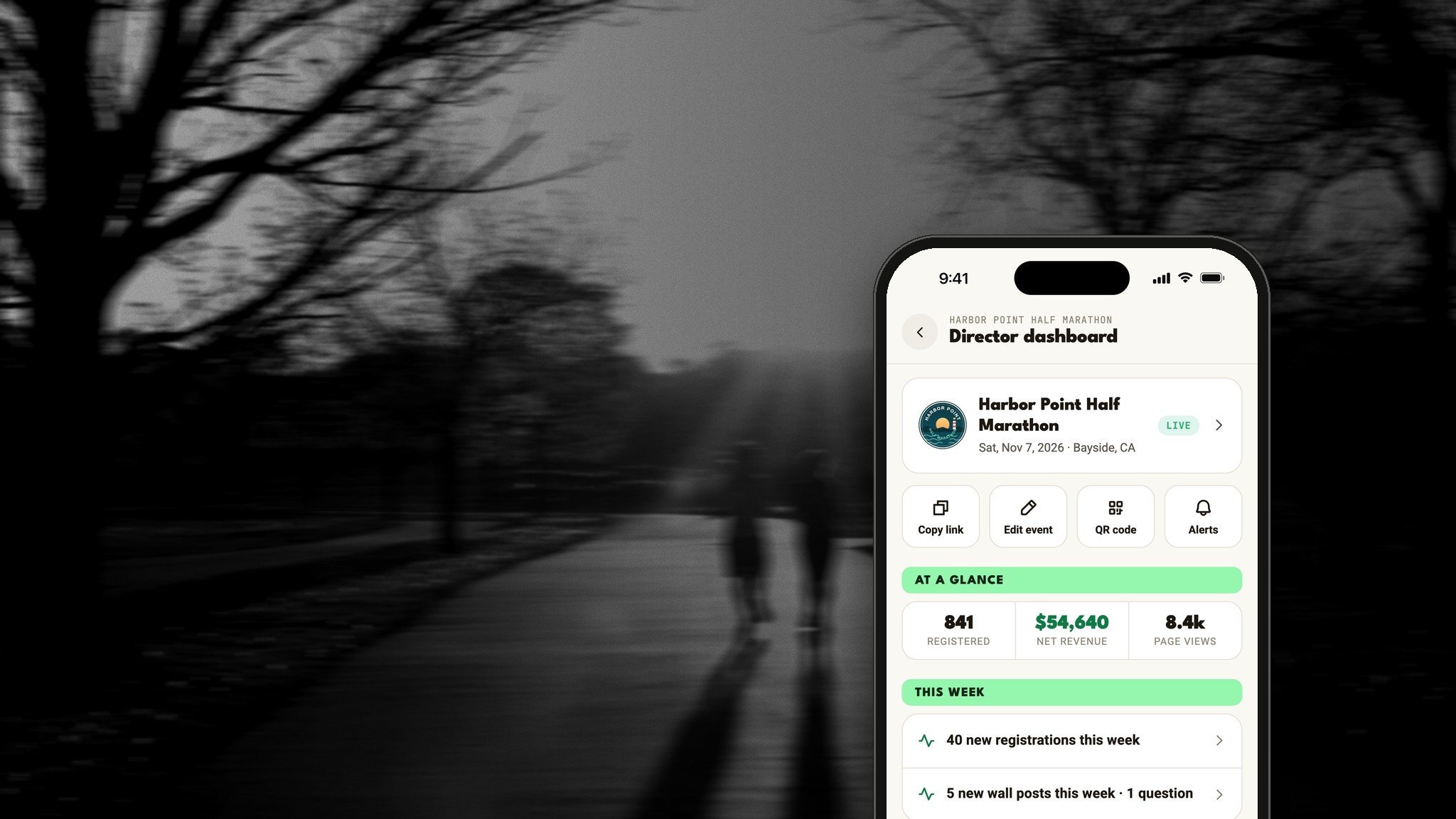

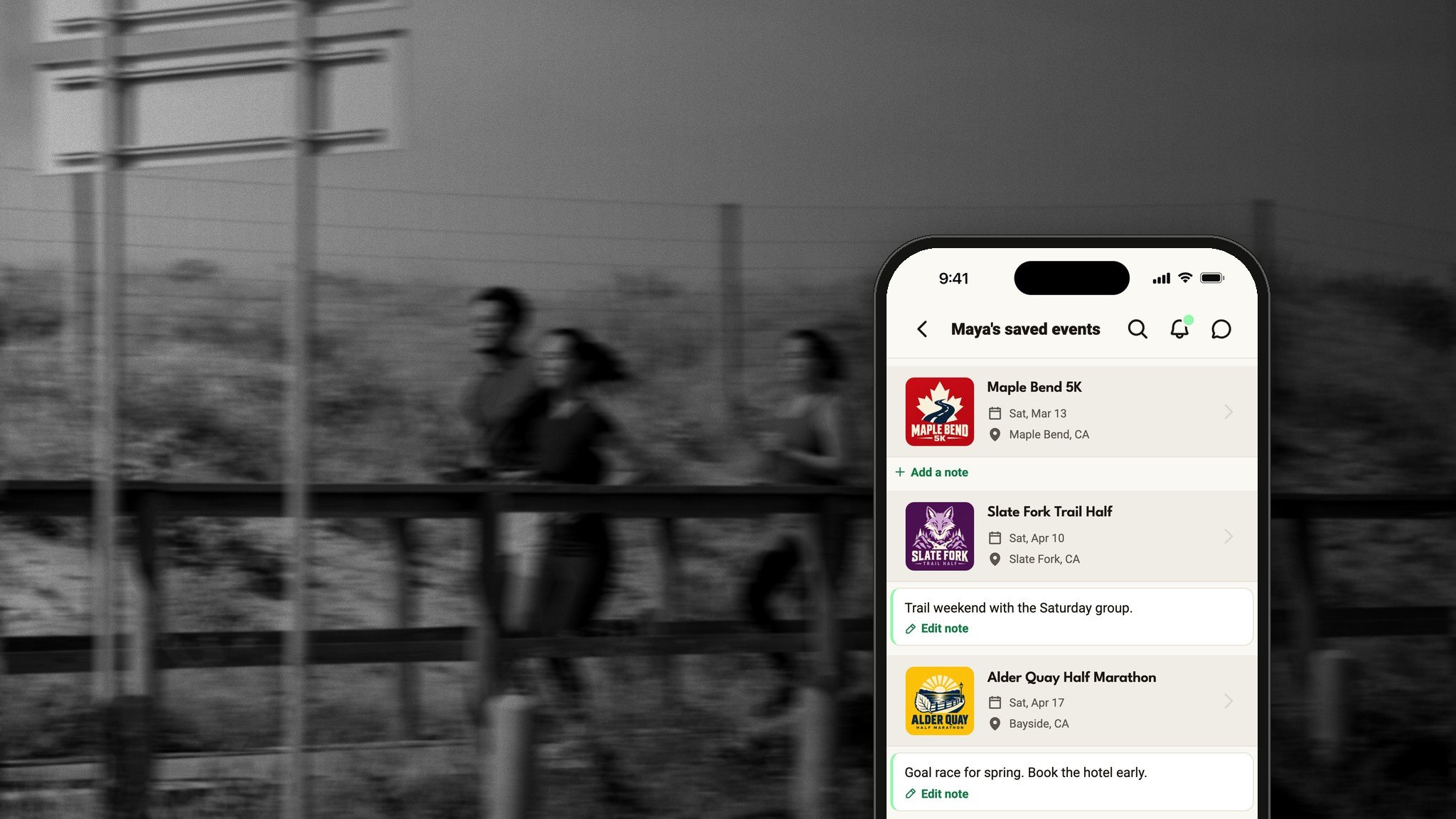
You find a race. It looks great. You're not ready to sign up.
So you tell yourself you'll remember it. Then registration opens, the price goes up twice, and it sells out.
Next time, tap Save.
What saving does
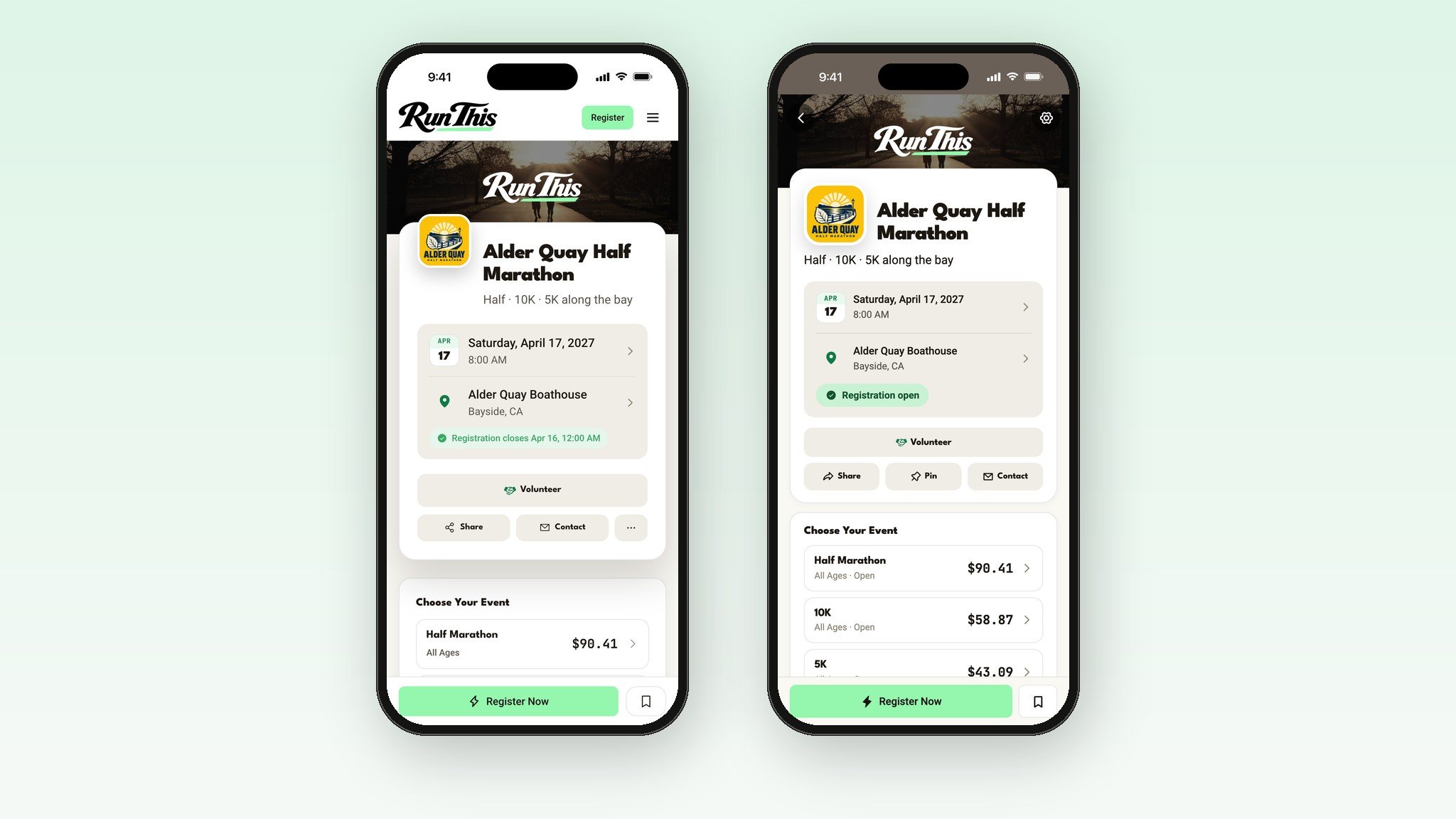
One tap. Save is on every race page, on the website and in the Run This app.
You hear when it matters. Registration opens. The price is about to go up. The race is almost full.
A note to yourself. Only you can see it.
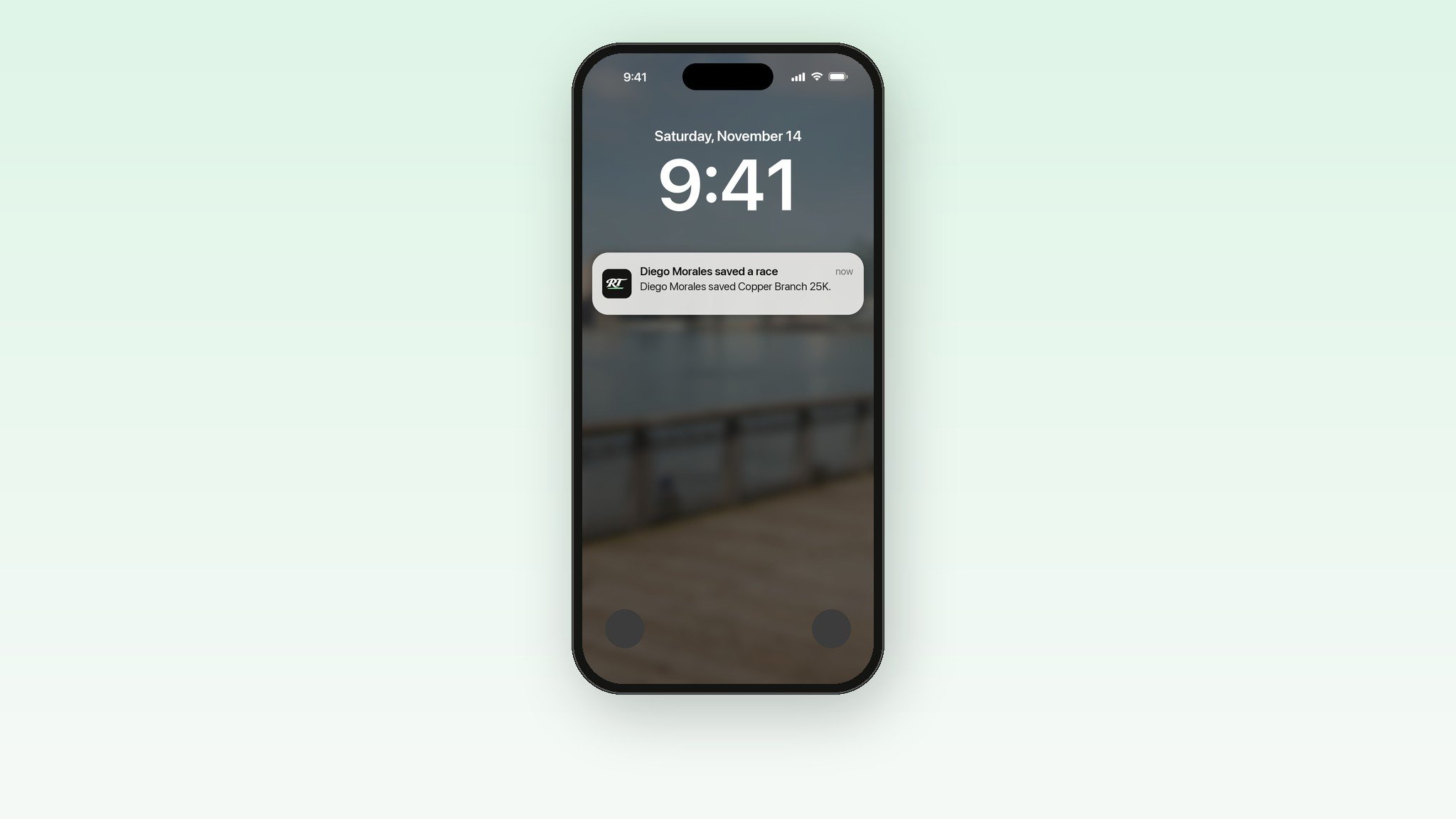
Your friends see it. A save shows up in your followers' feeds.
It's on your calendar. Saved races get their own color.
It's on your Home Screen. The Run This app's widget counts down to your next races, saved ones included.
It carries over. When the race comes back next year, it's still saved.
One tap. That's it.
Open any race page and tap Save. On a phone, it's the bookmark icon next to Register. In the Run This app, it's on the race screen and in Search.
It works for every race on Run This, even the ones that take registration somewhere else. Changed your mind? Tap Saved and it's off your list.
Leave a note for future you
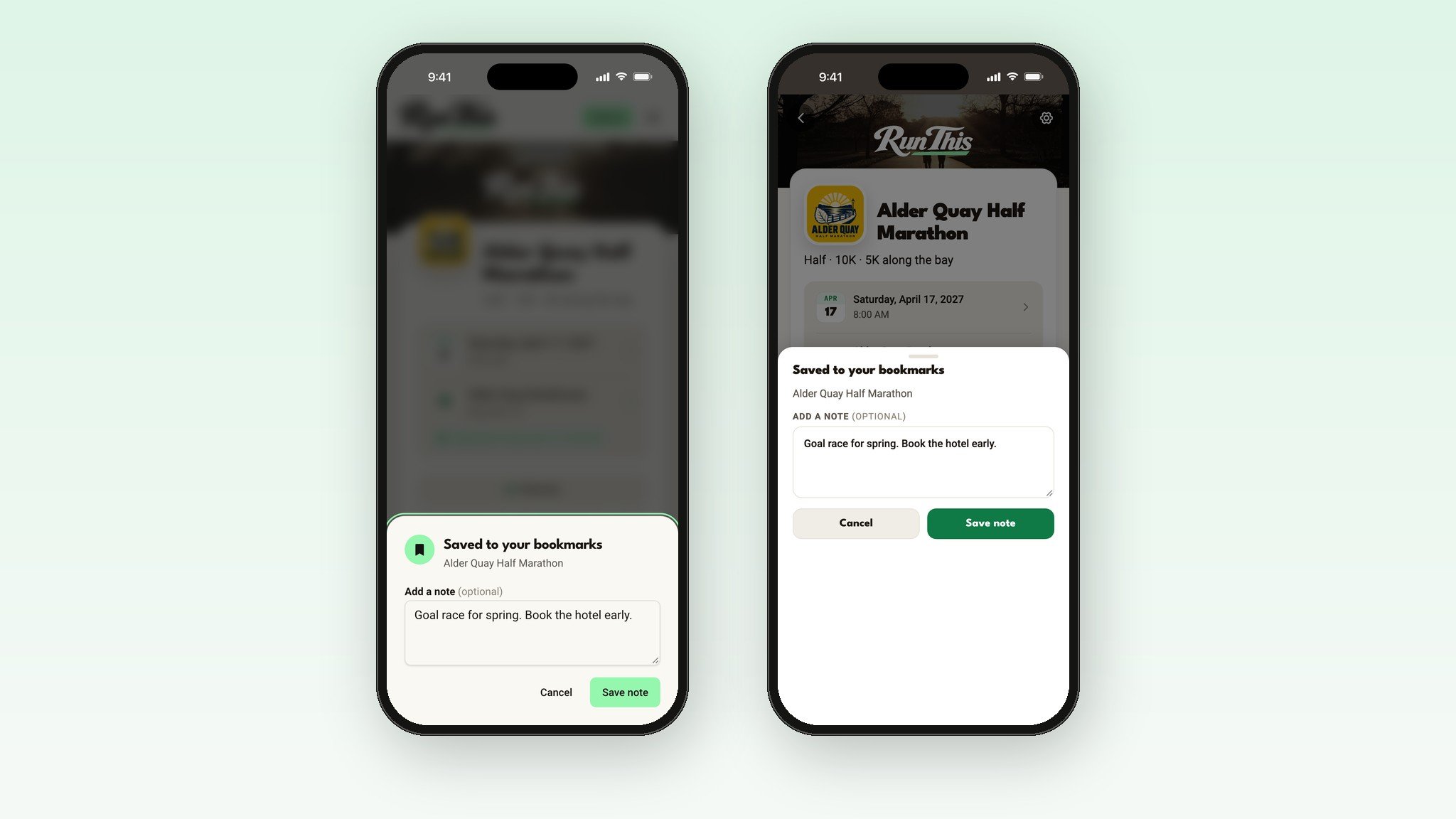
When you save a race, a pop-up asks if you want to leave a note. "Goal race for spring." "Trail weekend with the Saturday group." "First 50K?"
Tap Save note, or Done to skip it. Notes are private. Nobody sees them but you.
Your saved races, all in one place
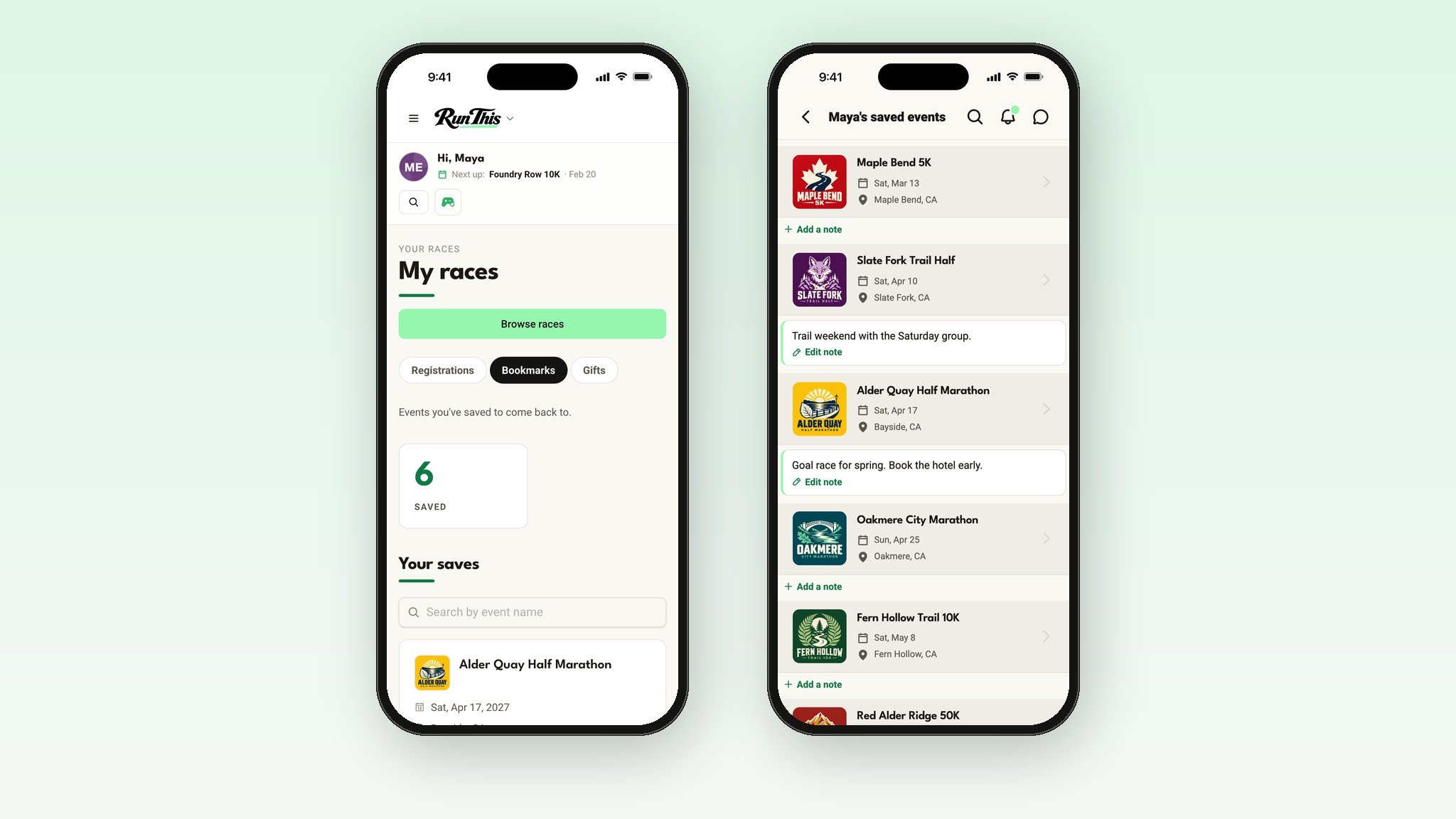
On the website, open My races in the sidebar and pick the Bookmarks tab. In the Run This app, open your profile and tap your saved events.
Each race shows its note. Tap the note to change it, or add one later.
You hear when it matters
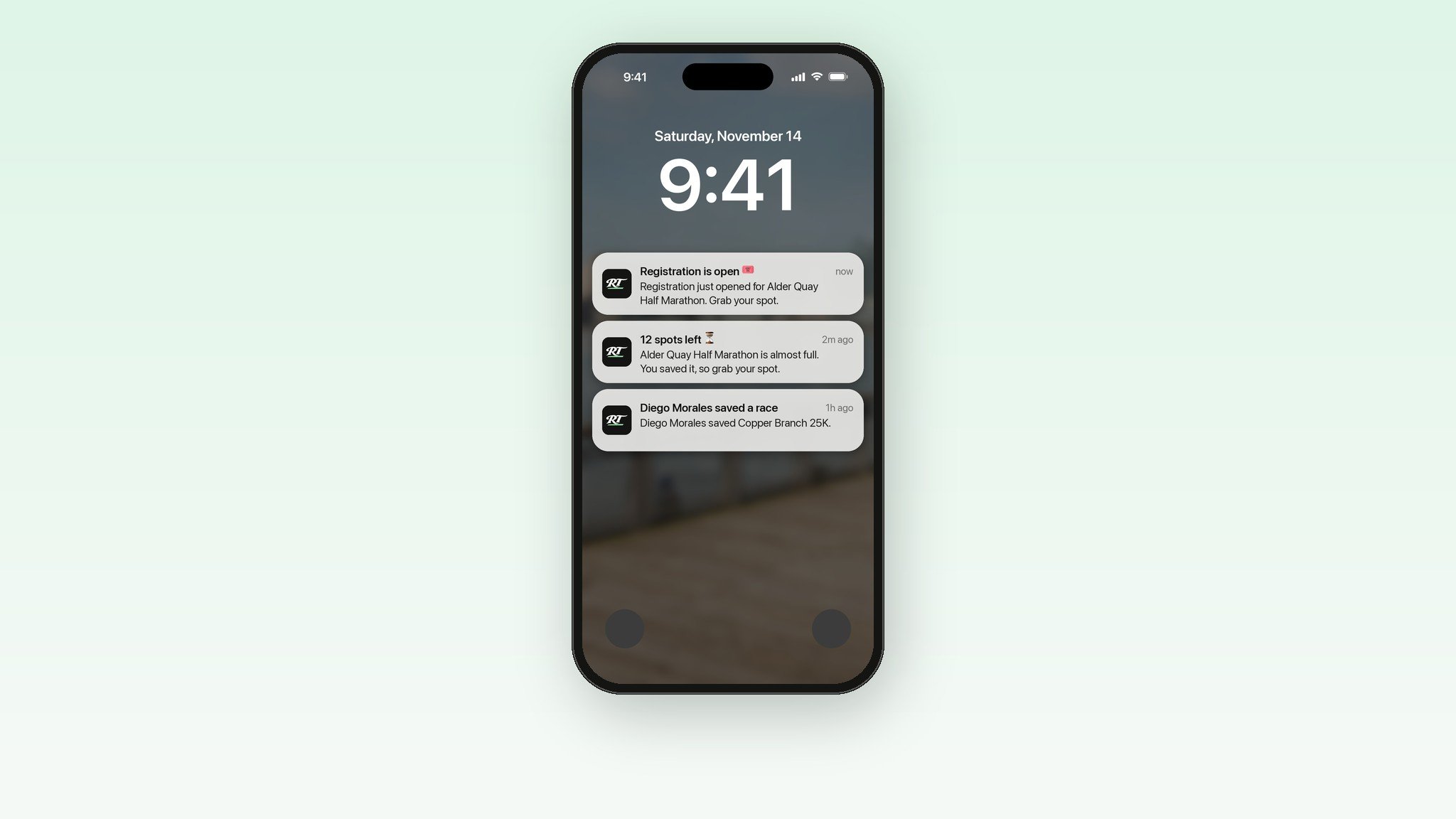
This is the part that does the work. Once a race is saved, Run This keeps an eye on it for you:
Registration opens. You hear the day it does.
The price is about to go up. A heads-up about two days before.
It's almost full. So you can grab a spot while a few are left.
Four weeks to go. One email reminder if you still haven't signed up.
News from the race. The director's announcements land in the Race updates tab of your Notifications.
Race directors can switch off the first two for their race, so not every race sends them. Already registered? You won't be nudged to register again.
Too much? Turn any of them off in your notification settings. Or un-save the race, and they stop.
Your friends see what you're thinking about
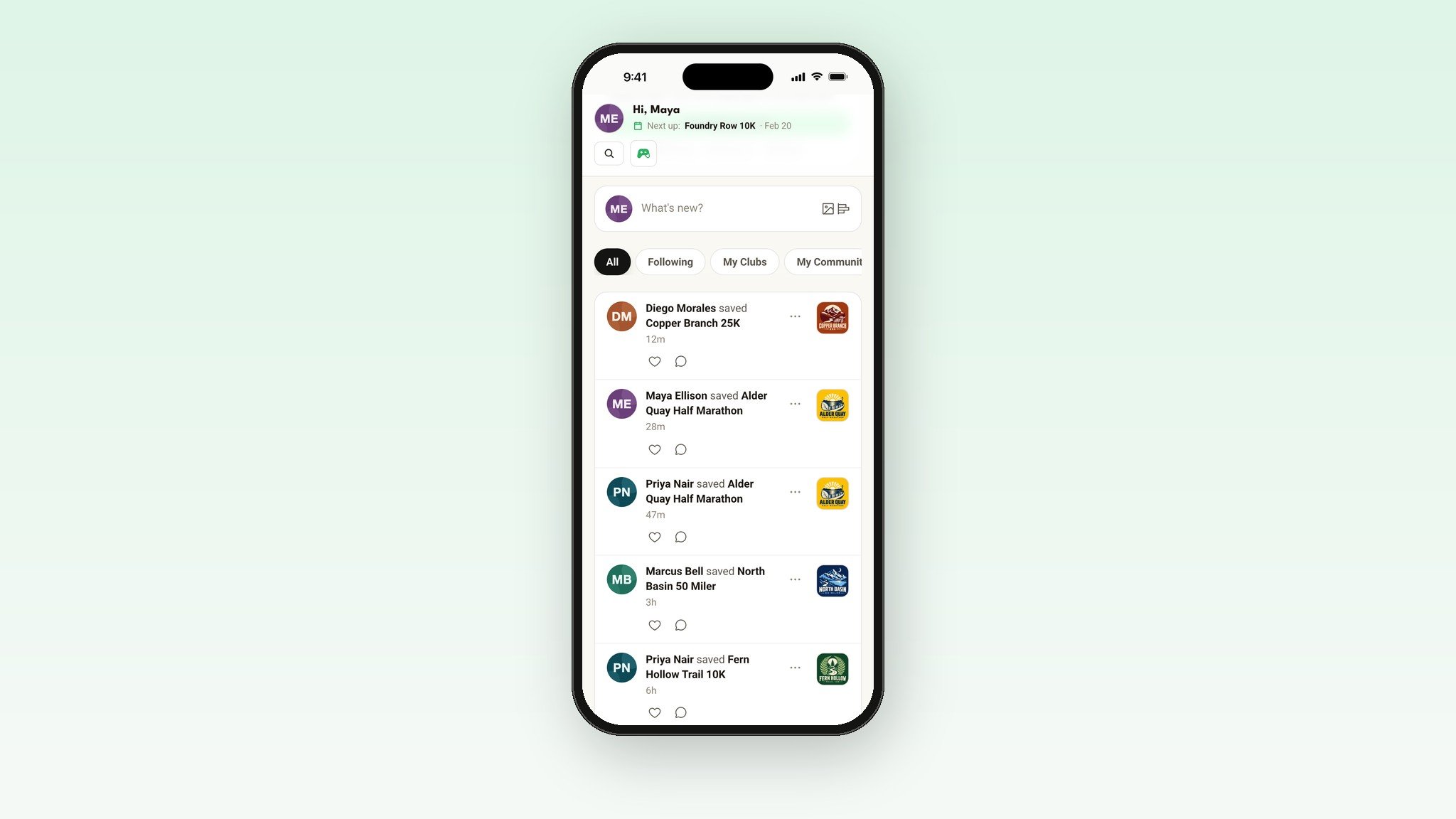
When you save a race, the people who follow you see it in their feed. It's on your profile too, under your saved events.
That's how a maybe turns into a group trip. One friend saves a trail half. Three more see it. Somebody says "I'm in."
Have a private account? Only the followers you approved see your saves.
Get a push when your running buddy saves a race
Open a friend's profile, tap Following, and pick Favorite. Then switch on Saves or bookmarks an event.
Now your phone tells you when they save a race. It stays off until you turn it on, so you only hear about the people you pick.
Running with a club?
Your club's page has a list called Events Members Will Be At. It counts the members who registered, saved the race, or said they'll be there. It shows how many, never who.
Club admins can go one step further. Tap Save on a race page and, under Pin to a club, pick your club. The race shows up on the club's Club Events tab.
And when a club hosts a race you save, the pop-up offers a Join club button.
It's on your calendar
Your Run This calendar shows every race you're tied to, color coded. Saved races get their own color, next to the ones you're registered for.
Put it on your Home Screen
The Run This app comes with a widget for iPhone and Android. It shows your next race with a countdown, right on your Home Screen. The medium size shows your next three.
When one of them is a race you saved, the widget tells you whether registration is open, or when it opens. Tap it and the race opens in the app.
On iPhone, touch and hold your Home Screen, tap Edit, then Add Widget, and search for Run This. On Android, touch and hold, tap Widgets, and search for Run This. Open your Calendar in the app once first, so the widget has your races. The steps are in The Home Screen widget.
Saved once, saved every year
Races come back. When a race you saved sets next year's date, your save stays on it, and you hear when registration opens again.
Save your first race in a minute
Open runthis.run/races, or the Events tab in the Run This app.
Find a race you're thinking about.
Tap Save.
Add a note if you want one.
Find it later under My races, then Bookmarks. In the app, it's on your profile.
Get the free app
Run This is free on iPhone and Android. Sign in with the same account and your saved races are already there.
Download on the App Store · Get it on Google Play
Four races worth saving today
The goal race you keep talking about.
The one your friends are doing.
The one that sold out on you last year.
A distance you've never tried.
Ready?
Find a race and tap Save. Every detail lives in the help center: Bookmarks and your calendar and Notifications.
Something you wish it did? Tell me. I read every one.