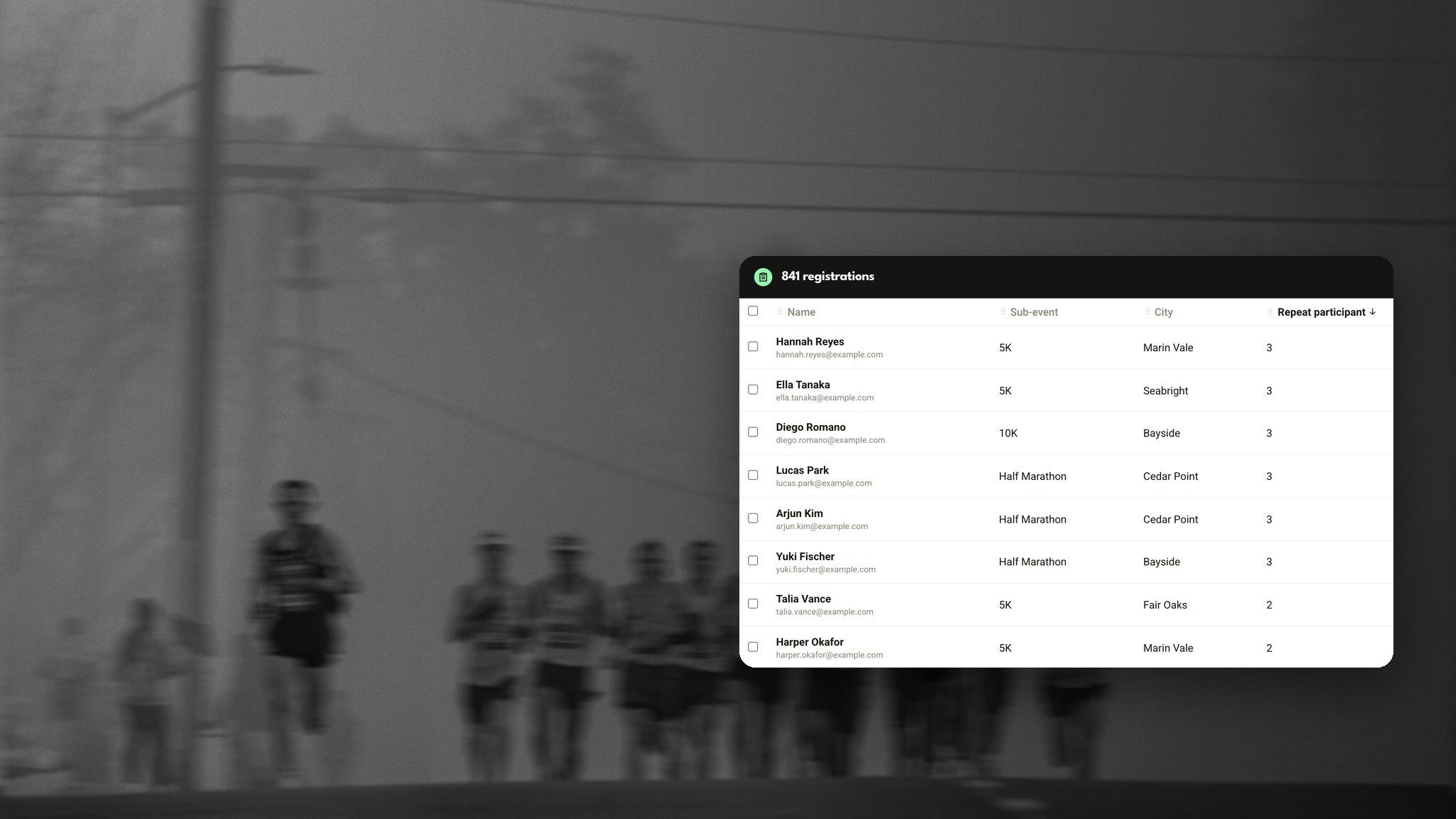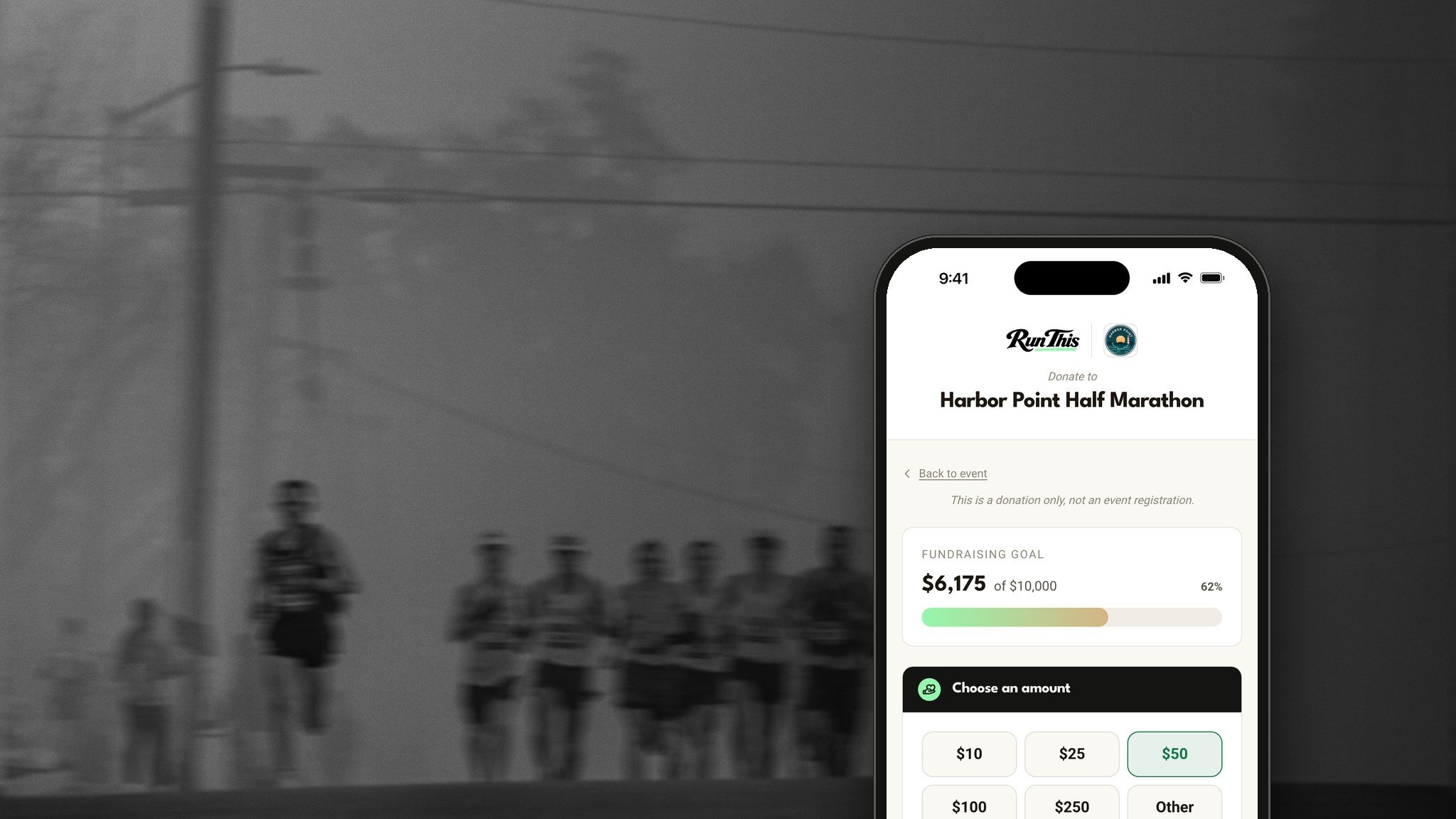
Most charity races run on two websites. Runners sign up on one, and they're asked to give on another.
Plenty of them never make it to the second one.
On Run This, fundraising is built into registration. Runners give while they sign up. Everyone else gives on your race's Donate page. And it all adds up in one place.
What you get
A gift at checkout. One payment covers the entry and the donation.
A Donate page. Anyone can give, no account needed.
A live thermometer. Your event page shows progress toward your goal.
A supporters list. Thank every donor in public, or keep it private.
Circle and team fundraising. Each group gets its own donate link and total.
Gifts straight to your charity. Donations can land in the charity's own account.
The Run This app too. Runners can give right from their phones.
Ask while their card is already out
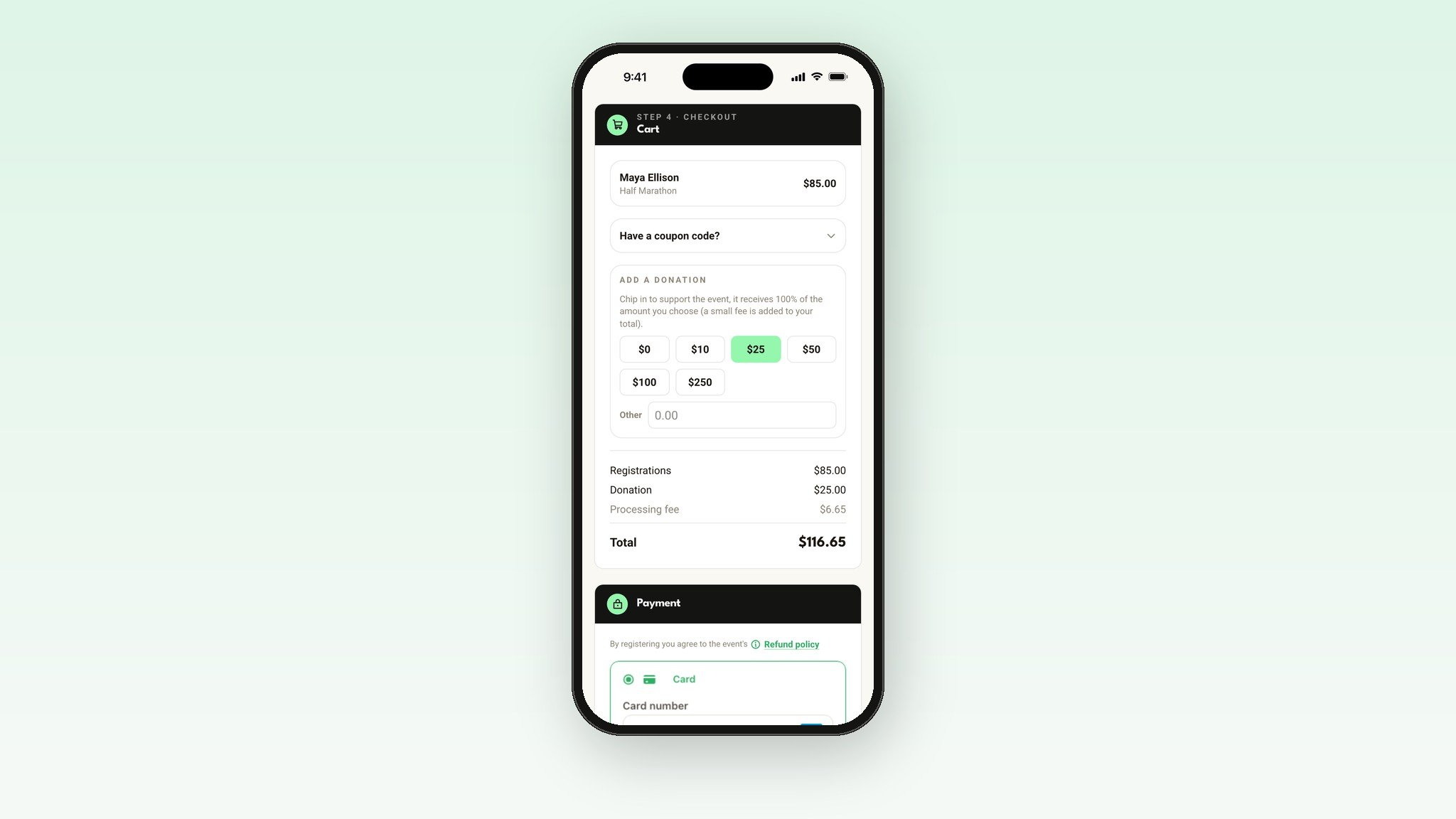
The easiest moment to ask for a gift is while a runner is already paying. Turn on your fundraiser, and checkout shows your donation amounts.
One tap adds a gift, and one payment covers both. It's always optional, with a $0 choice right there, so nobody feels pushed.
A Donate button for everyone else
Not everyone runs. Parents, coworkers and neighbors want to help too. Your event page gets a Donate button next to Register, and it stays there after race day until you turn it off.
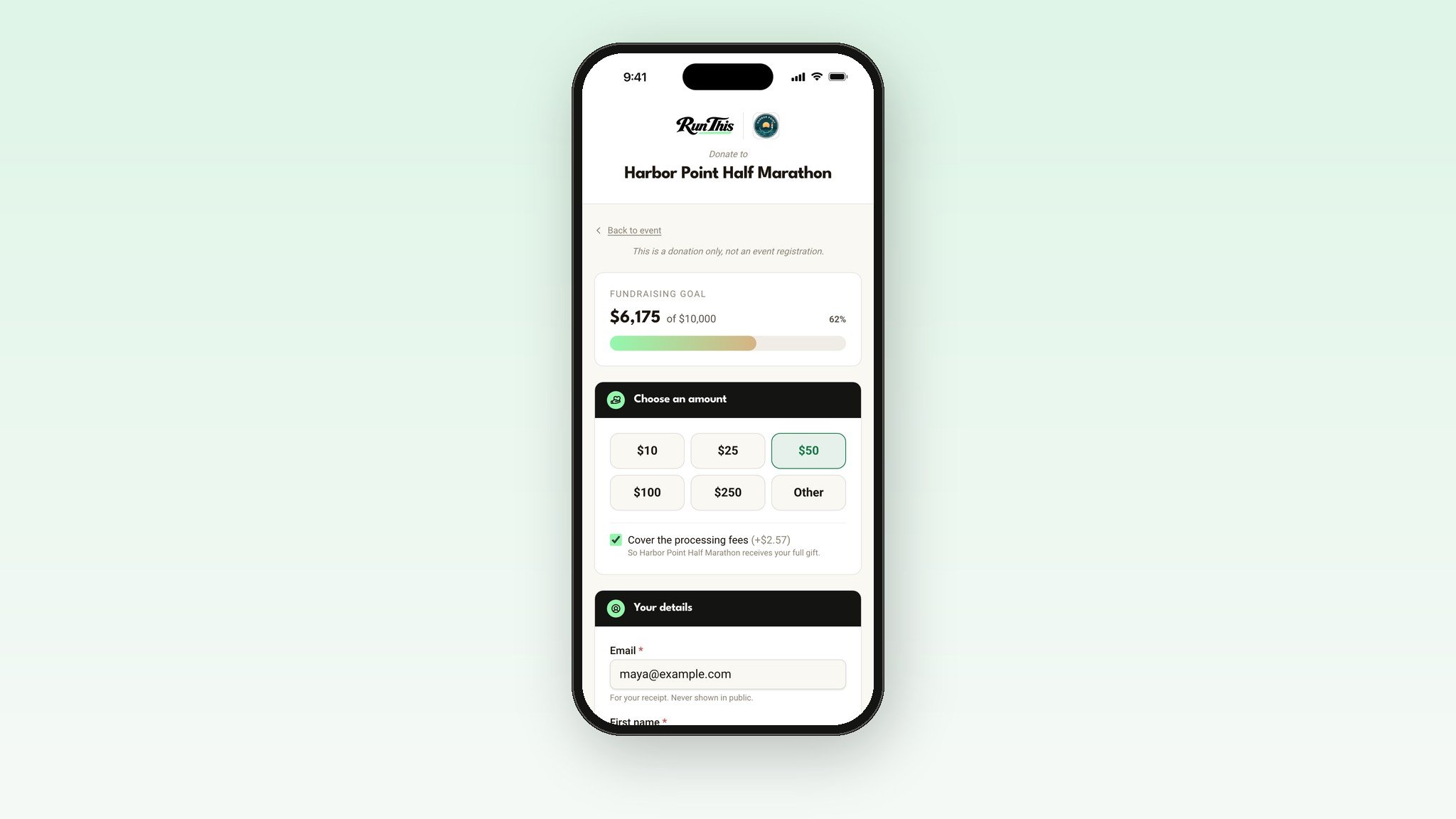
It opens your race's Donate page. No account needed, just a name and an email. Donors pick one of your amounts or type their own, leave a note, and can give as a company or stay anonymous. A Cover the fees box adds the fee on top, so your cause gets their whole gift. Every donor gets a receipt by email.
Watch your goal fill up
Set a goal, and your event page shows a thermometer that fills as gifts come in. People love pushing a number over the line.
You decide what counts. Donations always do. Entry fees, sponsor payments and merch sales each have their own switch, and every dollar is counted once. Rather not show the number? Hide the progress and keep the Donate button.
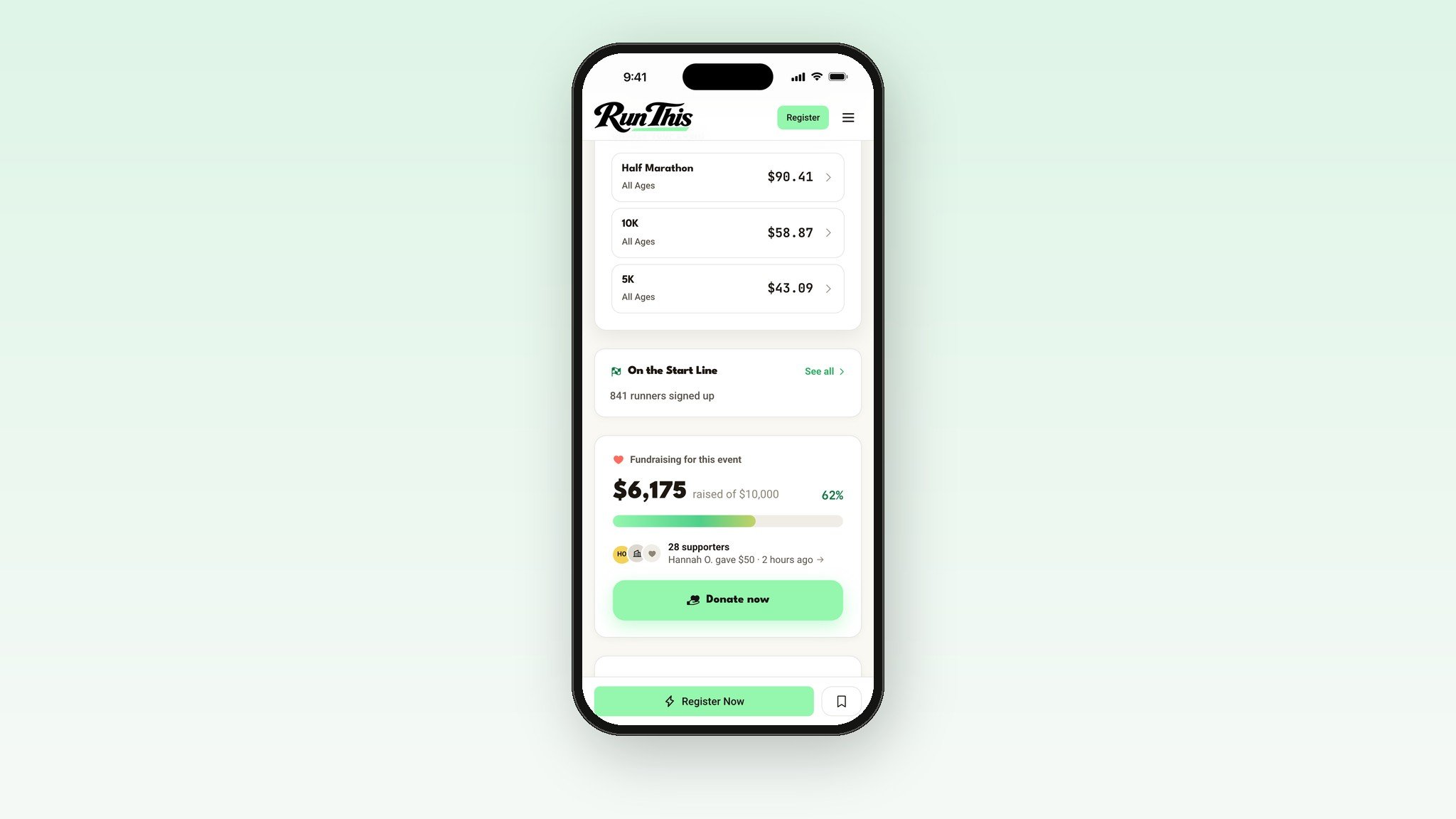
Thank your supporters in public
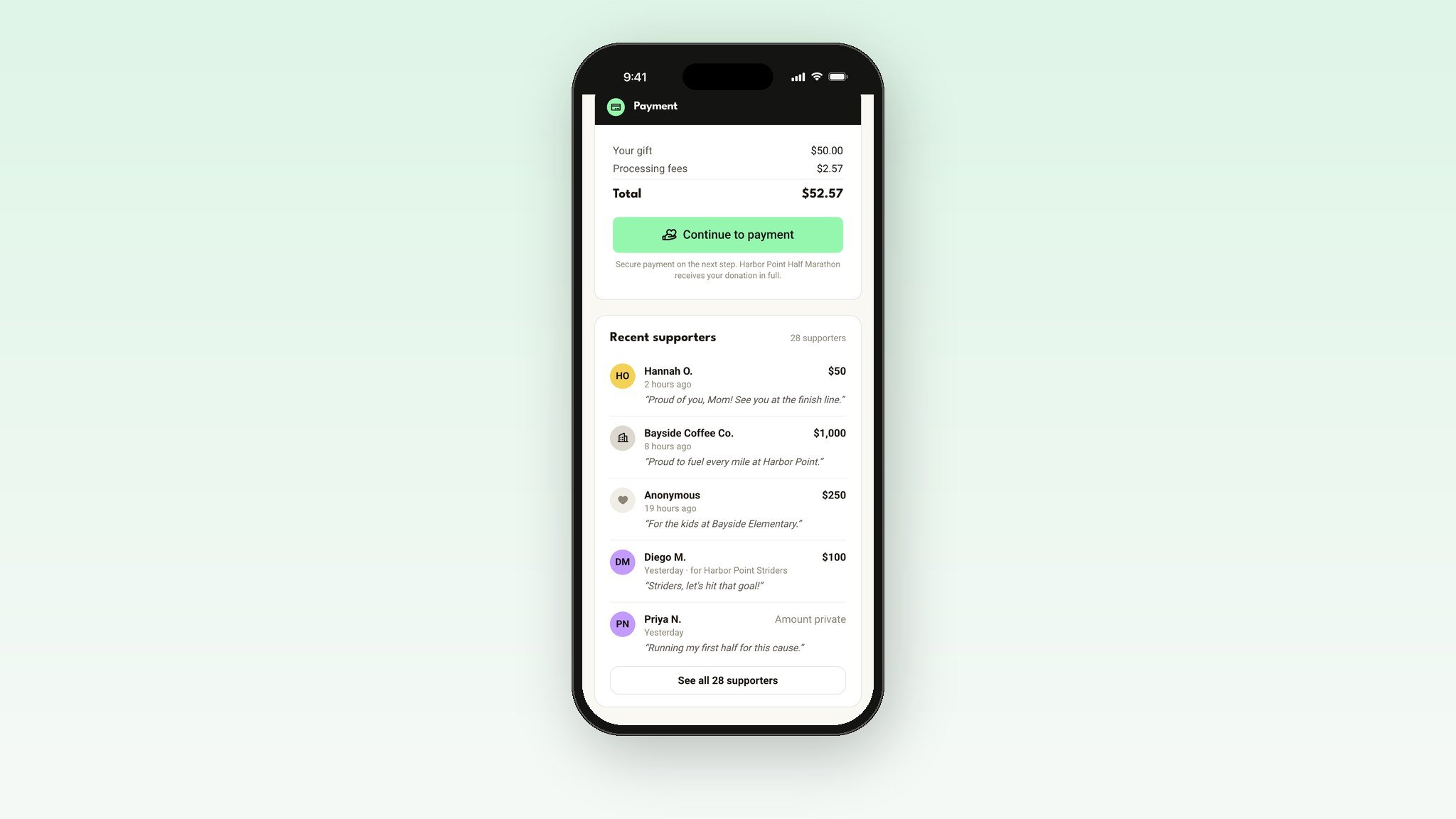
Turn on Show your supporters, and your Donate page lists every gift, newest first. A small line on your event page cycles through the latest ones.
Donors show as first name and last initial, their company, or Anonymous, and they can hide their amount. Want a gift off the list? Hide it from Finance insights. It still counts toward your total.
Let your circles and teams compete
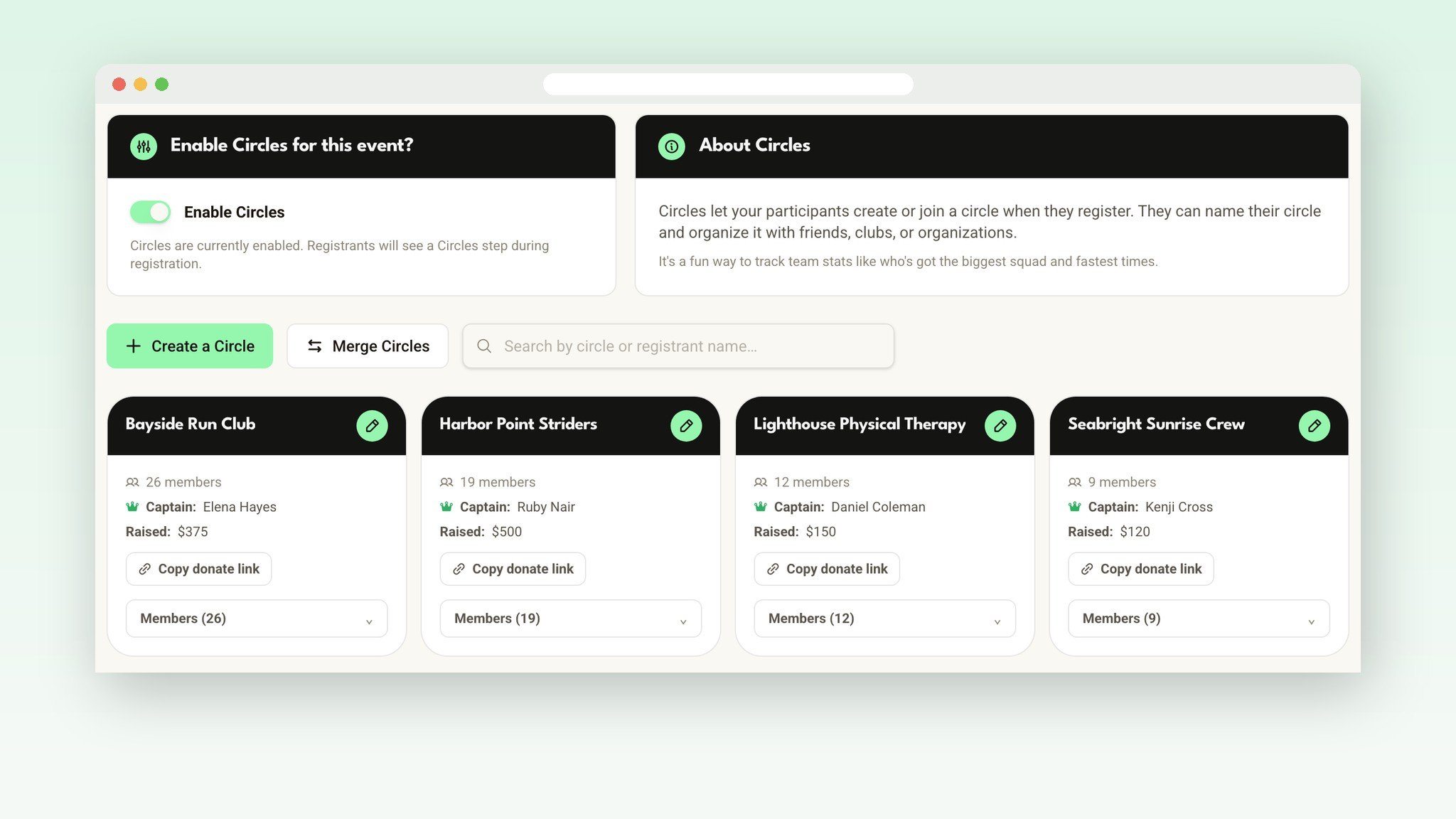
Run clubs, coworkers and families love a little friendly competition. Turn on Circles, and runners create or join a group while they register. A circle can mix the 5K walkers with the half marathoners.
Then turn on circle fundraising, and every circle gets its own donate link. Gifts through it show who they're supporting, add to that circle's total, and still count toward your race's goal. Relay and corporate teams work the same way, with a Donate to this team button on each team page.
Send donations straight to the charity
Raising money for a charity? Connect the charity's own payout account from your Payments page. You open the spot, and the charity's treasurer fills out the secure form.
From then on, every donation goes straight to the charity, from your Donate page and from checkout. Entry fees still go to your race, and the runner still pays once. The charity gets its own page on Run This too, with every gift, their payout status and a spreadsheet for their books.
Receipts donors can keep
Every donor gets a receipt by email. When a gift goes to a verified 501(c)(3), the receipt names the organization with its EIN and includes the standard acknowledgment donors keep for their records. A Benefiting badge on your event page tells runners exactly where the money goes.
Keep the giving going until race day
Your race emails have a Fundraising progress block with the same total as your thermometer, plus a Donate button. There's a ready-made "Help us reach our goal" email to start from.
On race morning, Race Check In shows a Donation added line on a runner's card, so your volunteers can thank them right at the table.
Every gift, in your books
Finance insights shows every donation next to your registrations and sponsor payments. Download your donor list as a spreadsheet, with names, emails, amounts and notes. Donors who chose Anonymous are included and marked, so you can still thank them.
Next year, renew your race and the fundraiser starts fresh at $0. This year's total stays in your history.
What it costs
Donations carry Run This's lowest fee, about 4% + 50¢ with card processing included. Donors can choose to cover it, so your cause receives every cent of their gift. Sponsor payments through Run This carry the same rate. See pricing.
Set it up in five minutes
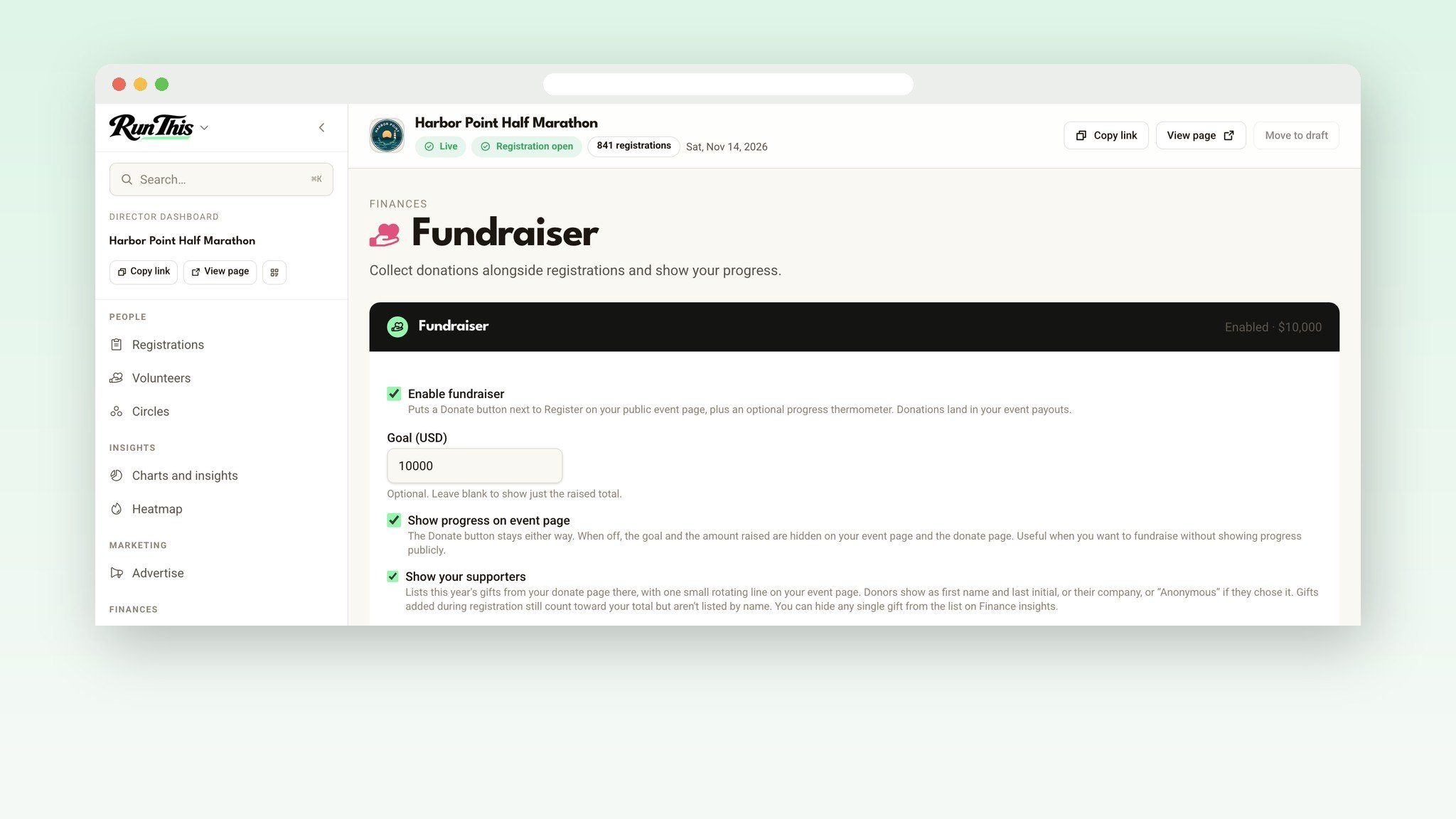
Open your race's dashboard and click Fundraiser, under Finances.
Check Enable fundraiser and set your goal.
Pick your donation amounts, and choose what counts toward the total.
Turn on Show your supporters to thank donors in public.
Using circles or teams? Turn them on under Who can fundraise?, then send each circle captain their donate link.
Raising money for a charity? Open a charity partner payout on your Payments page.
Before you announce it
Set a goal you can probably beat. Raise it when you get close.
Tell runners where the money goes, in one sentence, on your event page.
Create circles for the clubs you know are coming, so runners can just pick theirs.
Send each circle captain their donate link.
Ready?
New to Run This? Create your race. There are no setup fees, and your fundraiser can be on from day one. Already here? Open your dashboard, pick your race, and click Fundraiser.
Every detail lives in the help center: Setting up a fundraiser, Circles, and Donating to a race fundraiser. Planning a charity race from scratch? Read How to organize a charity 5K fundraiser.
Want a walkthrough? Book a call.
Something you wish it did? Tell me. I read every one.