A race runs on paper. The permit packet for the city. The emergency plan your medical team signs off on. The one-page handout every volunteer gets. The race-day plan taped inside the start tent.
Most of it gets written in five different apps, and printed from whichever copy someone finds first.
Run This Documents is a real document builder, inside your race dashboard. It prints like a pro, and it knows your race.
What's in it
Real pages. Letter or A4, with headers, footers and page numbers. What you see is what prints.
Polished PDFs and Word files. Download either, any time.
12 race templates. From the event manual to the post-race report.
Over 30 ready-made sections. Drop a medical plan, water stations or an awards plan into any document.
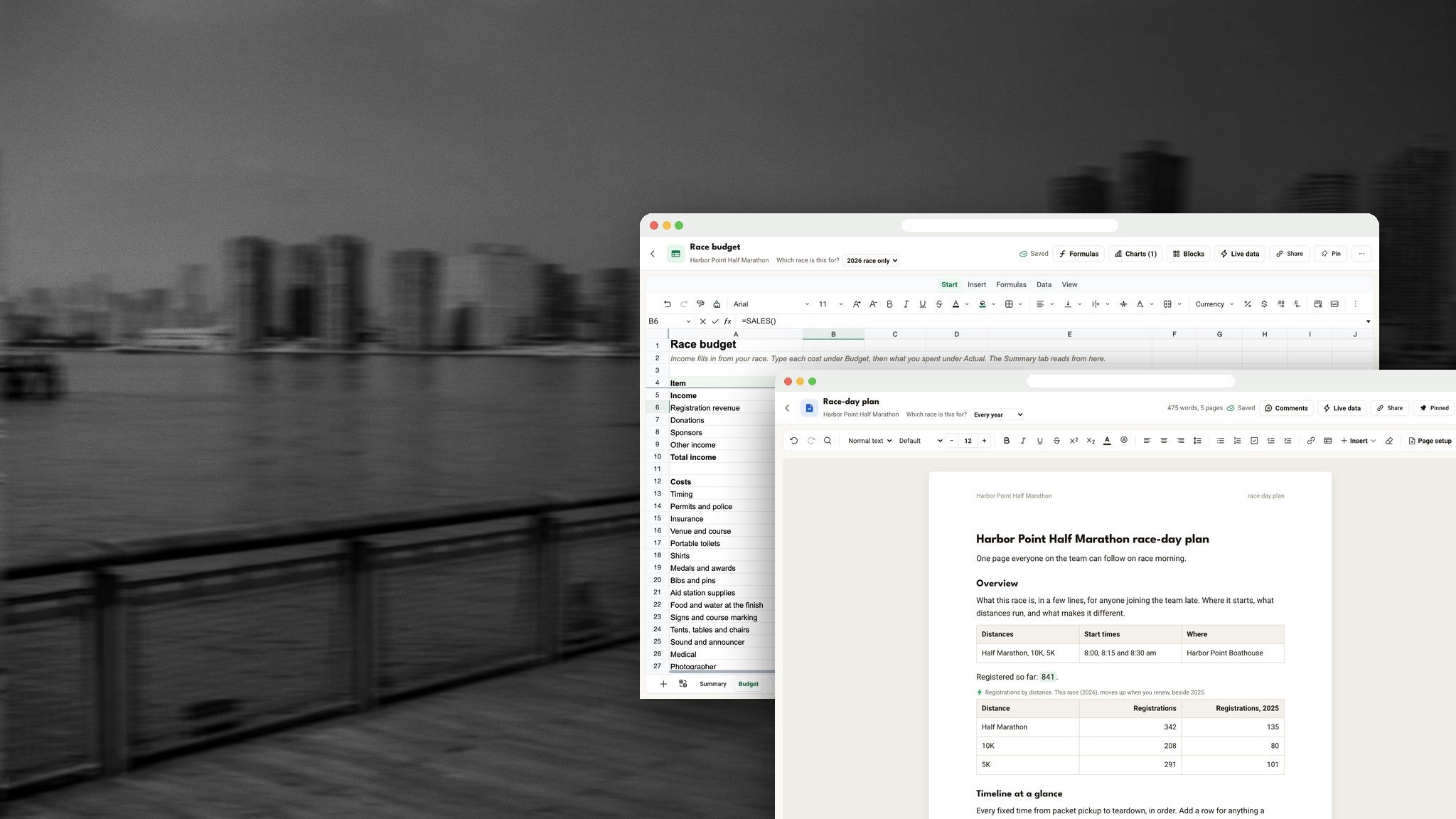
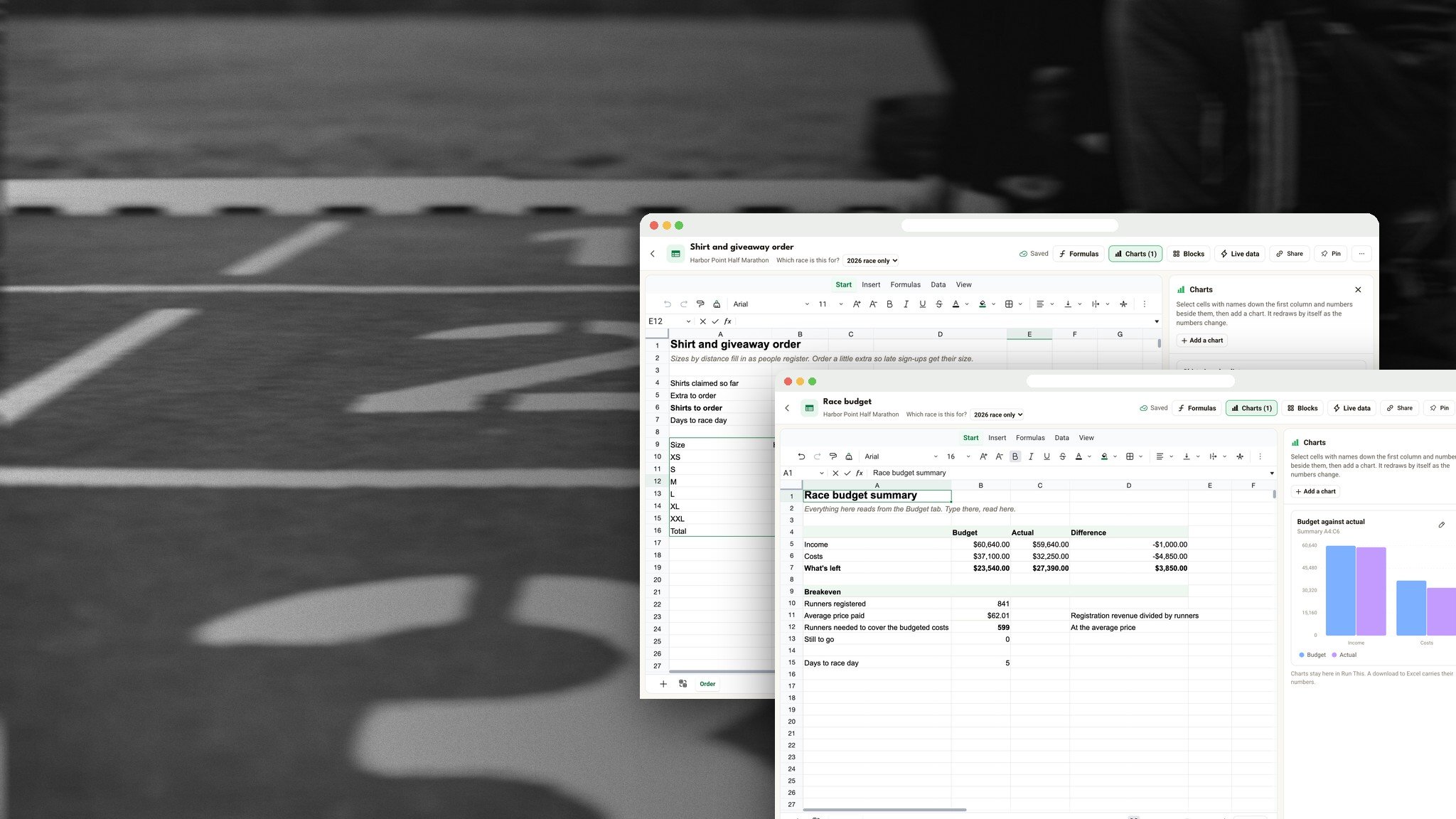
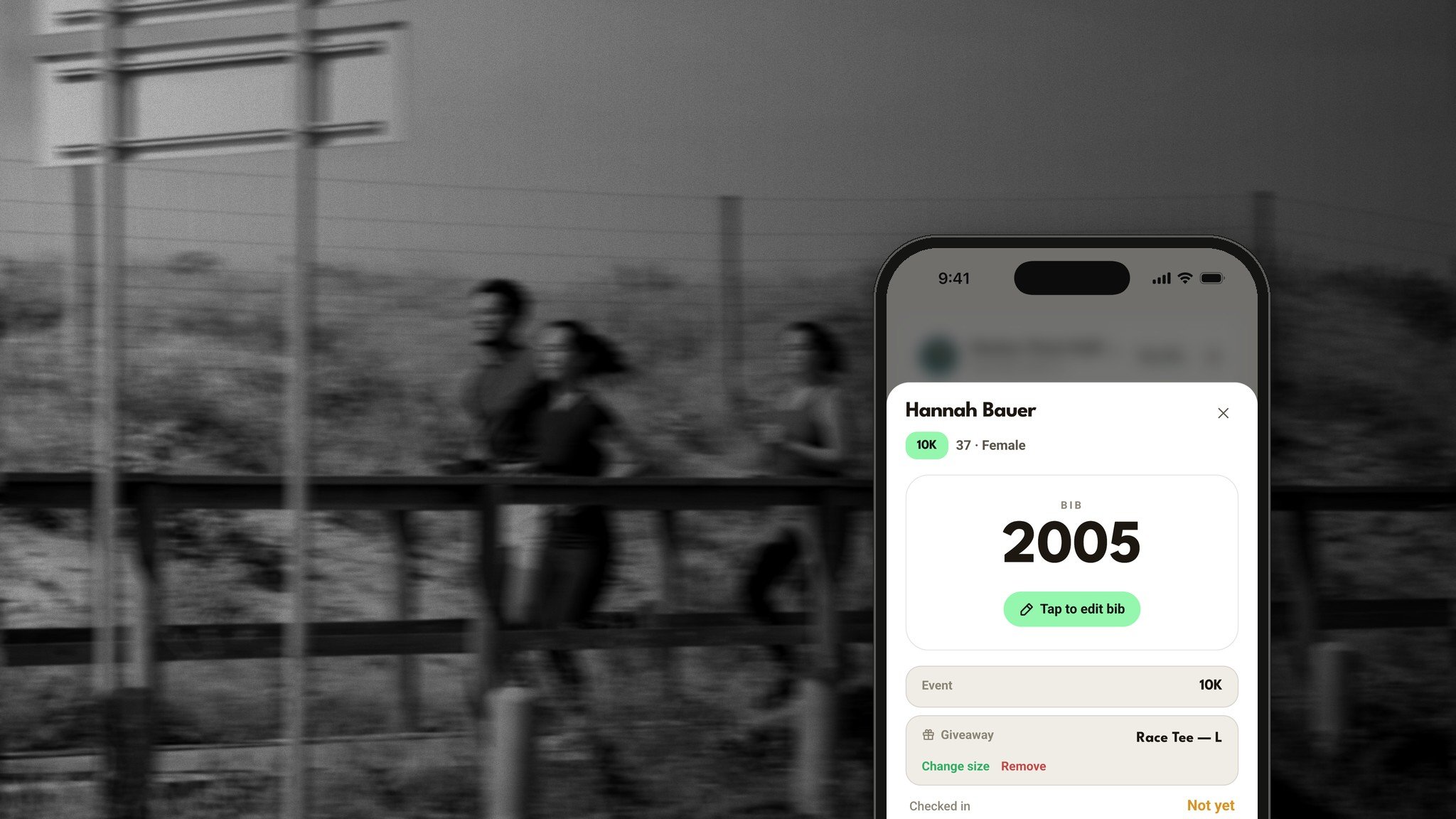
Live race numbers in the text. Registrations, shirt sizes, volunteers and money, always current.
Your Word files, as they are. Open a .docx with its formatting, tables and photos.
Write together. Your co-directors type in the same document at the same time, with comments.
Real pages, real PDFs
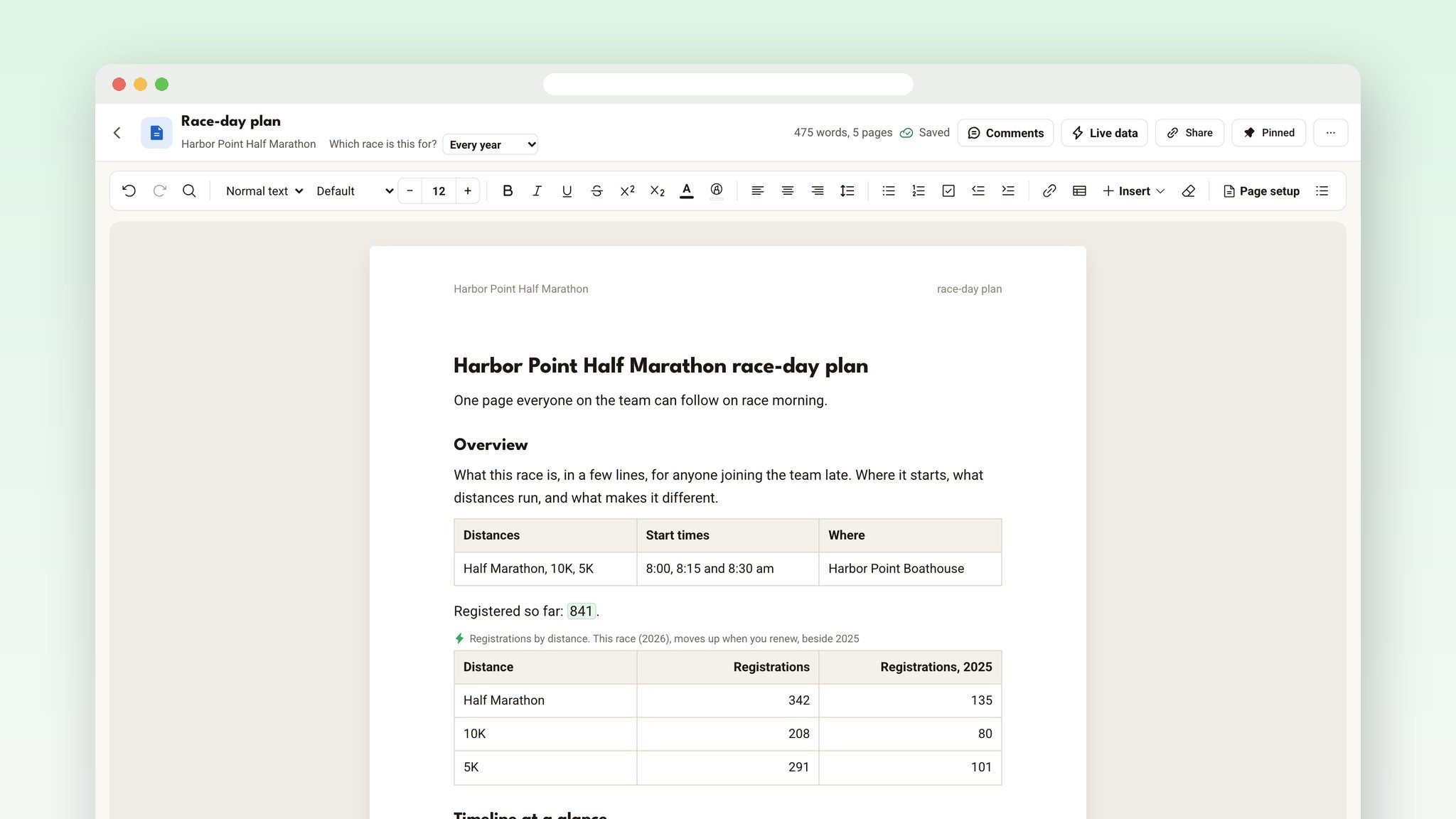
Documents aren't a text box. You write on real pages, Letter or A4, with your margins, a header and footer, and page numbers that read like Page 2 of 5. What you see on screen is what prints.
Download a PDF for your permit packet, your medical team or your volunteer binder, and it has real pages too. A long table carries on to the next page with its header row again, a heading stays with the text under it, and checklist boxes print ticked or empty. The PDF is made on your computer, so nothing is sent anywhere.
A toolbar you already know
It works like Google Docs or Word: headings, fonts, text sizes in points, colors and highlights, bulleted, numbered and check lists, tables with merged cells and fill colors, links, find and replace, an outline of your headings and a word count.
Drag a photo onto the page and it shrinks as it uploads. Attach a file, like a vendor contract or a site plan, right in the text.
Start from a plan that's already written
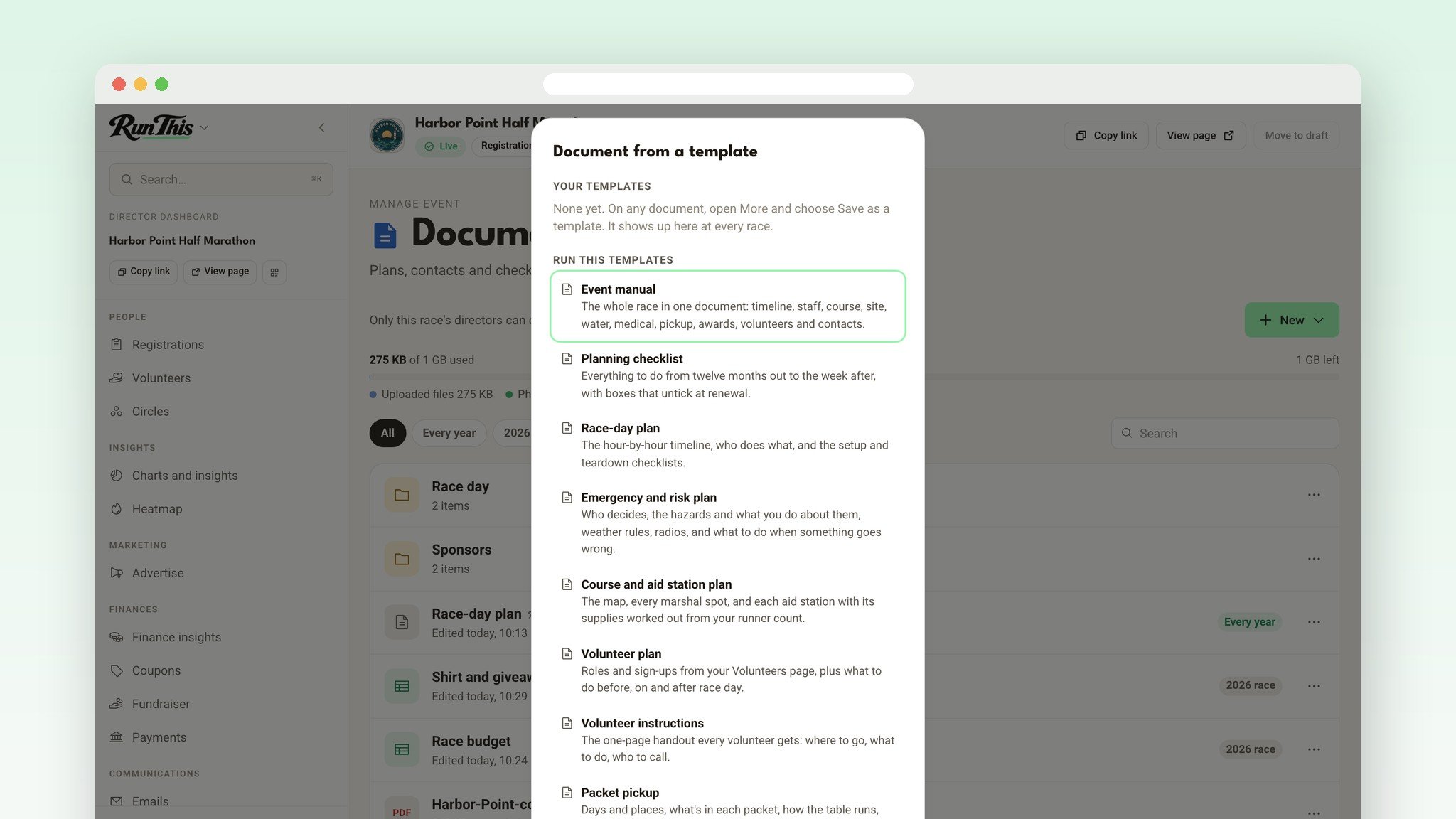
Twelve Run This templates open laid out, with your race's name filled in, a short line under every heading saying what goes there, and tables ready to fill:
Event manual: the whole race in one document.
Planning checklist: everything from twelve months out to the week after, with boxes that untick at renewal.
Race-day plan: the hour-by-hour timeline, who does what, and setup and teardown.
Emergency and risk plan: who decides, the hazards, weather rules and radios.
Course and aid station plan: every marshal spot, and each aid station with its supplies.
Volunteer plan: roles and sign-ups from your Volunteers page.
Volunteer instructions: the one-page handout every volunteer gets.
Packet pickup: days, places, and shirt sizes that fill in as people register.
Communications plan: every email to runners, volunteers, neighbors and sponsors.
Vendor contacts: everyone you hire or rent from, what they cost and when they arrive.
Sponsor promises: what each sponsor was promised, and whether it's done.
Post-race report: the final numbers beside last year's, and what to change.
Made a plan you love? Save it as your own template, and it's there at every race you direct.
Over 30 ready-made sections
Need just one piece? Insert, then Section, drops a ready-made part of a plan right where your cursor is: the timeline at a glance, key staff and jobs, water stations, the medical plan, weather rules, packet pickup, the awards plan, the contacts table and more.
Your race's name is filled in and the live numbers count your race. From there, it's ordinary text you edit like anything else.
Numbers that keep themselves current
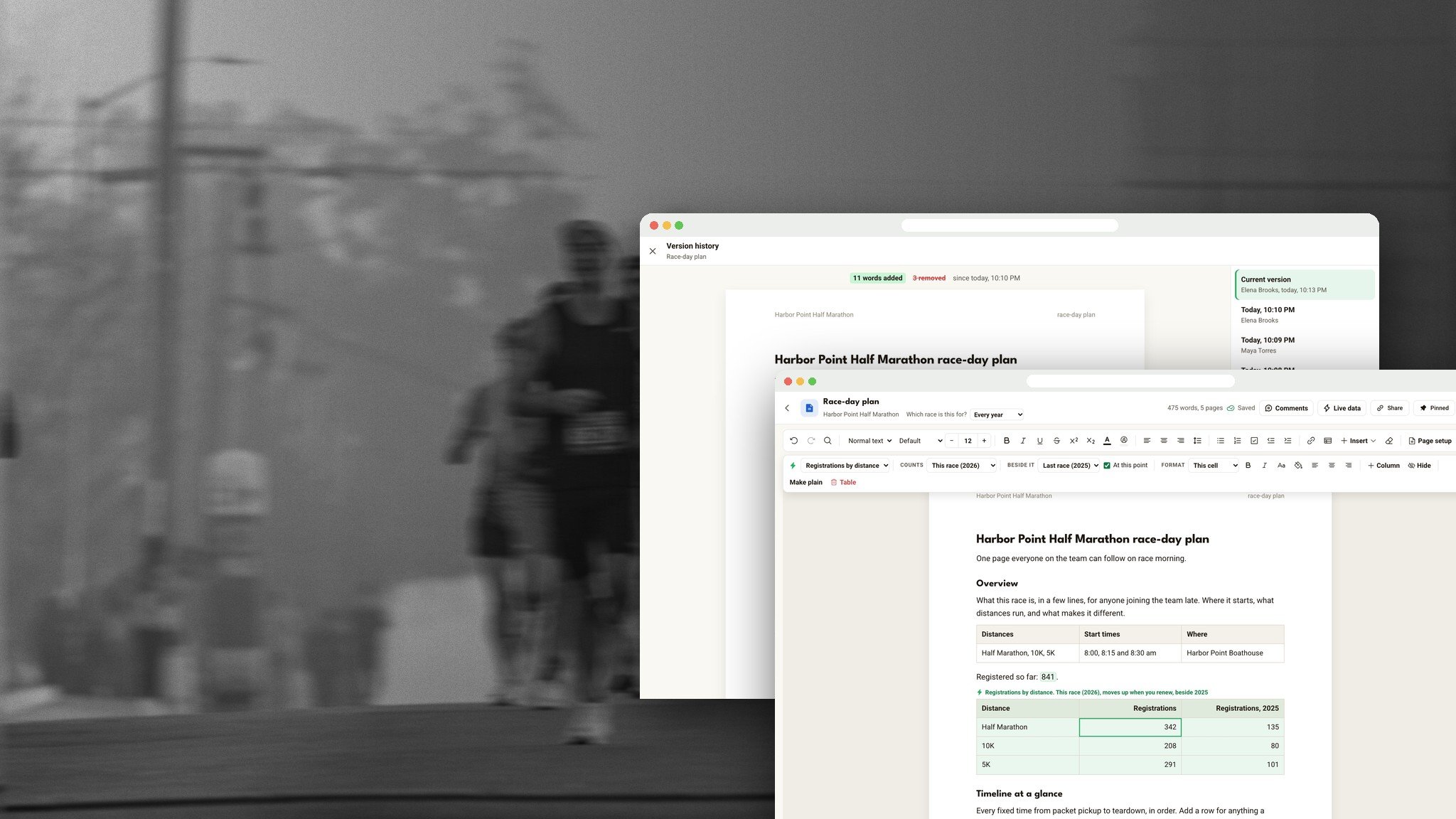
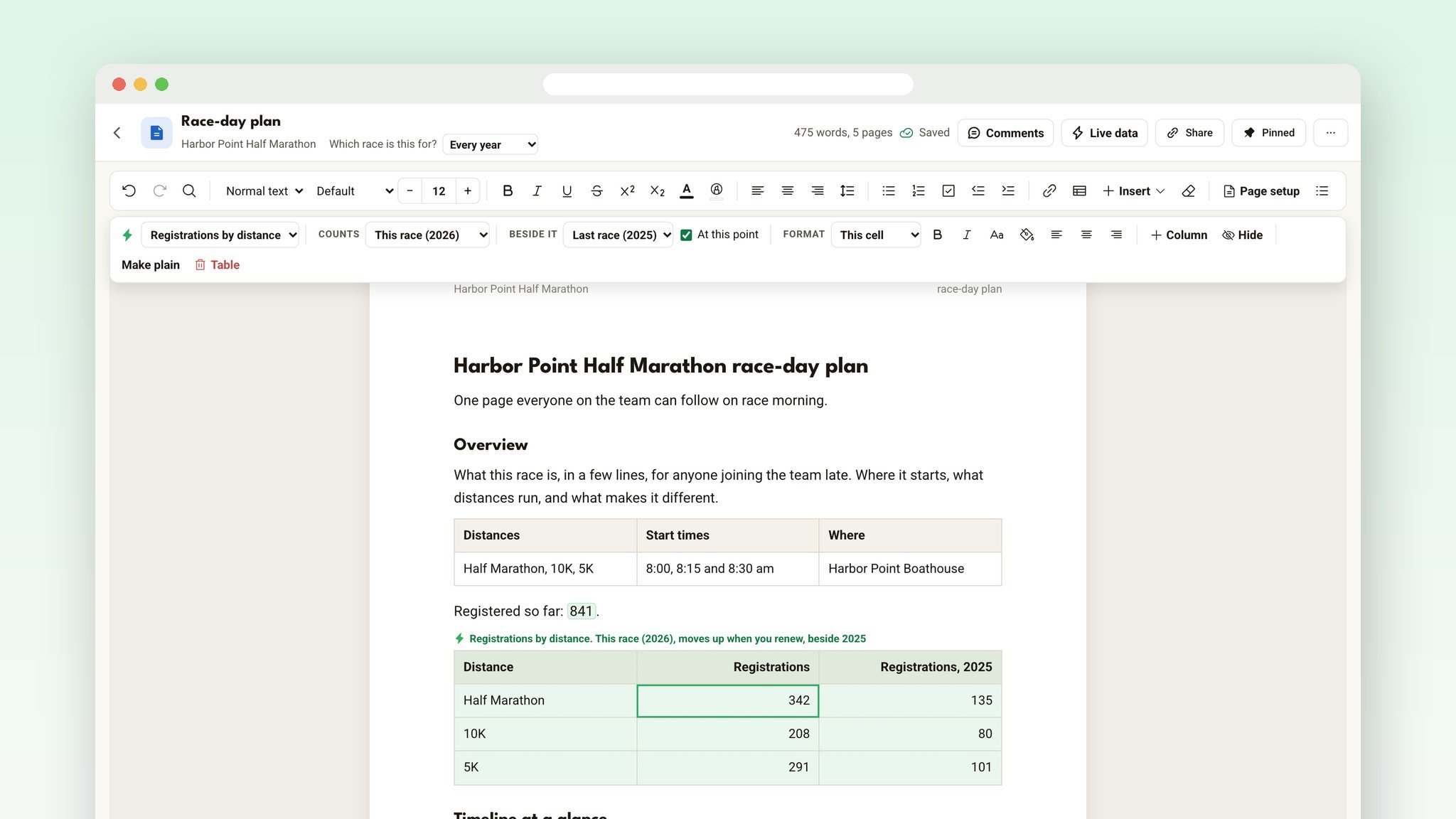
Type "Registered so far:" and drop in a live number. It updates every time someone registers. Add a whole live table, like registrations by distance beside last year's at this point, and its rows fill in on their own.
Click a live table to style it your way: bold, colors, column widths, even your own typed columns like Lead or Notes that stay with their row. Done counting? Make plain turns it into ordinary text. And a PDF has the numbers as they are the moment you download it.
Your course map, on the page
Drew your course in Course Studio? Insert, then Course map, makes a picture of it: pick the look, the routes and markers to show, and the shape. It goes into your volunteer instructions or your emergency plan like a photo, and it prints in the PDF and the Word file.
Bring your Word files
Open a .docx and it becomes a document with its headings, fonts, colors, lists and checklists, tables with merged cells, photos, links, page breaks, page size, margins, header, footer and page numbers. Tracked changes come in accepted.
From Google Docs, choose File, Download, Microsoft Word, then open it here. Need a Word file back? Download as Word any time.
Write it together
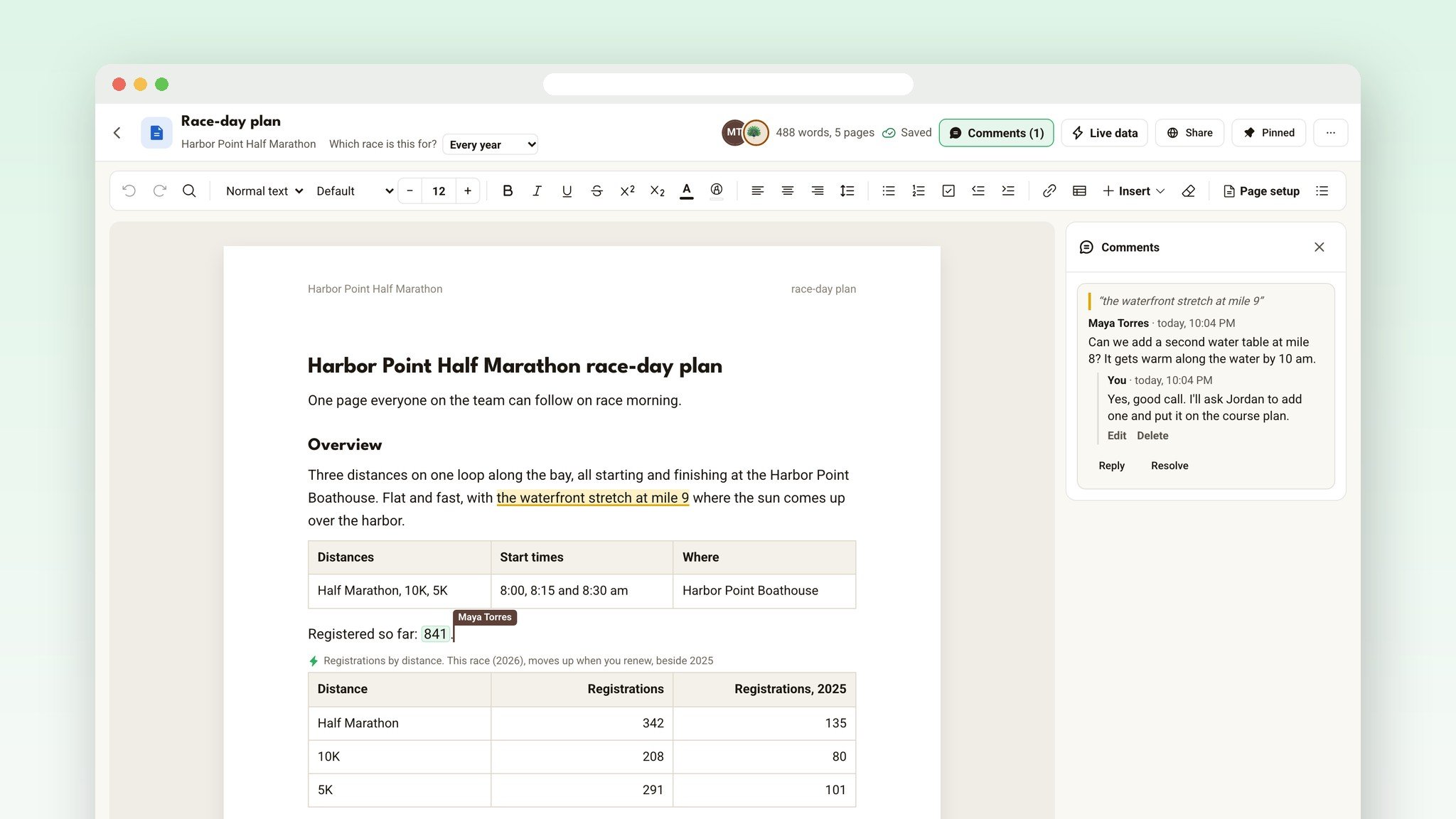
Your co-directors can type in the same document as you, at the same time, each with their own colored cursor. Select a line and press Comment to ask a question, and pick who gets an email about it.
Version history shows every change, with new words in green and removed words in red, and puts any version back.
Sharing links, privacy, storage and the rest of Files are in We Built Google Drive for Race Directors.
Write your first plan in five minutes
Open your race's dashboard. Under Setup, click Documents.
Press New, then Document from a template, and pick Race-day plan.
Fill in the overview and the timeline. Registrations fill in on their own.
Use Page setup for Letter or A4, and add page numbers from Insert.
Open the ⋯ menu and choose Download as PDF.
Documents are included with Run This, with no extra subscription. They're on the Run This website, for every race that takes sign-ups through Run This.
Ready?
Open your dashboard, pick your race, and click Documents. Every detail lives in the help center: Documents.
Doing the budget too? Read The Race Budget Template That Fills Itself In.
Something you wish it did? Tell me. I read every one.