
Who runs your race? Most directors can guess. Few can show it.
Run This can ask every runner one simple question and turn the answers into a chart you can hand to a grant committee or a sponsor.
Why we built it
This started with conversations. Leaders in our local running community kept asking how they could show who their races reach. Then at the US Trail Running Conference, inclusion and representation took center stage. Directors want to welcome every runner. To do that, they need to know who is showing up and who isn't yet.
One question, nine answers
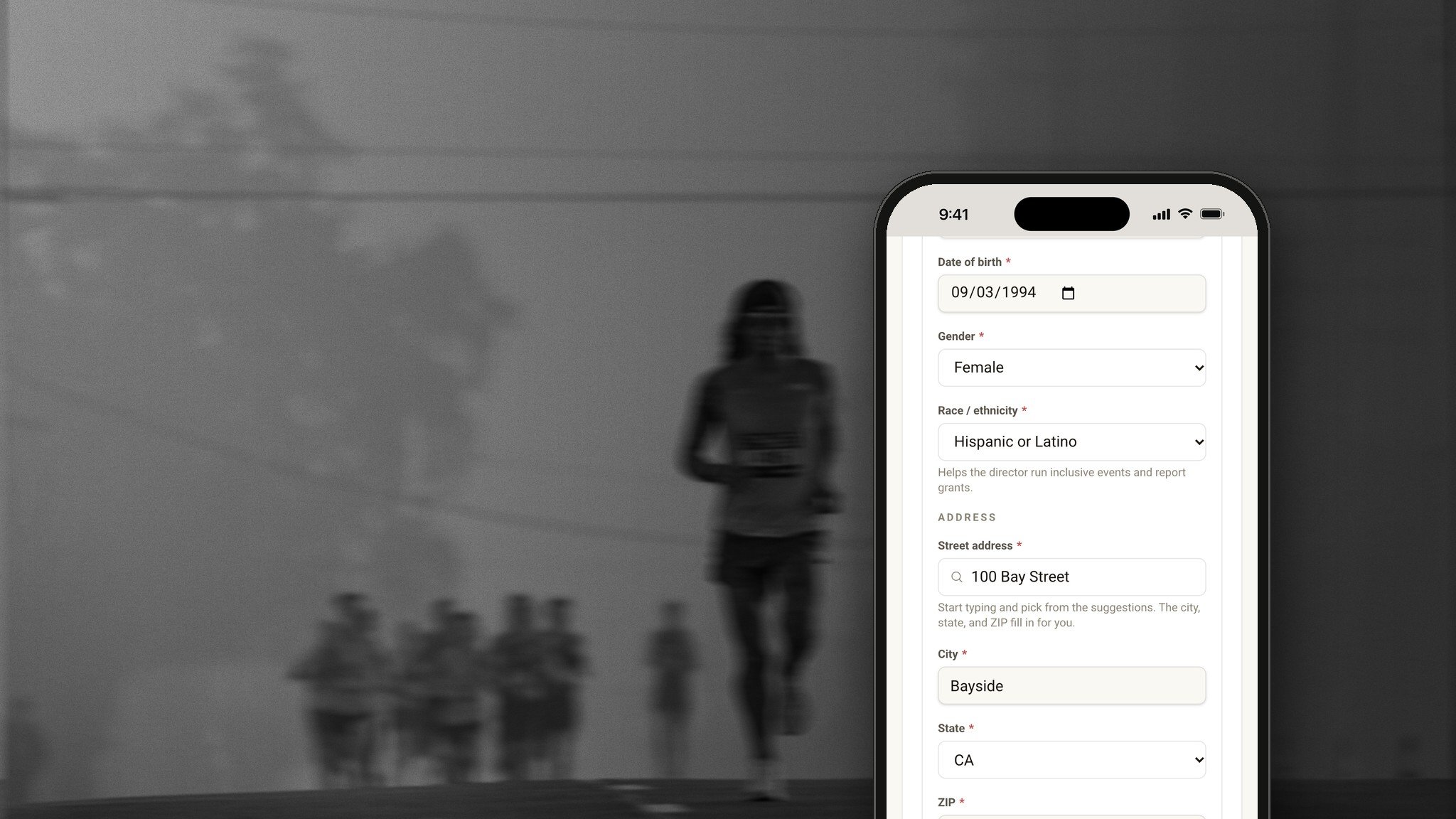
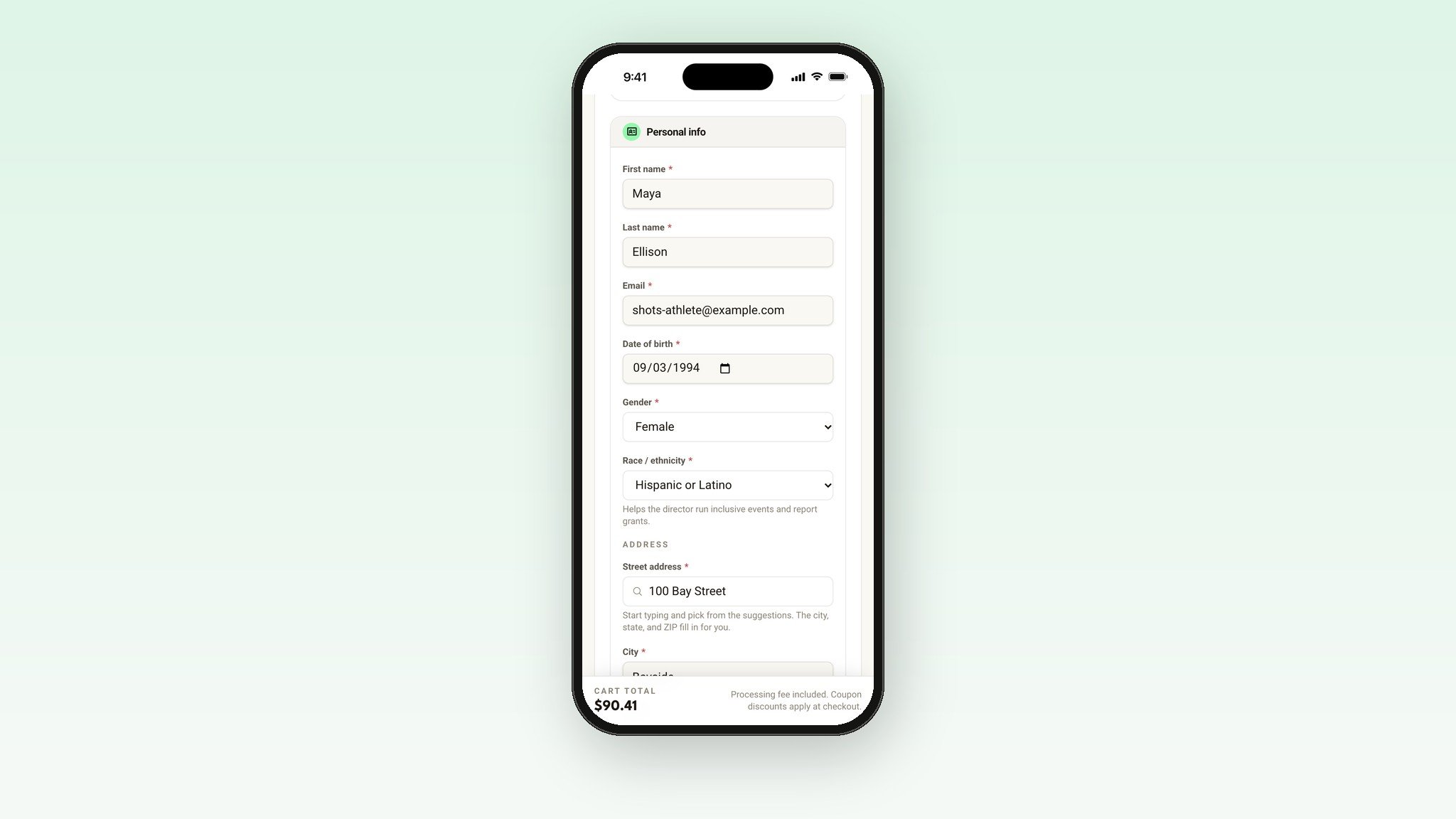
When your race asks, runners pick from a short list: American Indian or Alaska Native, Asian, Black or African American, Hispanic or Latino, Middle Eastern or North African, Native Hawaiian or Other Pacific Islander, White, Other, or Prefer Not To Say. If they pick Other, they can type their own answer.
They only answer once. Run This saves it privately to their profile and fills it in the next time they register.
Nobody has to share
Runners have to pick an answer, so your count is complete. But Prefer Not To Say is always on the list, and your chart shows how many people chose it.
A chart for grant reports and sponsors
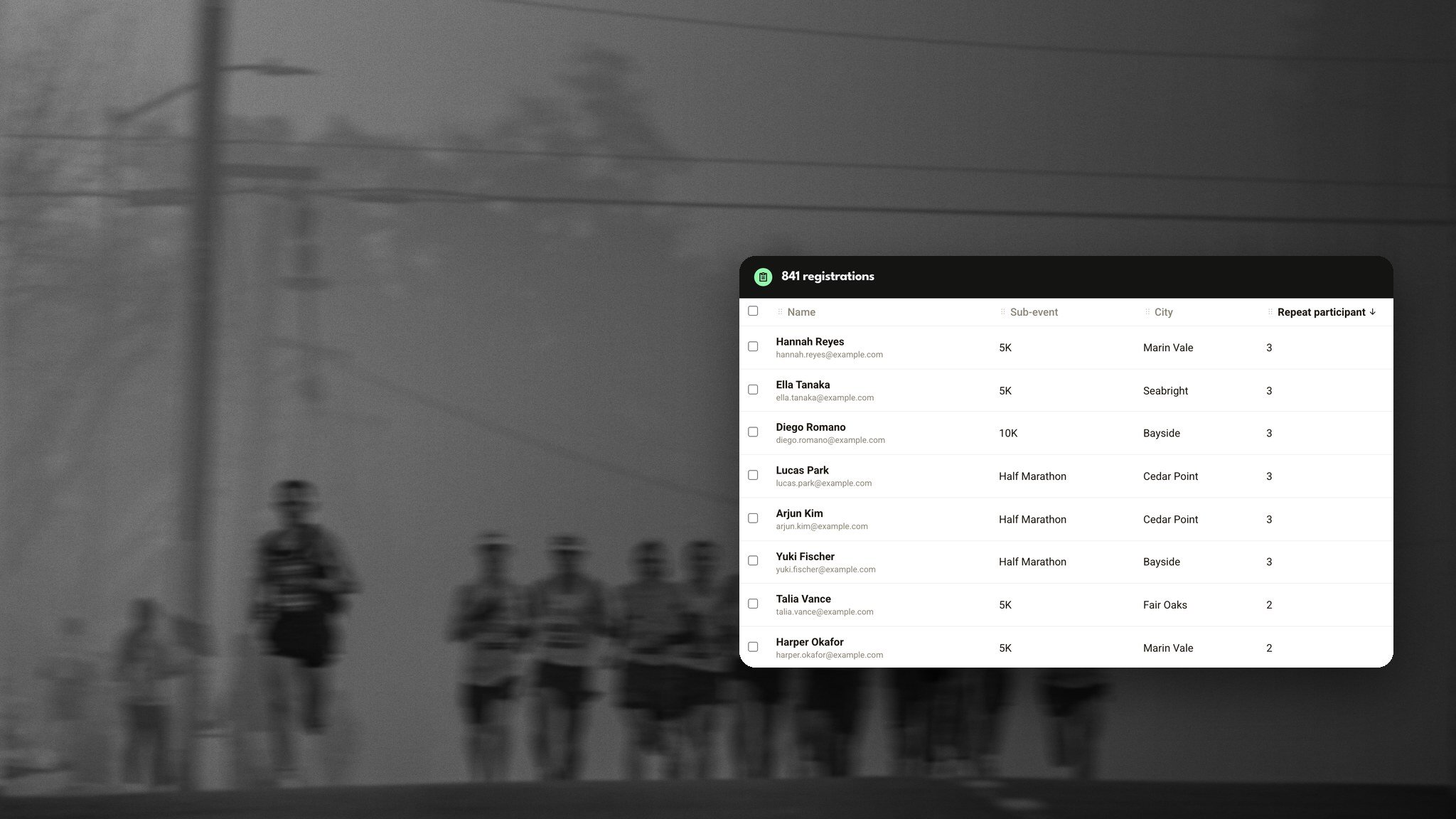
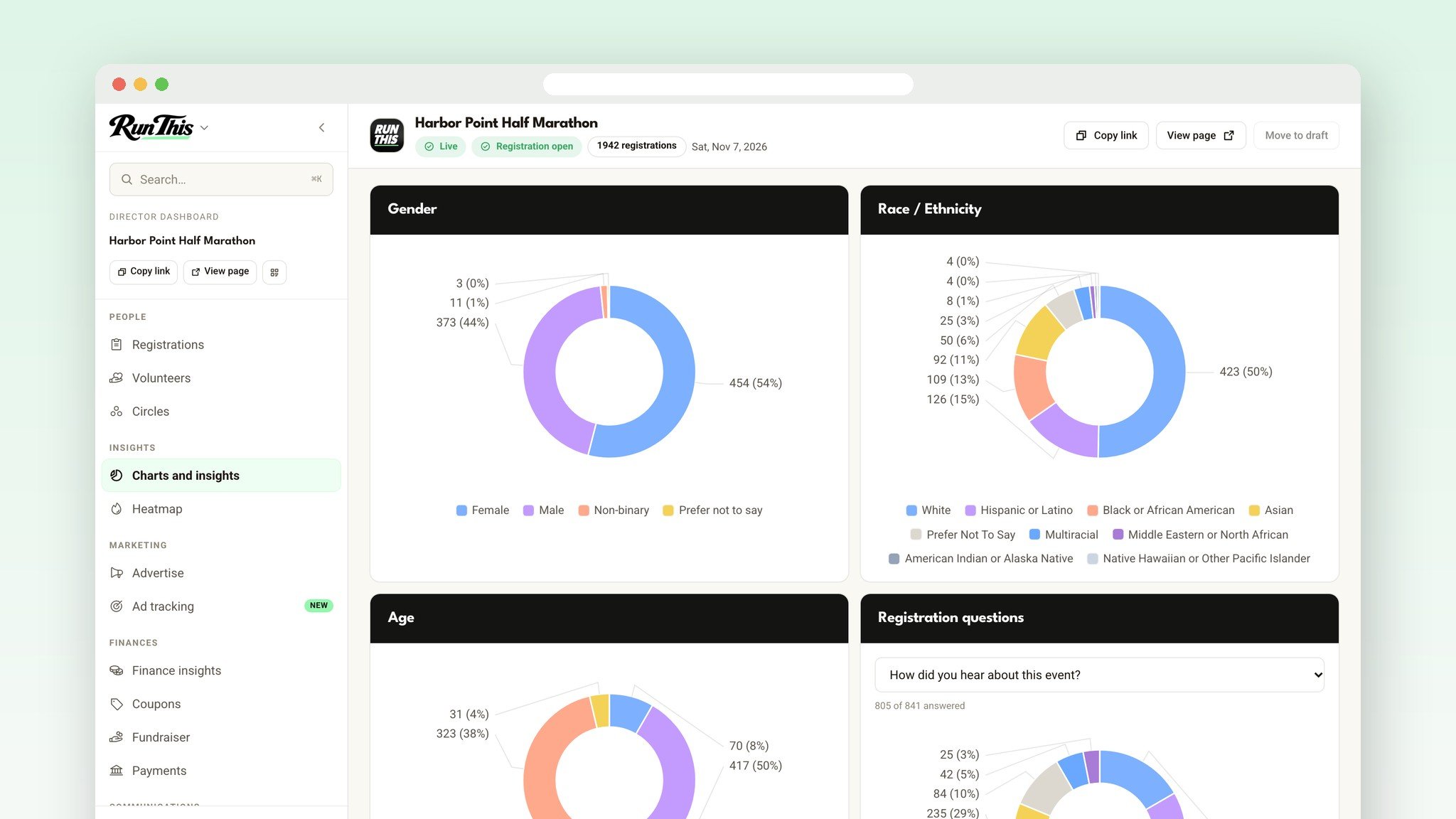
Open Charts and insights in your dashboard. Race and ethnicity sits next to gender and age, and you can switch years to compare past races. Need the raw numbers? There's a Race / ethnicity column in your Registrations download.
Private by design
Only your race's directors see the answers. Timers you add to your race get the roster without them. Check In never shows them. And they never appear on a runner's profile.
Turn it on in a minute
Open your race's director dashboard.
Click Registration questions in the sidebar.
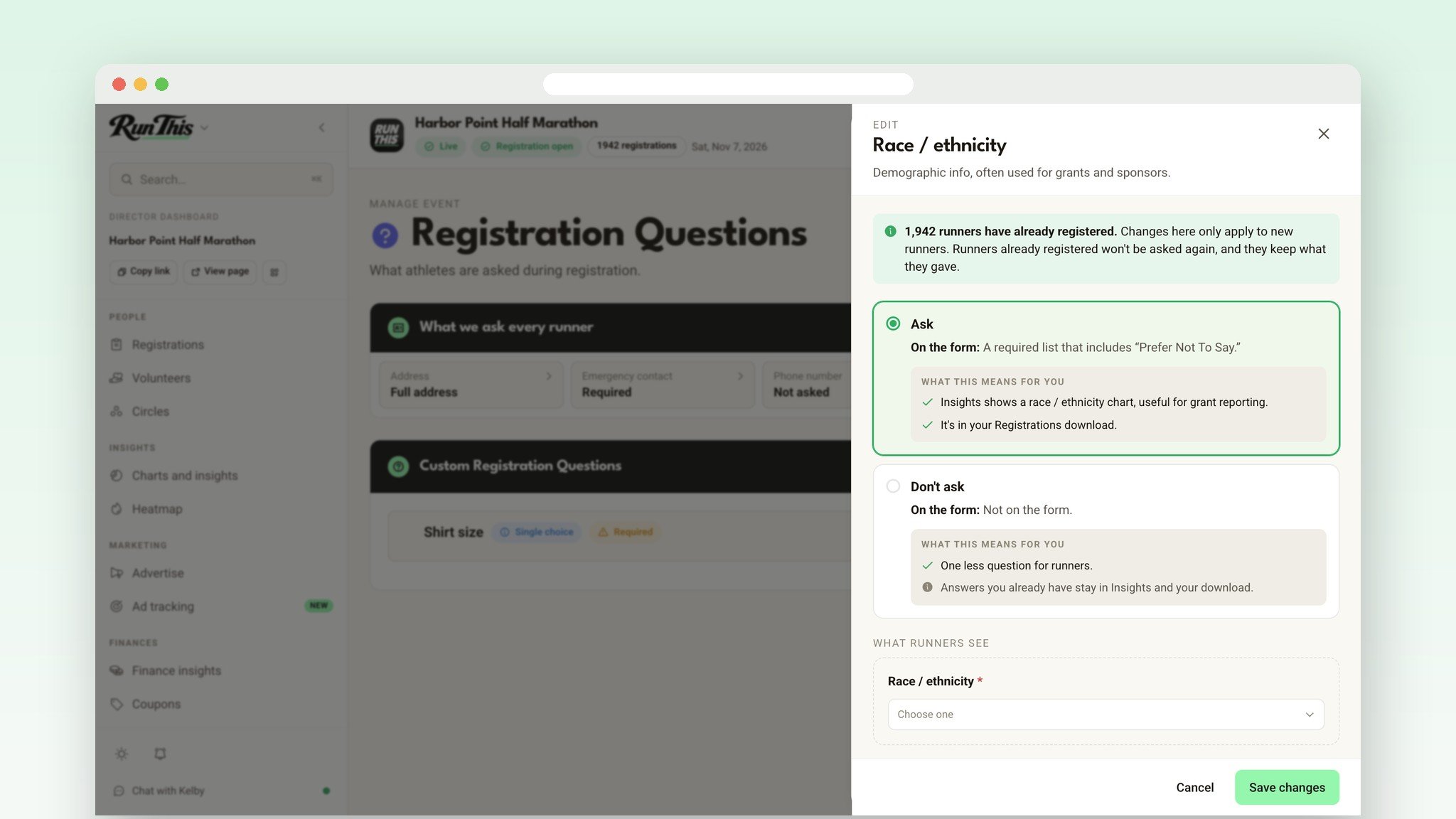
Click the Race / ethnicity tile, pick Ask, then click Save changes.
In the Run This app, open the Director Dashboard, then Edit event, then Display & privacy. Tap Race / ethnicity under Collect at registration, pick Ask, and tap Save.
It applies to new registrations only. Runners who already signed up won't be asked. You can turn it off any time, and the answers you already have stay in your chart and your download.
Ready?
Turn it on from your dashboard. The Registration questions help page covers every question you can ask runners. Something you wish it did? Tell me. I read every one.