Race photos are the best free marketing your race will ever get. Every runner wants theirs. Most of them post it.
But today those photos sit in a Facebook album or a shared Google Photos link. Runners grab their finish photo, and that's the last you hear from them until next year. If you hear from them at all.
So we built race photos into Run This. They're free for you and free for your runners, and every photo page leads back to next year's race.
What's new
Free photo pages for every race that registers on Run This.
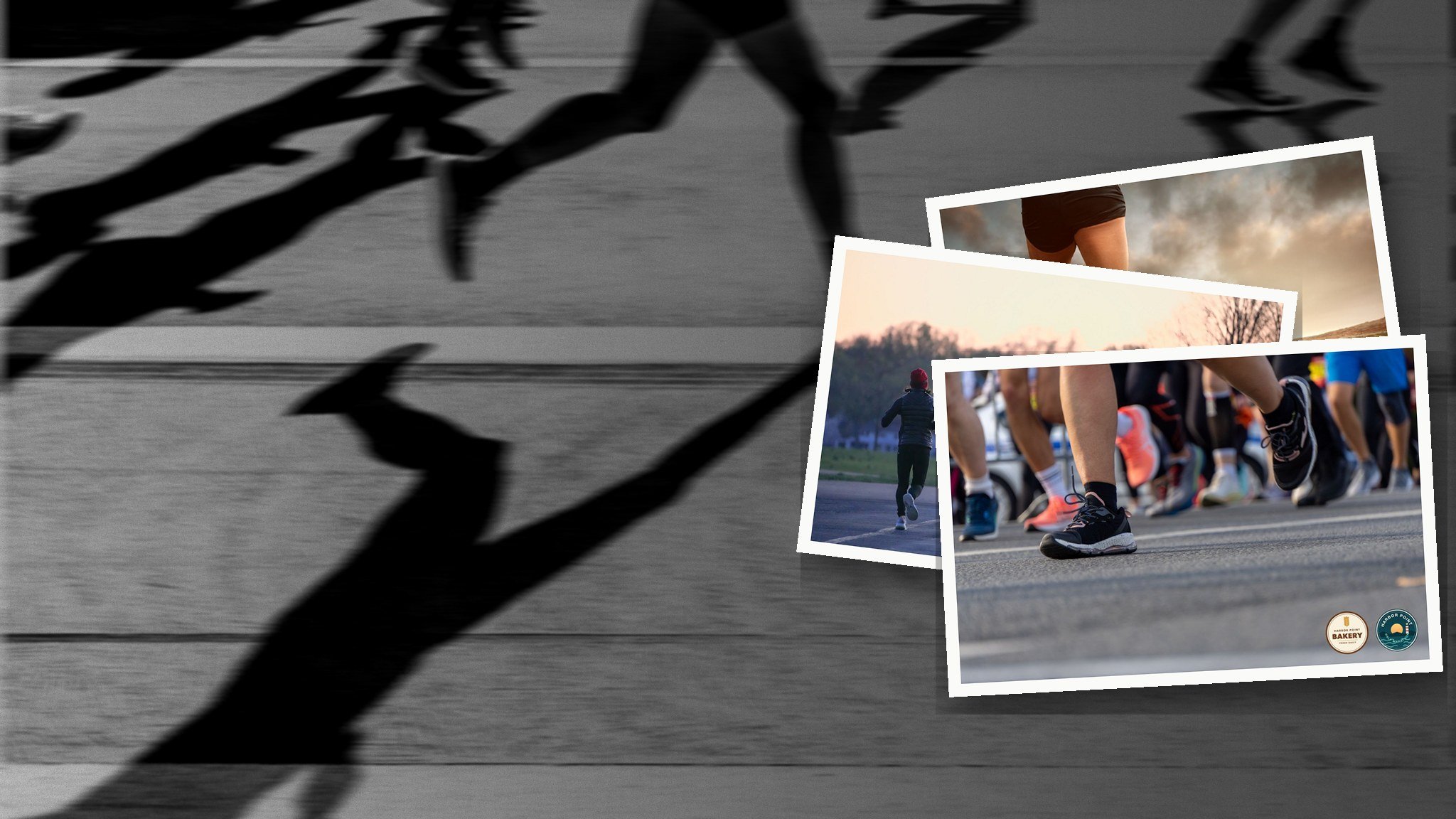
Your logo on every photo, your race's, a sponsor's, or both.
Upload links so your photographer can add photos without an account.
Free downloads and sharing for every runner.
A photo card on your event page and a link on your results page.
A Save button that brings runners back when next year's registration opens.
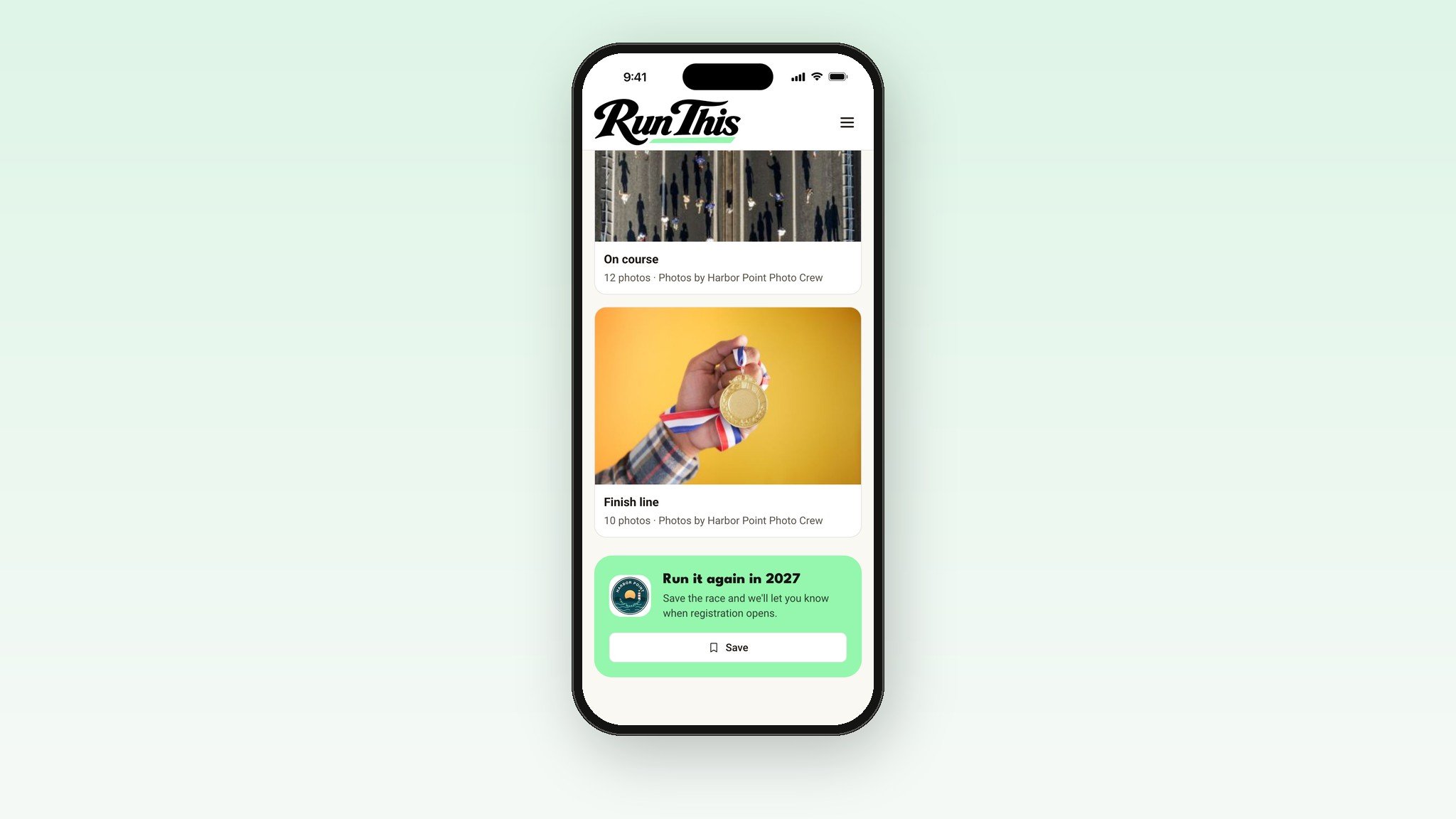
Every album ends with next year
At the bottom of your Photos pages, runners see a Run it again card for next year's race. One tap saves your race. When you open registration, everyone who saved it hears about it from Run This.
Once next year's registration is open, the card changes on its own. It says Register instead. The runner who just downloaded their finish photo is one tap from signing up again.
Your logo goes everywhere your photos go
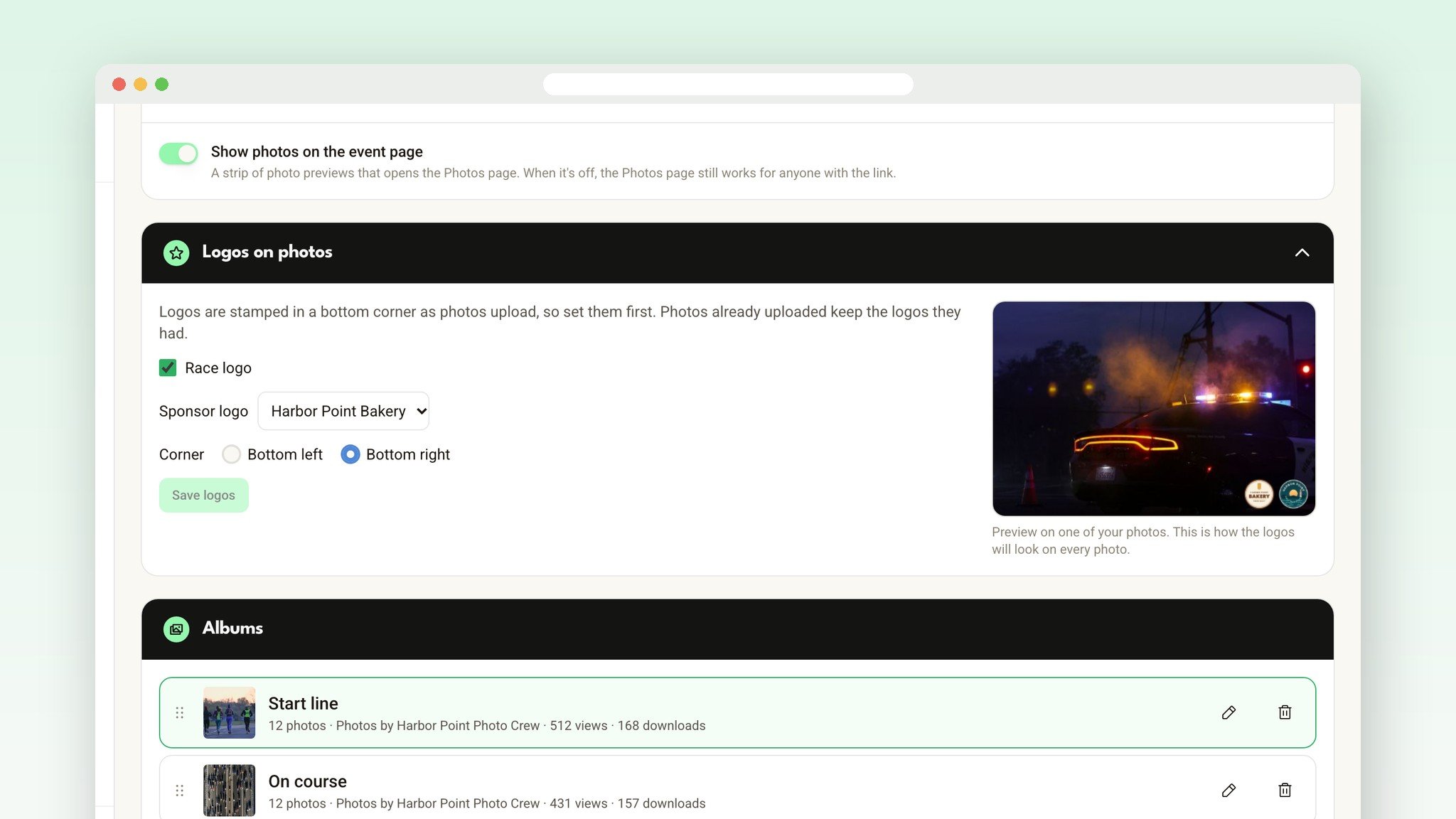
Pick your race logo, a sponsor's logo, or both, and the corner they go in. A live preview shows exactly how it looks on one of your own photos before anything uploads.
Each logo is stamped onto the photo as it uploads. So when a runner posts their finish photo, your race and your sponsor go with it.
Pages that look like your race
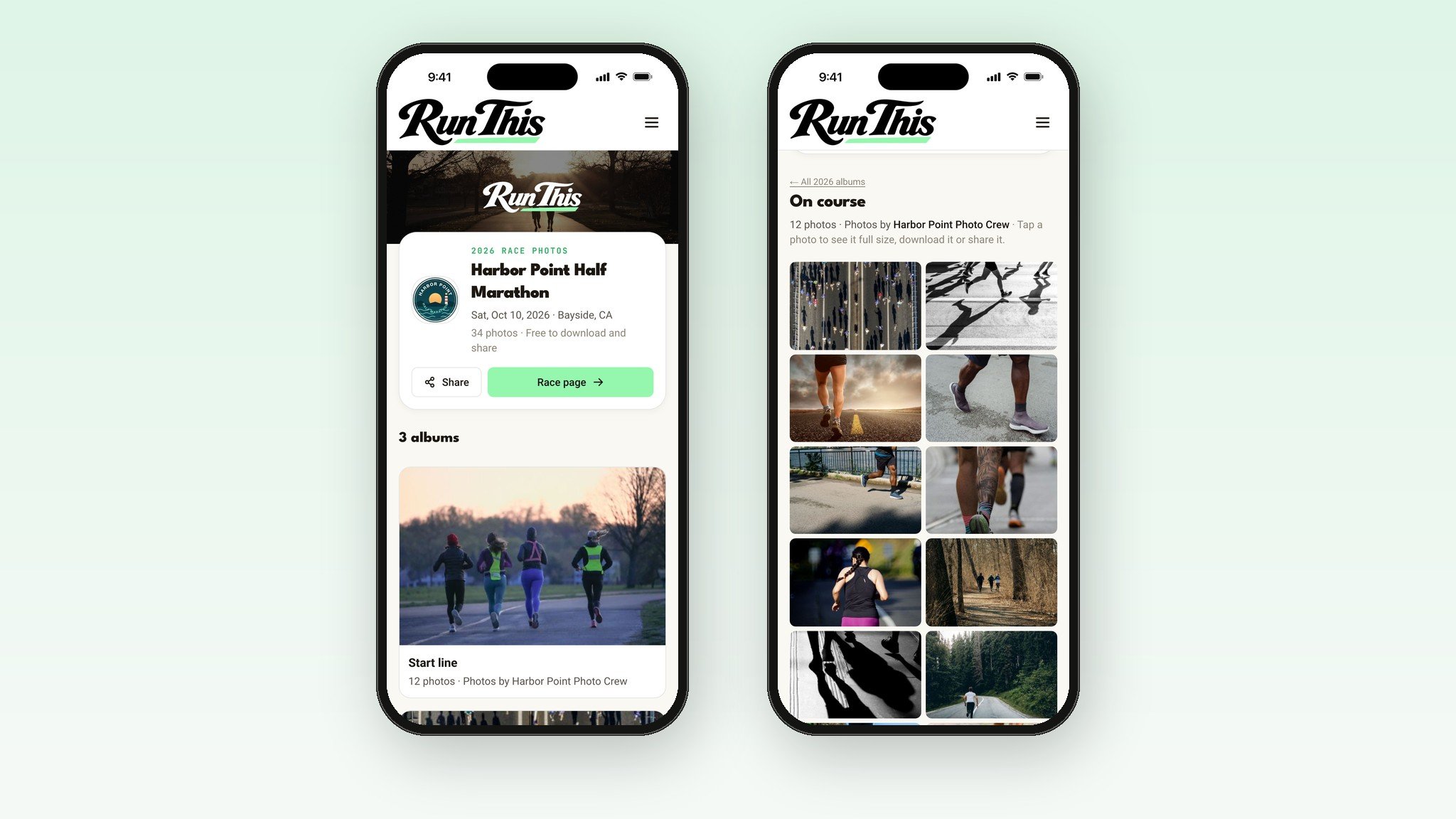
Your Photos pages wear your race's look. They use the header photo and logo from your event page, in the same style. Albums like Start line, On course and Finish line credit the photographer by name.
Hand your photographer a link
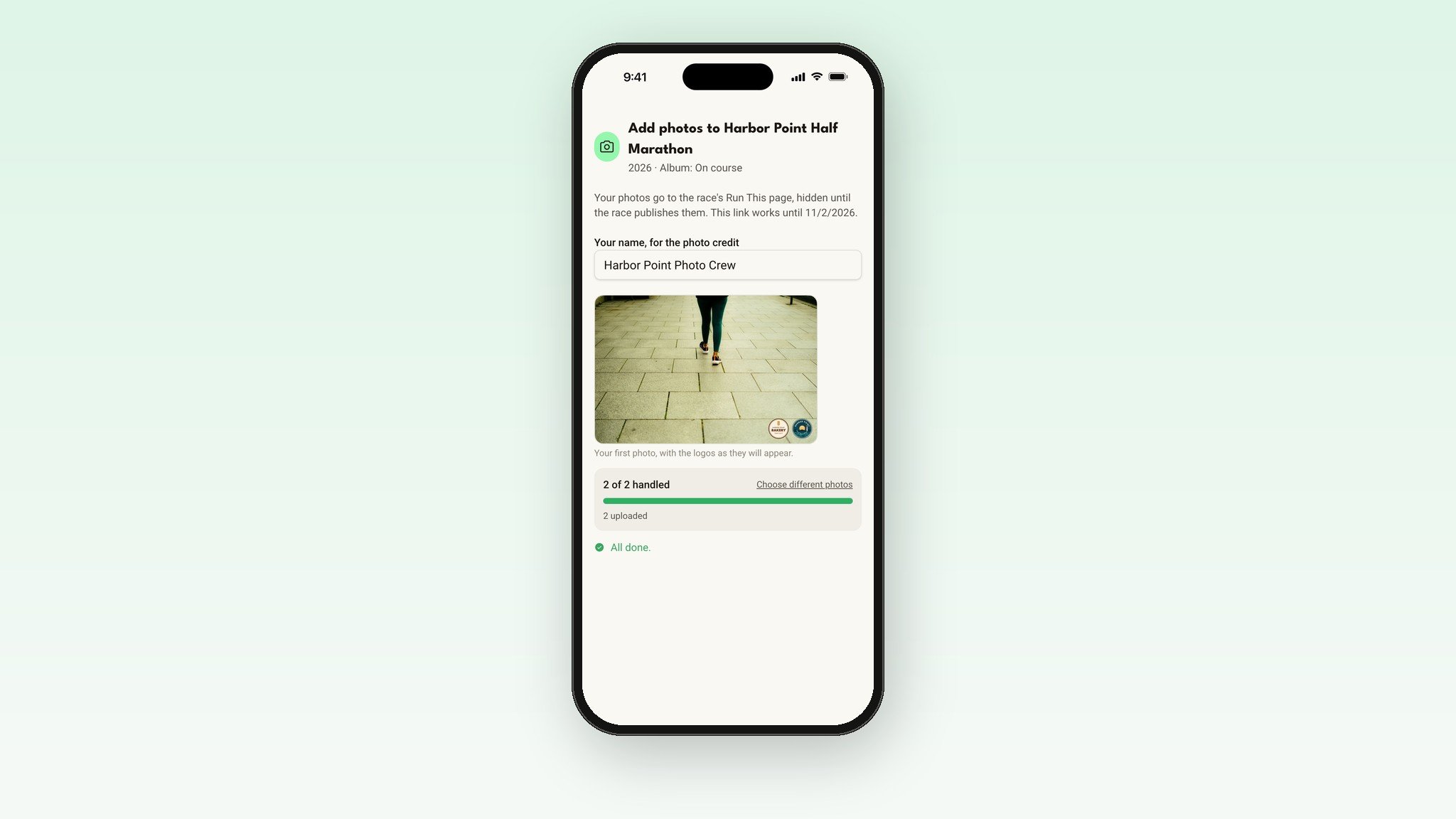
Your photographer doesn't need a Run This account. Create an upload link for an album, text it to them, and they add photos straight from their phone or computer.
Links work for 14 days, and you can turn one off any time. Before you publish, nothing they add is public. Once your photos are live, new ones show up right away.
Thousands of photos, uploaded fast
Pick a whole folder or drag in hundreds of photos at once. Each one is resized on your own computer before it uploads, so big camera files go up quickly. The hidden location data phones and cameras add is removed too.
Closed the page halfway? Pick the same folder again. Photos that already made it are skipped. Each race year holds up to 5,000 photos.
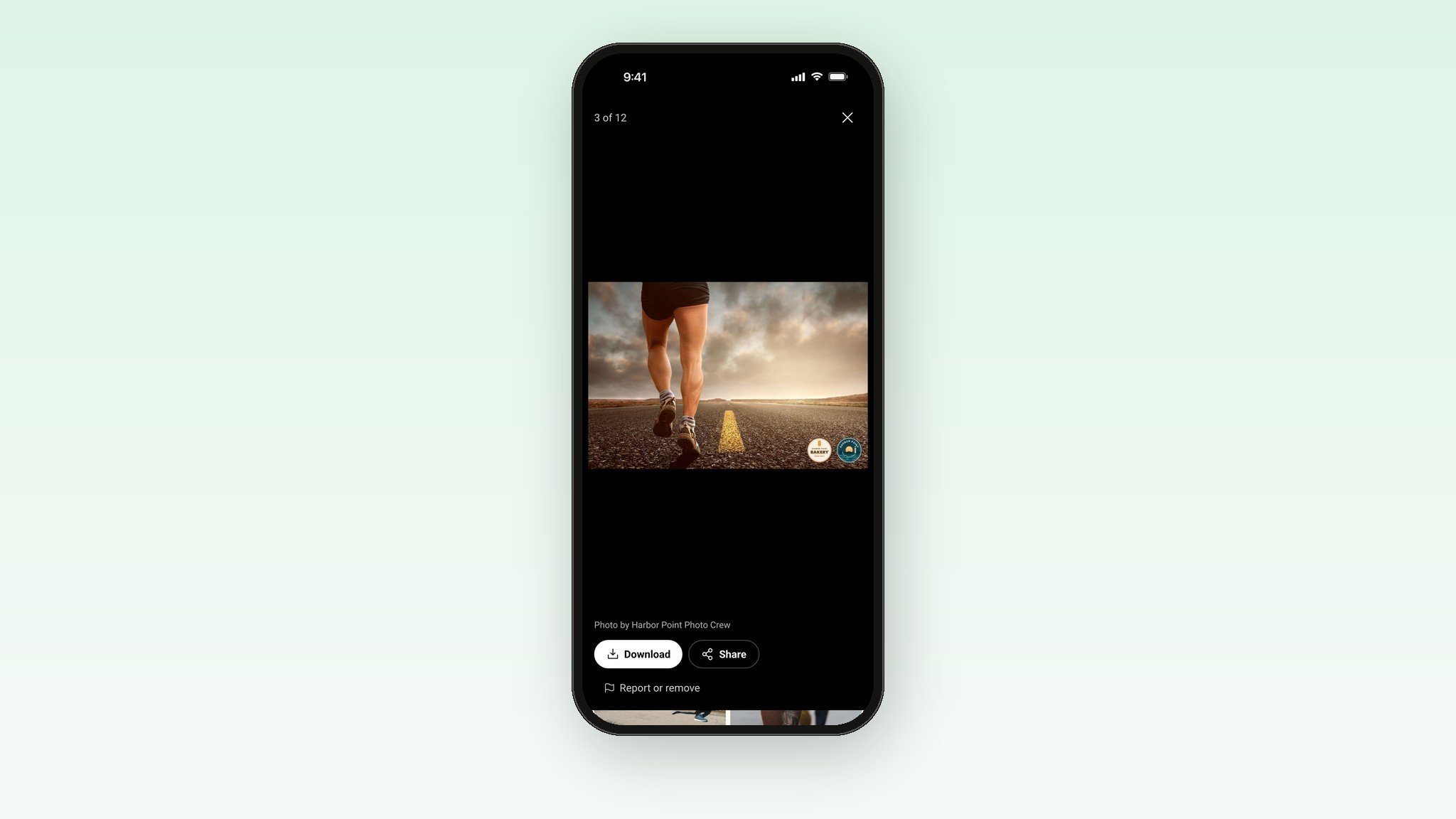
Free to download. Easy to share.
Runners tap a photo to see it full size, swipe through the album, and download it for free. Share sends a link that shows the photo itself when they post it. No watermark across the middle and no checkout. Just your logo, small, in the corner.
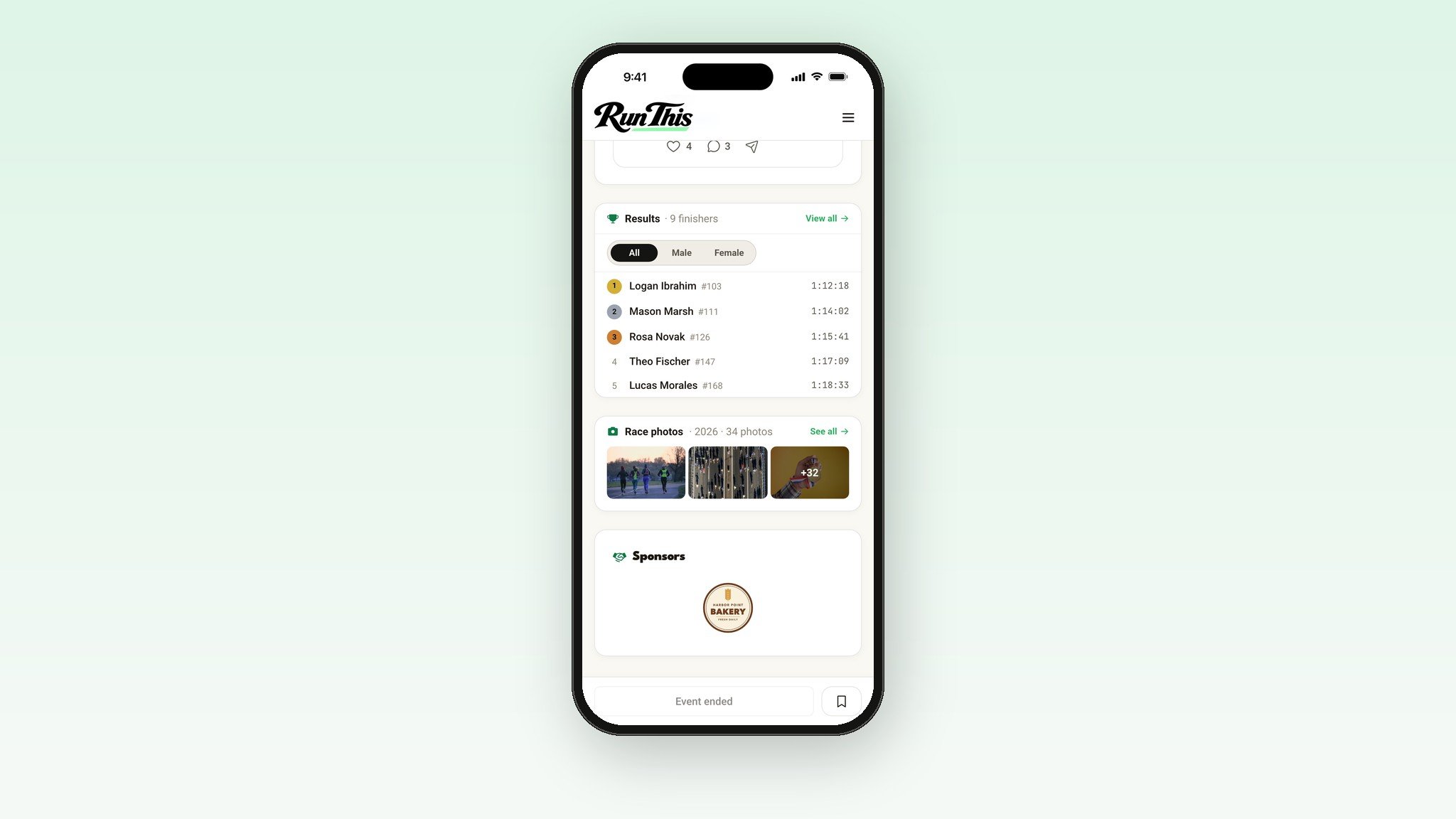
Right where runners look
When you publish, a Race photos card appears on your event page with a few of your photos, and a Race photos link appears on your results page. In the Run This app, the same card shows on your race's screen.
Rather keep your event page clean? Turn off Show photos on the event page. The Photos page and the results link still work.
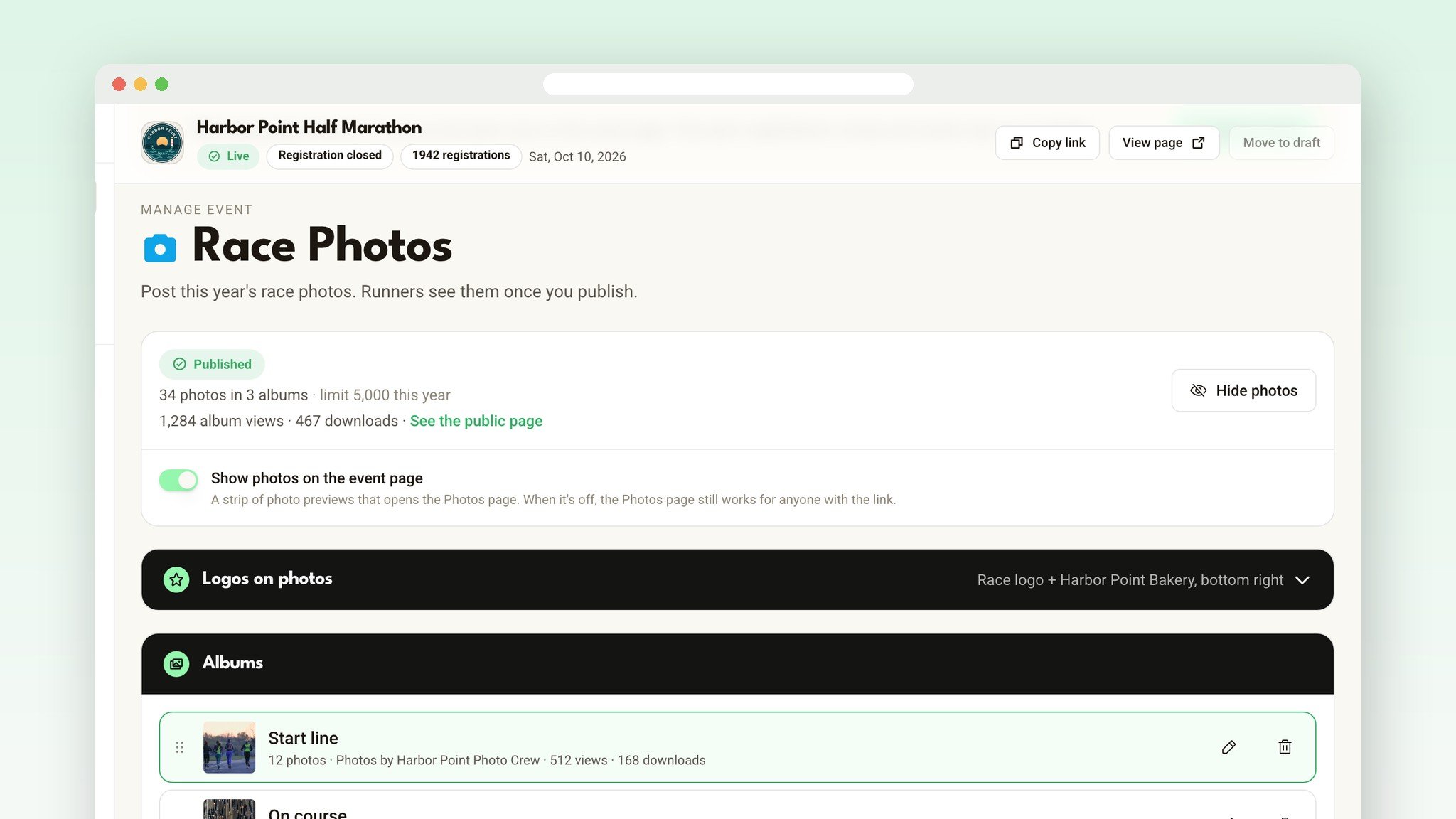
Numbers for your sponsors
Once your photos are live, your Race photos page shows how many times your albums were viewed and how many photos were downloaded. That's a real number to put in front of a sponsor whose logo rode along on every one.
Runners stay in control
A runner who wants a photo of themselves taken down can ask with Report or remove, right on the photo. Run This reviews every request, and you can delete any photo yourself at any time. We don't use facial recognition or read bib numbers, and photos aren't linked to anyone's account.
Set it up in five minutes
Open your race's dashboard and click Race photos, under Race day.
Open Logos on photos, pick your logos and a corner, and press Save logos.
Press New album for each part of the day, like Start line and Finish line.
Drop in your photos, or send your photographer an upload link.
Press Publish photos.
Tell your runners. Run This doesn't email them when photos go up, so you choose the moment. In Emails, the Race photos block adds your photos to the email for you.
Before race day
Set your logos before the first upload. They're stamped on as photos go up.
Make your albums and send upload links the night before.
Ask photographers for JPEGs. RAW camera files need exporting first.
Publish the same day, while runners are still looking for their finish photo.
Ready?
Open your dashboard, pick your race, and click Race photos. Every detail lives in the help center: Race photos.
Timing your race with your own crew? Read about the new Run This Stopwatch.
Something you wish it did? Tell me. I read every one.