Chip timing is great. It's also expensive, and plenty of races don't need it.
The Run This Stopwatch lets your own volunteers time your race from their phones. No timing company. No special gear. Just a code.
And it just got its biggest upgrade yet.
What's new
Every wave, heat and distance gets its own start.
Times are recorded on the phone, so a weak signal can't throw them off.
Every phone shows the same clock.
The screen stays awake while the race is on.
Skip the kids fun run with one switch.
A new free app for iPhone and Android.
Your timers don't need an account
Send your crew a code. They open the Stopwatch, type it in, and they're timing. That's the whole setup.
Phones stay signed in all race day. Lost one? Change the code and it's locked out within seconds.
Waves, heats, distances. Each gets its own start.
The half goes at 7:30. The 5K goes at 8:00. Wave 2 leaves ten minutes after Wave 1. No problem.
Each one gets its own Start button, and every runner is timed from their own start. Running a one-gun race? It's still one button.
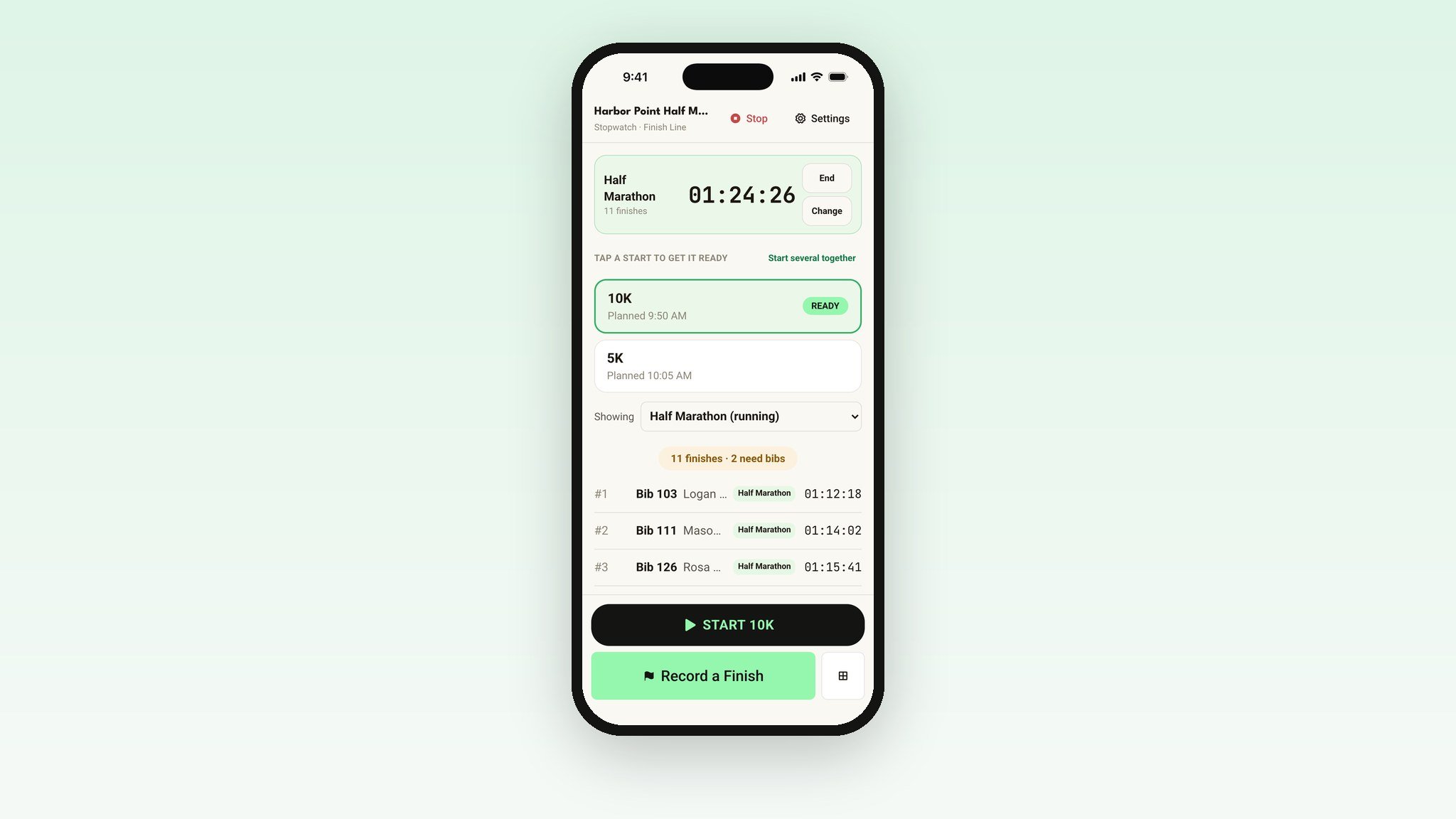
Heats can race together as waves, or separately like a track meet, with their own places and awards. Started the wrong heat? Fix it, and every affected time updates on its own.
Accurate times, even on a weak signal
Finish lines are cell service dead zones. So every time is recorded on the phone the moment your volunteer taps. If the signal is slow, the finish keeps trying on its own until it saves. Nobody's time changes.
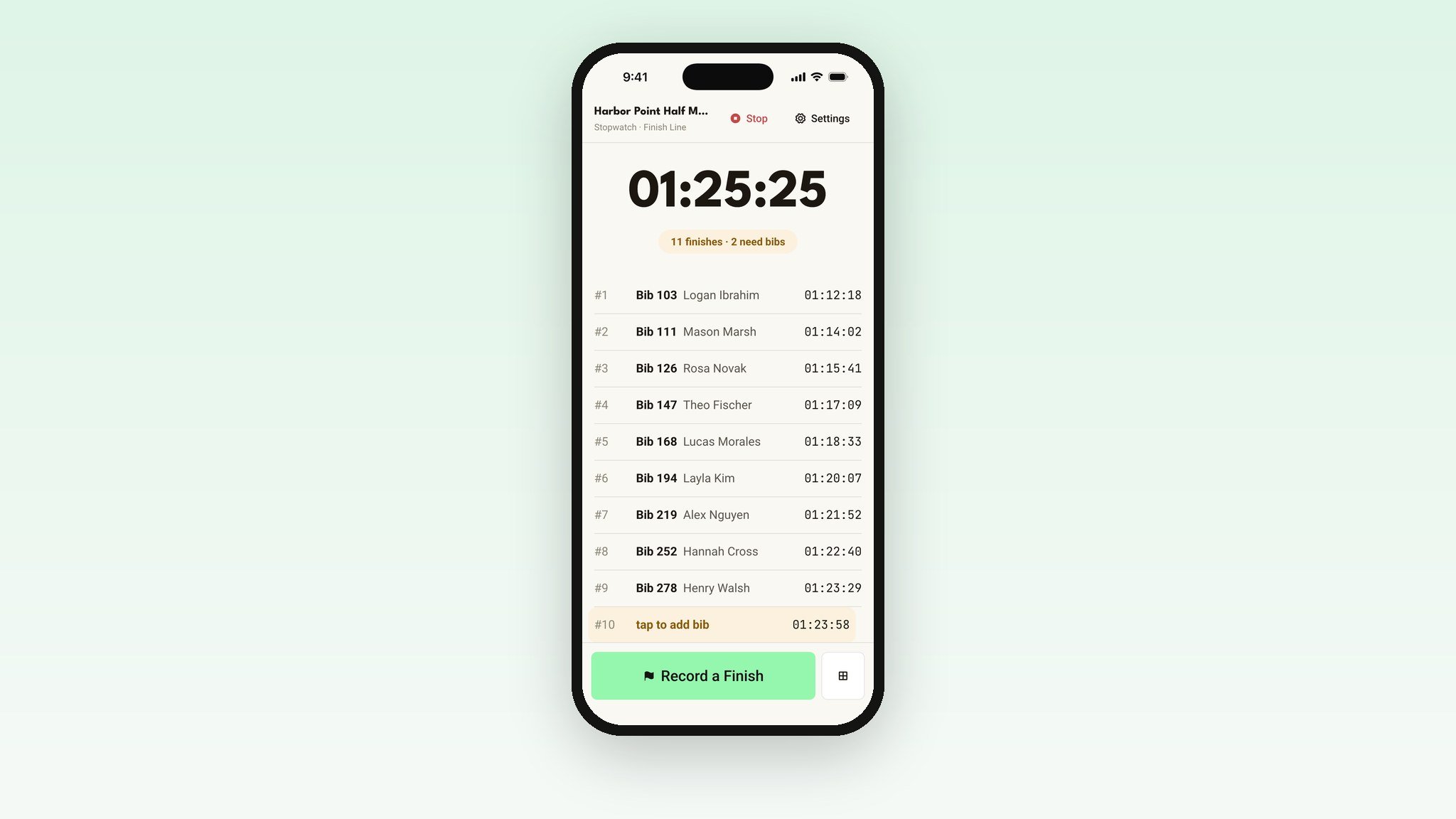
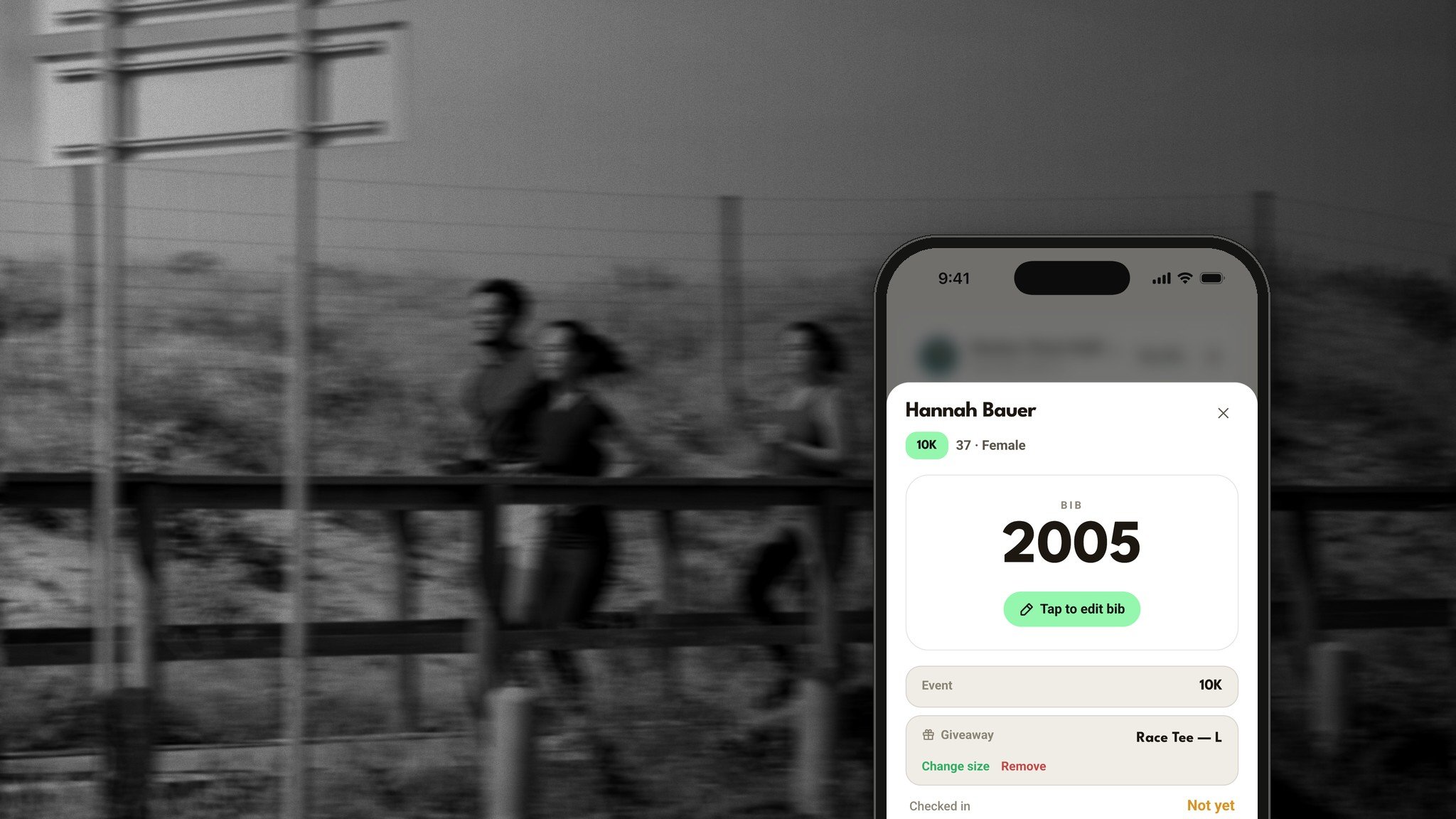
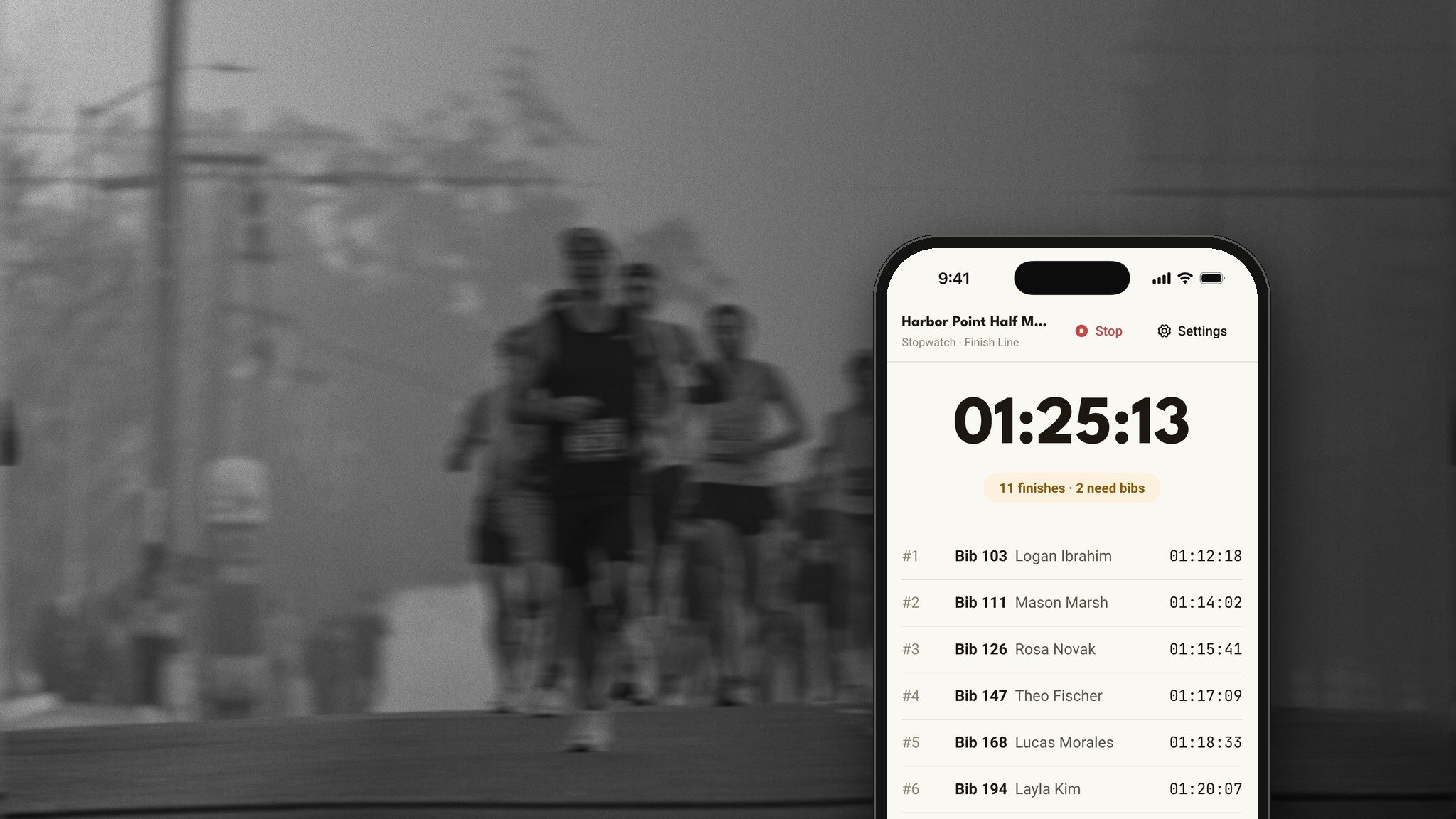
Record now. Add the bib later.
Three runners cross at once? Tap Record three times. Add their bibs when the rush is over, and their names fill in on their own.
Or tap each runner's bib right from the grid as they cross. Two volunteers? One taps, one adds bibs, and each sees the other's work in about a second.
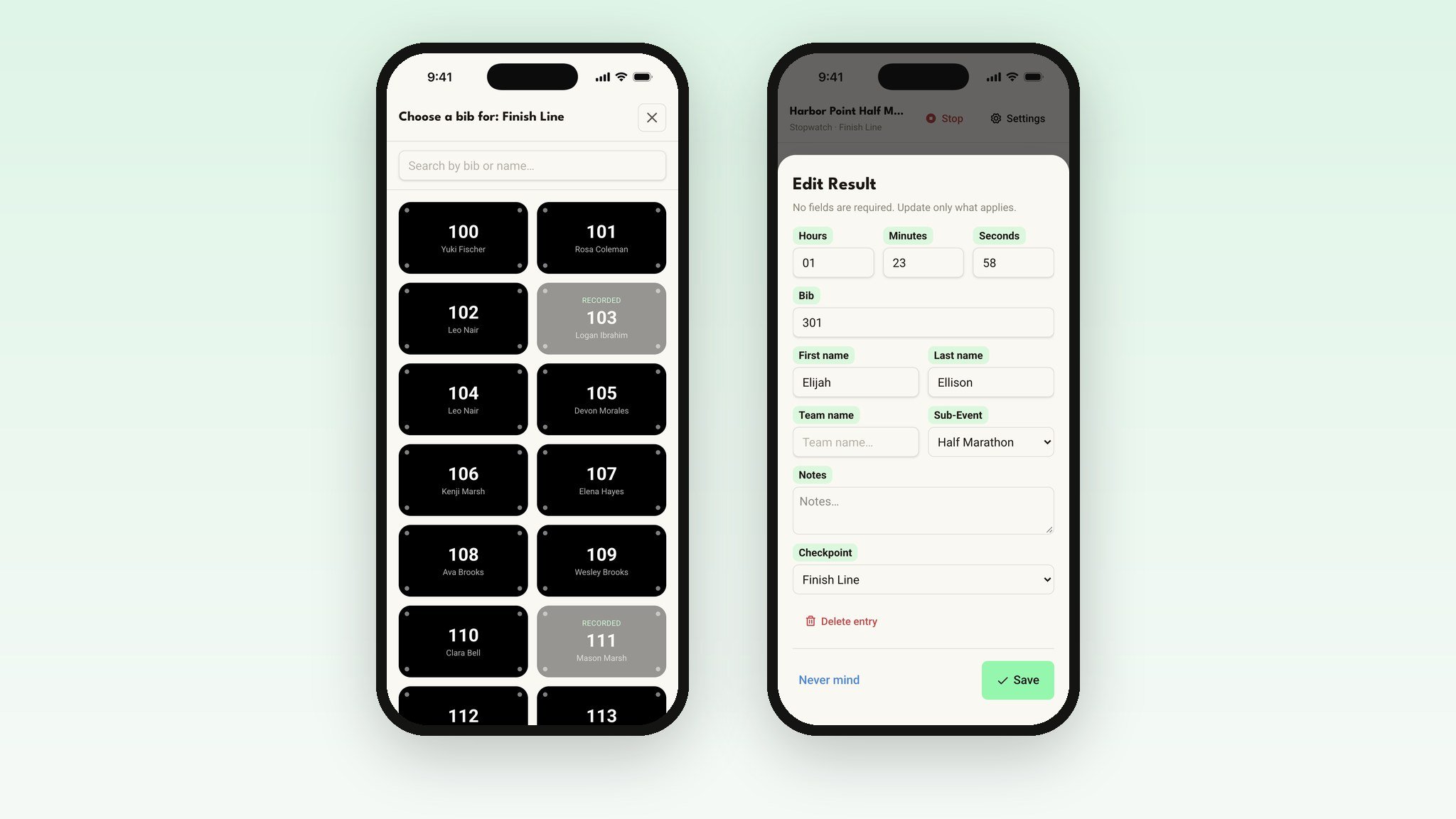
Not timing the kids run? Switch it off.
Turn off any distance under Distances to time and it disappears from every phone. No more untimed race sitting at the top of the screen all morning.
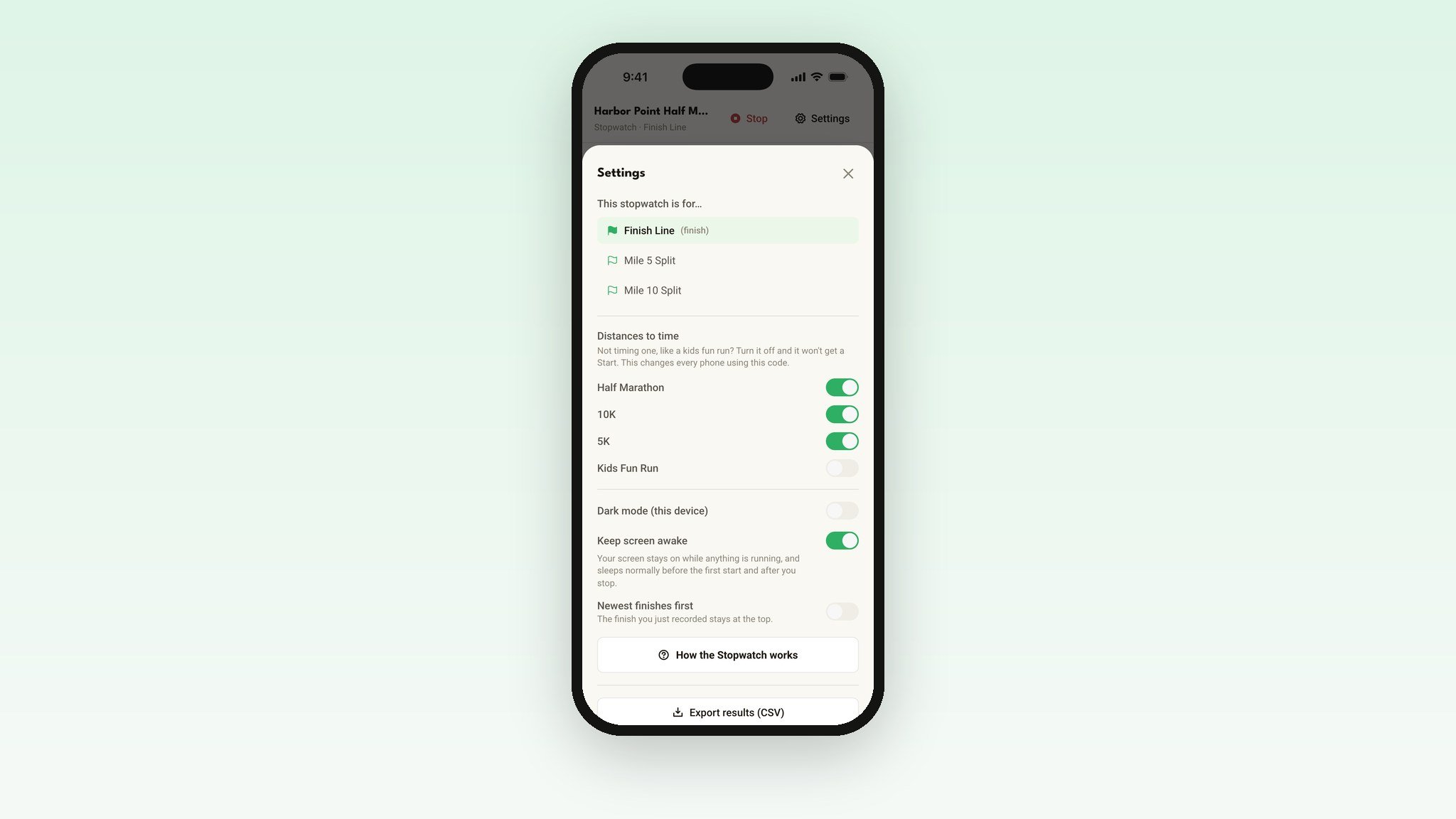
The screen stays awake
No more phones locking right as your first runner comes into view. Dawn start? There's a dark mode too.
From finish line to results in a few taps
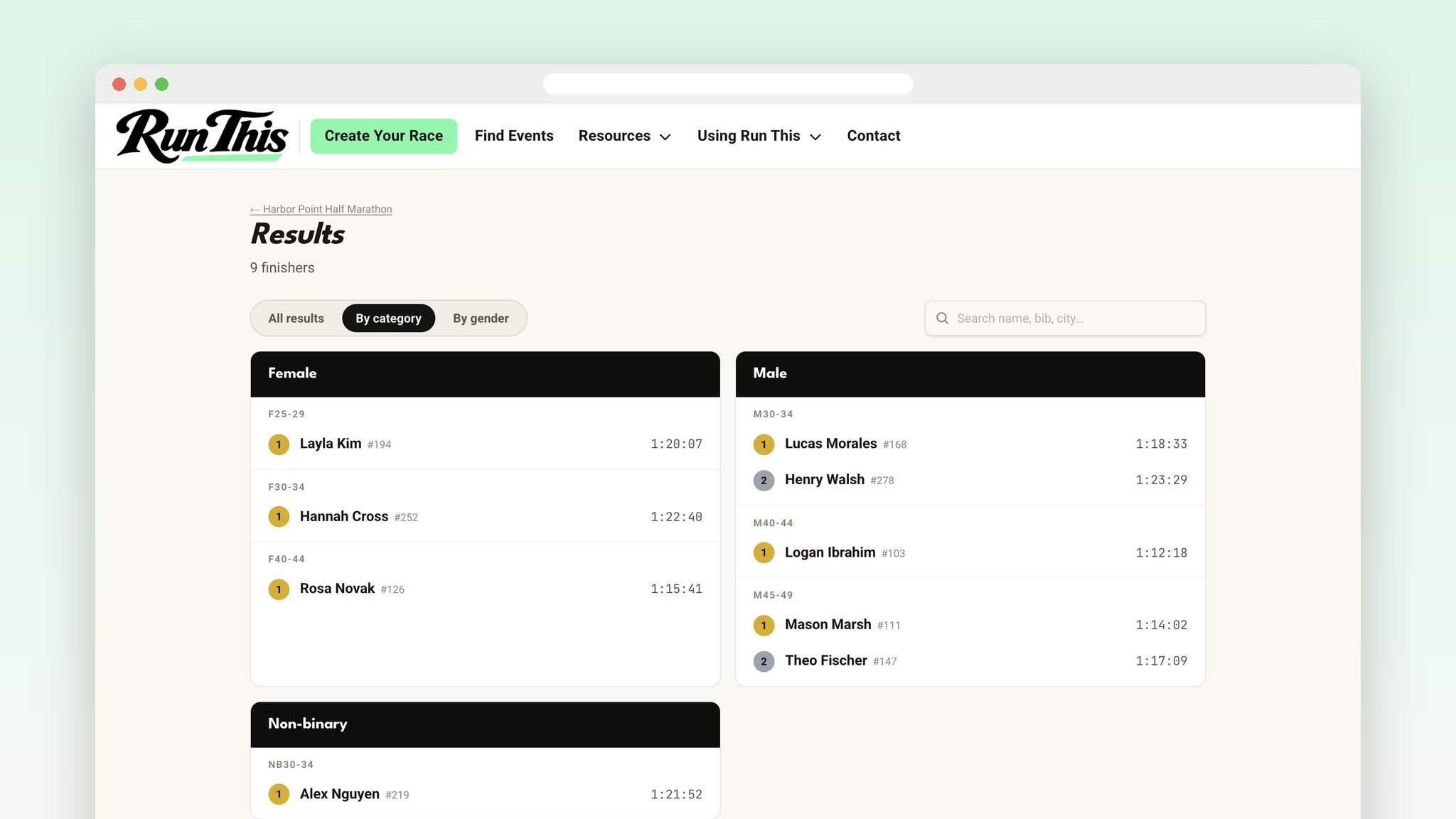
Send your finishes to Race Results from your dashboard, check them, and publish. Age groups and awards are figured out for you, for every distance. Runners get a finisher card to share. Need a spreadsheet? Download it as a CSV.
Set it up in five minutes
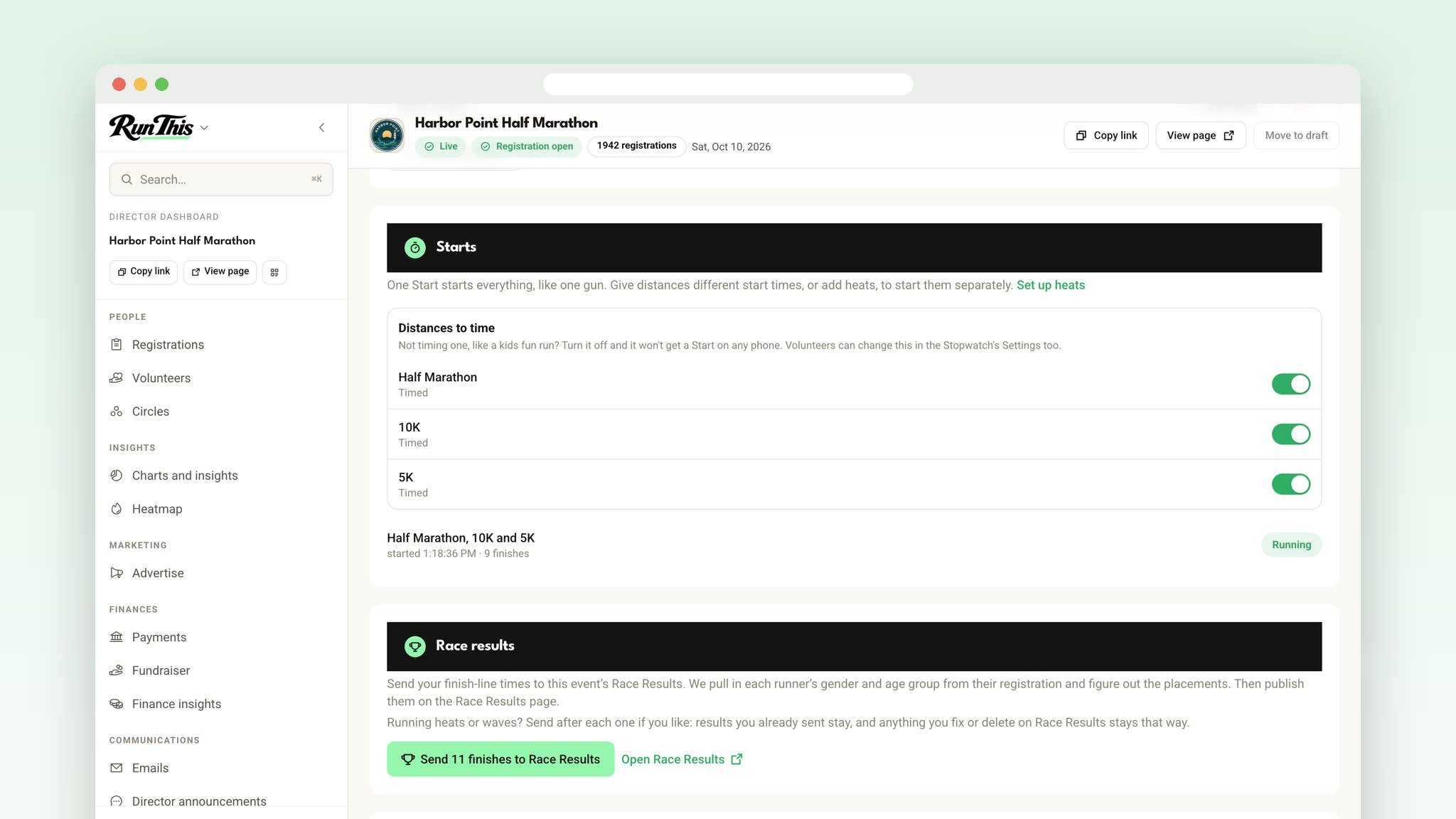
Open your race's dashboard and click Stopwatch.
Set your volunteer access code.
Add any mile splits or checkpoints you want to time.
Switch off any distance you aren't timing.
Text the code to your timing crew the night before.
Get the free app
The Run This Stopwatch is free on iPhone and Android. Look for the blue icon. Rather not install anything? It works in any phone browser at runthis.run/stopwatch.
Download on the App Store · Get it on Google Play
Race-morning checklist
Practice a few days out on two phones, then clear it with Restart / start over in Settings.
Bring two charged phones to the finish line.
Decide who taps and who adds bibs.
Timing from a web browser? Turn off auto-lock.
Ready?
Open your dashboard, pick your race, and click Stopwatch. Every detail lives in the help center: How the Stopwatch works and Waves, heats and track meets.
Something you wish it did? Tell me. I read every one.