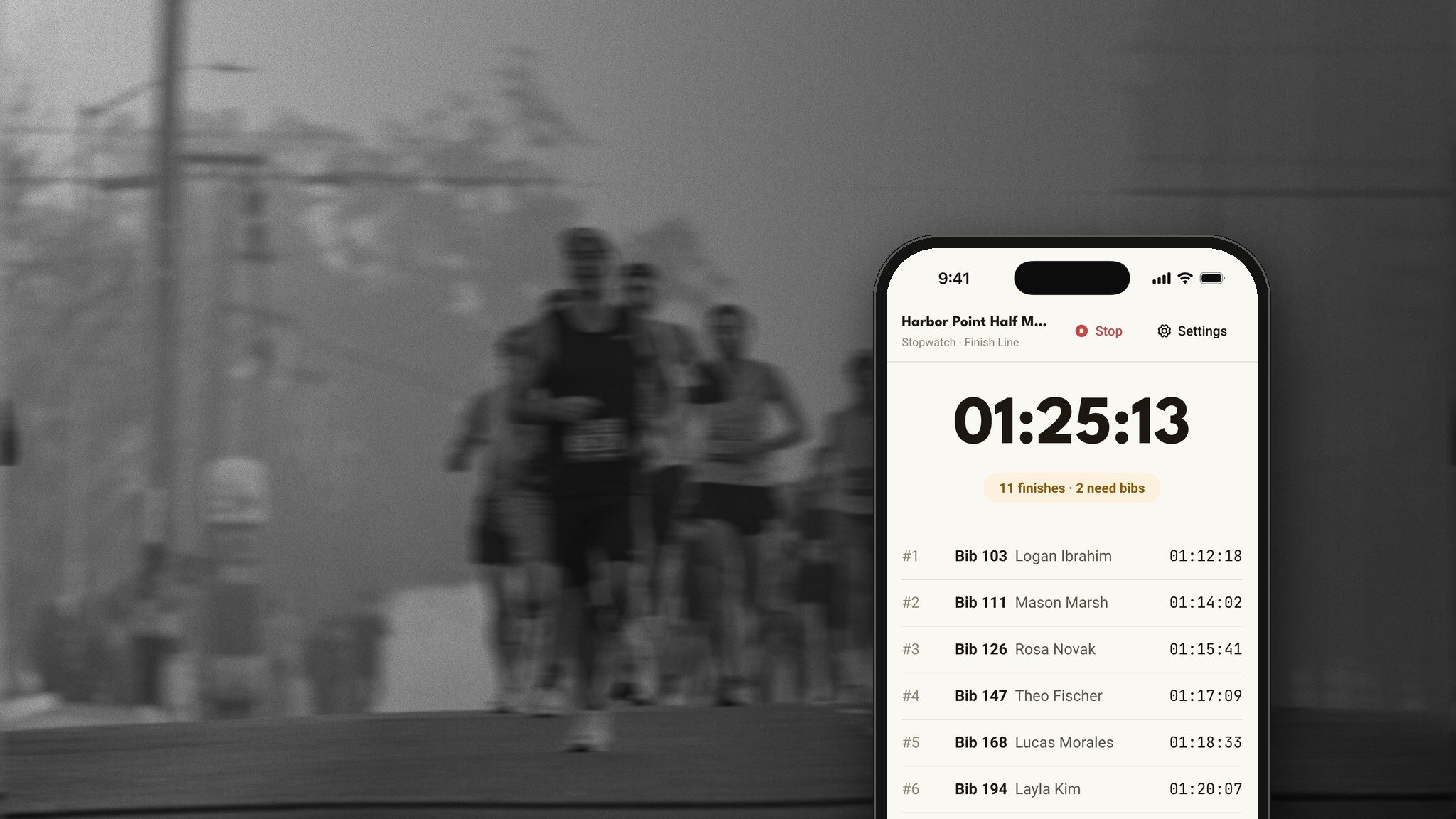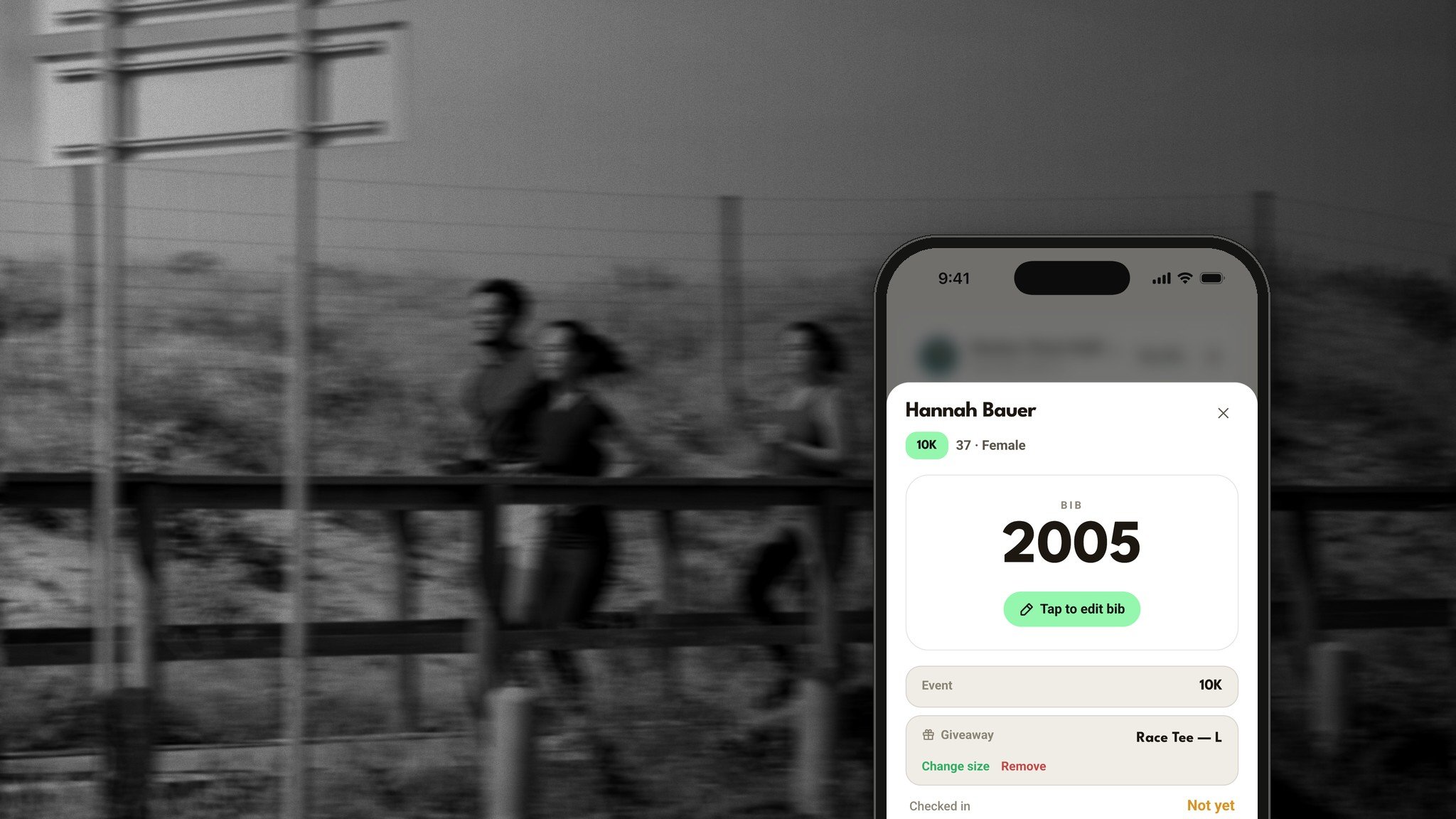
Packet pickup is the first thing your runners see on race morning. A long line sets the tone for the whole day.
Run This Check In gets runners through the line fast. Your volunteers use their own phones and tablets, every screen stays in sync, and nobody needs an account. Just a code.
And it just got a big upgrade.
What's new
Every phone and tablet stays in sync, within seconds.
Runners check in with a scan of their Apple Wallet or Google Wallet pass.
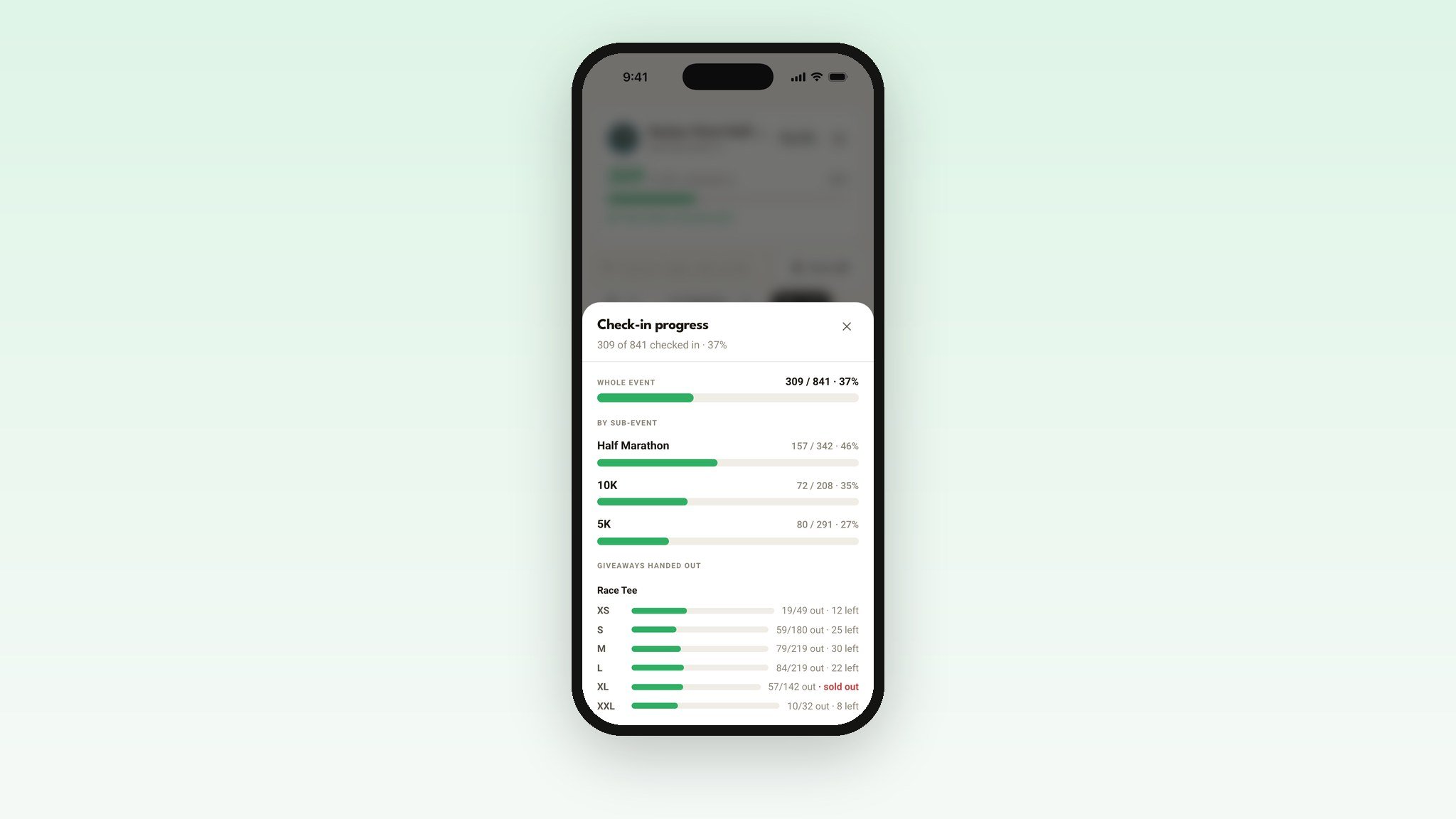
Swap a shirt size at the table, with live counts so you never over-give a size.
Check in a whole family with one tap.
Live stats for every distance and every shirt size.
A new free app, Race Check In, for iPhone and Android.
Your volunteers don't need an account
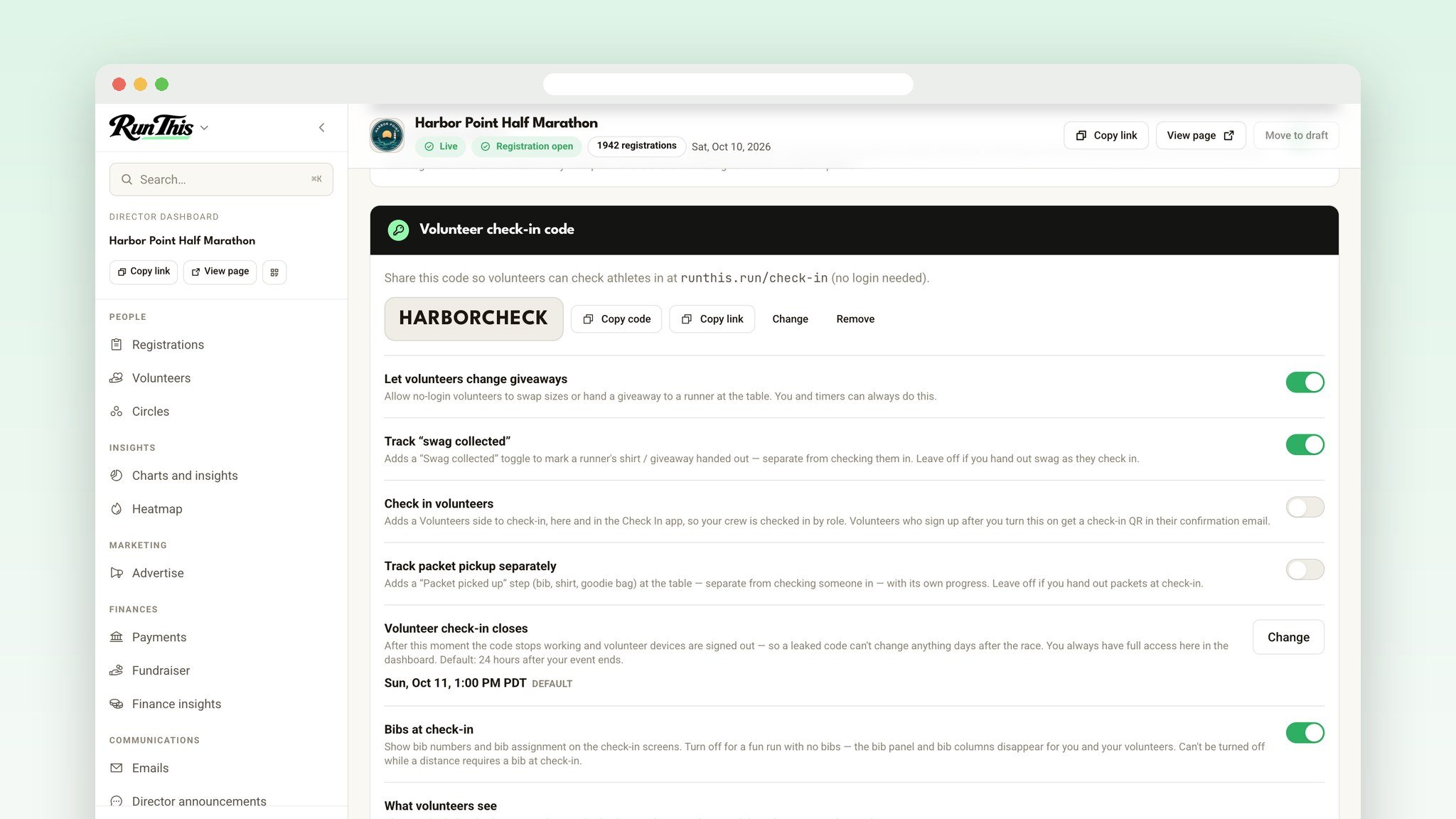
Send your crew a code. They open Check In, type it in, and they're checking runners in. That's the whole setup.
Devices stay signed in for about 12 hours, so nobody gets kicked out mid-morning. Lost a tablet? Change the code and every device signs out right away. And check-in closes on its own 24 hours after your race, so an old code can't be used later.
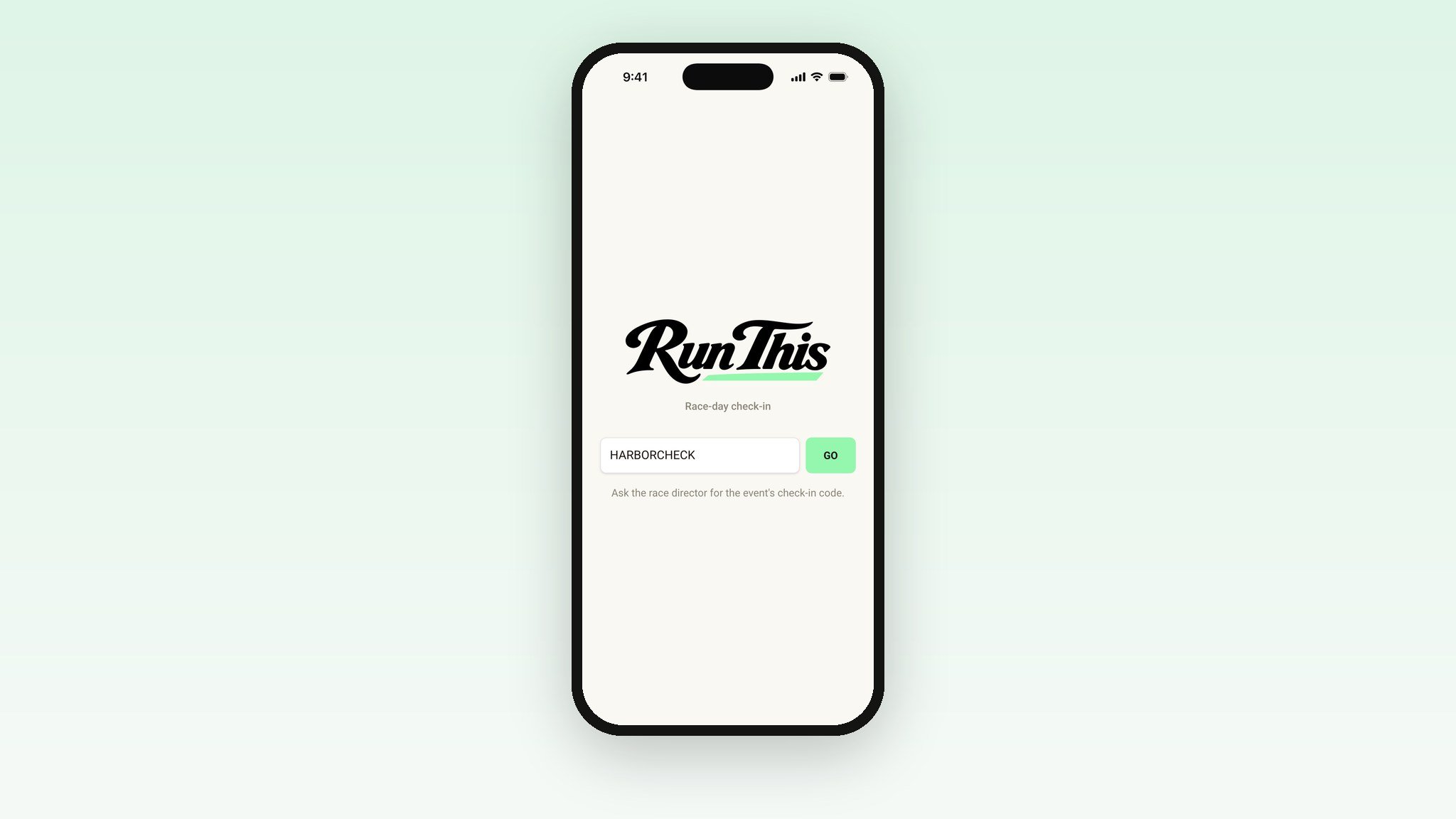
Every screen, in sync
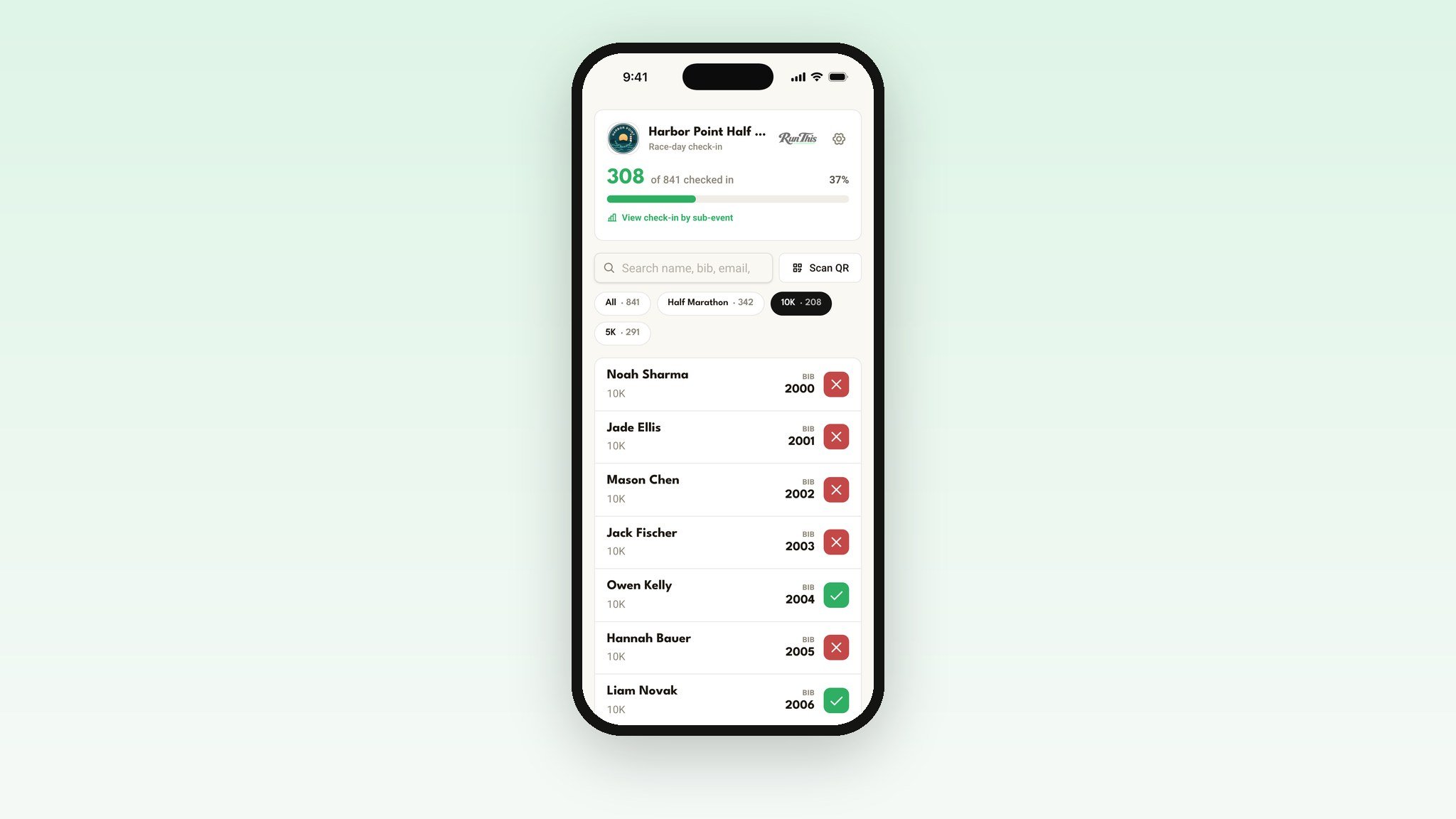
Run three tables, or ten. When one volunteer checks a runner in, every other phone, tablet and your dashboard updates within seconds. No refreshing. The count at the top moves on its own.
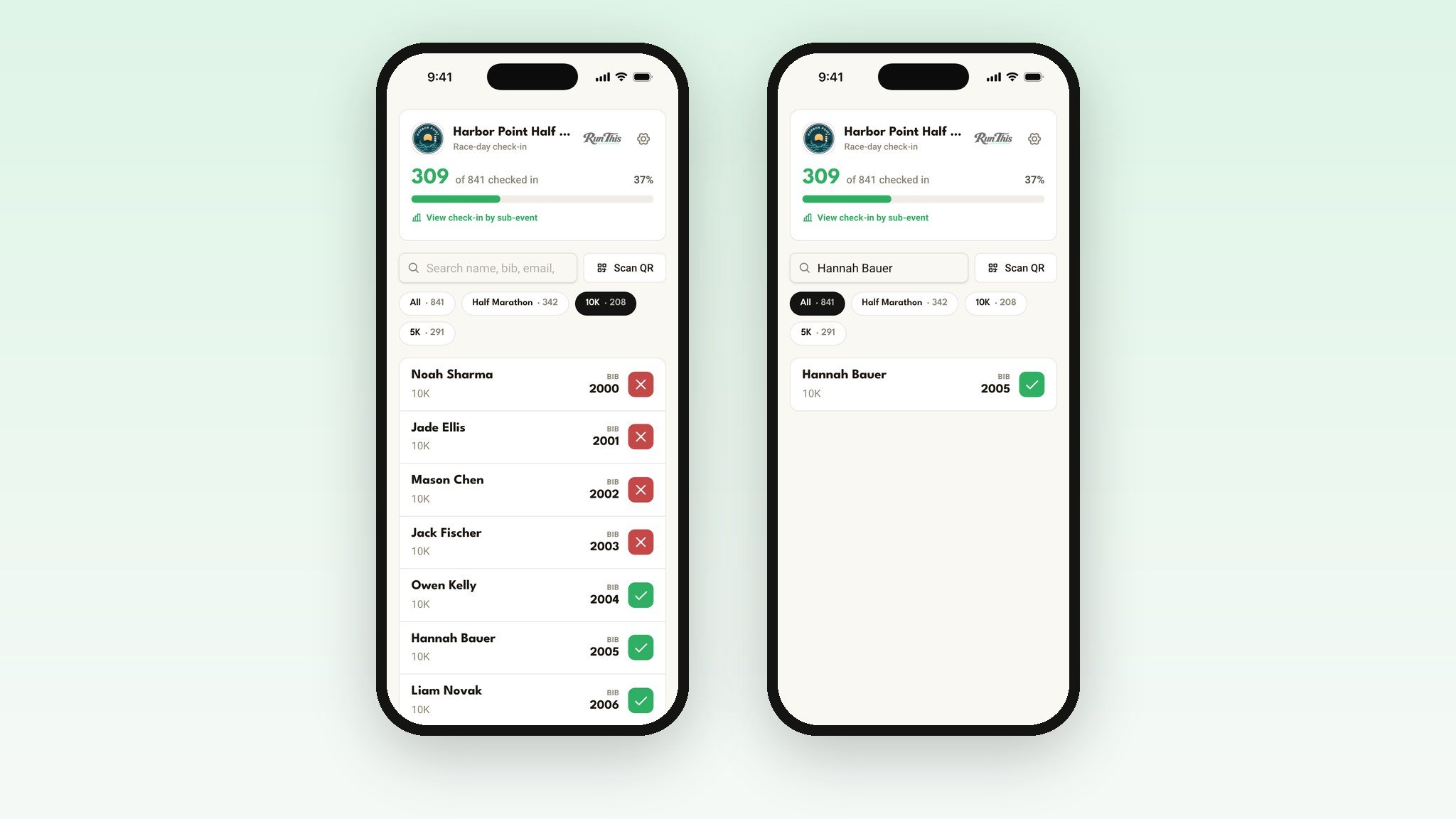
Find anyone in a second
Search by name, email or bib. Filter by distance. Tap a runner to see their bib, their distance and their shirt, all on one screen.
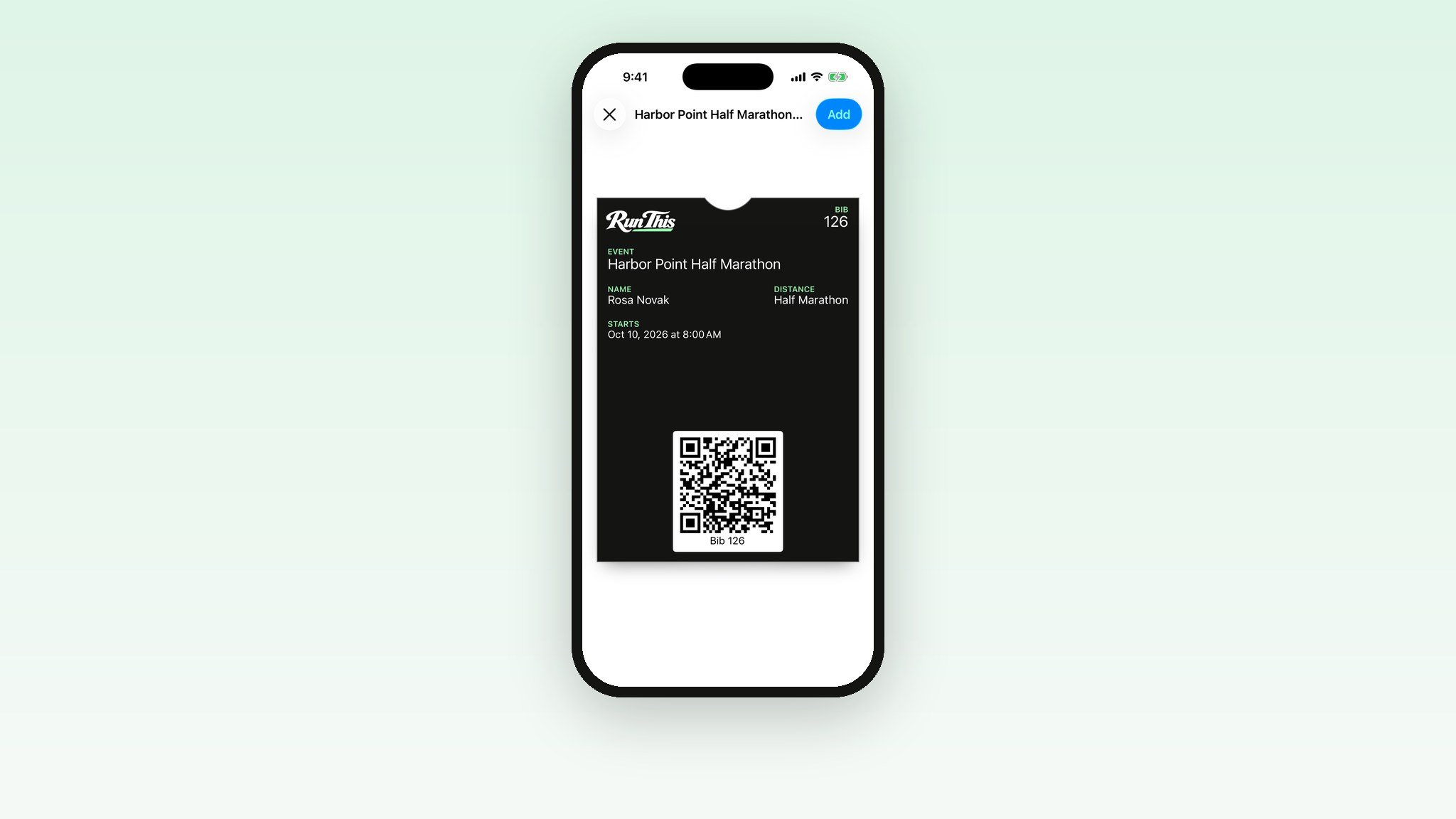
Scan a pass, and they're in
Every runner now gets an Add to Apple Wallet or Google Wallet button with their registration. The pass holds their race, distance, start time and check-in QR code. At the table, tap Scan QR, point the camera at the pass, and they're checked in.
No digging through email. No spelling last names out loud.
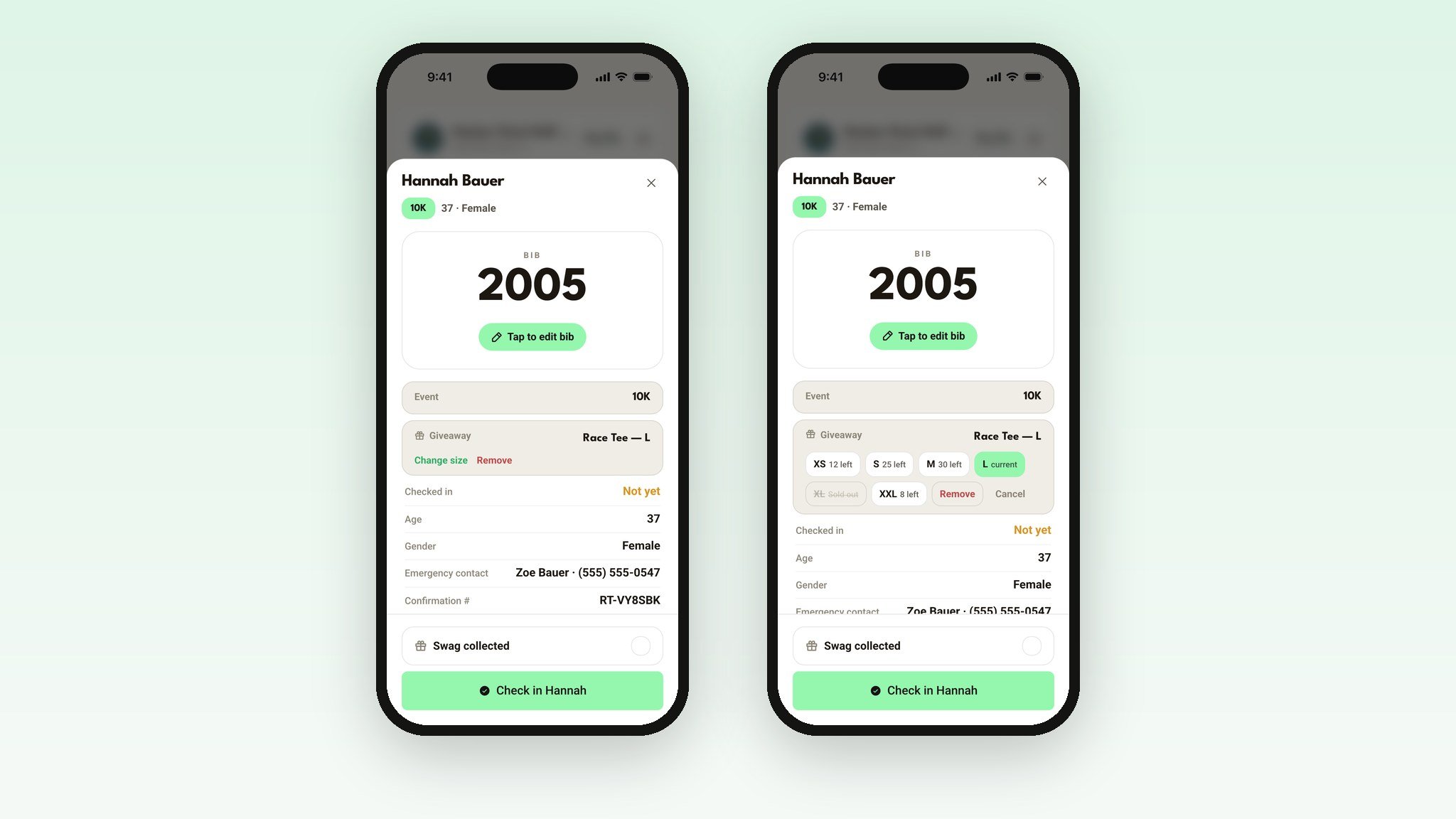
Fix it right at the table
Wrong bib? Tap the bib number and change it. Out of mediums? Tap Change size and pick another. Sold-out sizes are greyed out, and counts are shared with registration, so you never hand out a shirt you don't have.
Want to track who picked up their shirt, separately from who showed up? Turn on Swag collected.
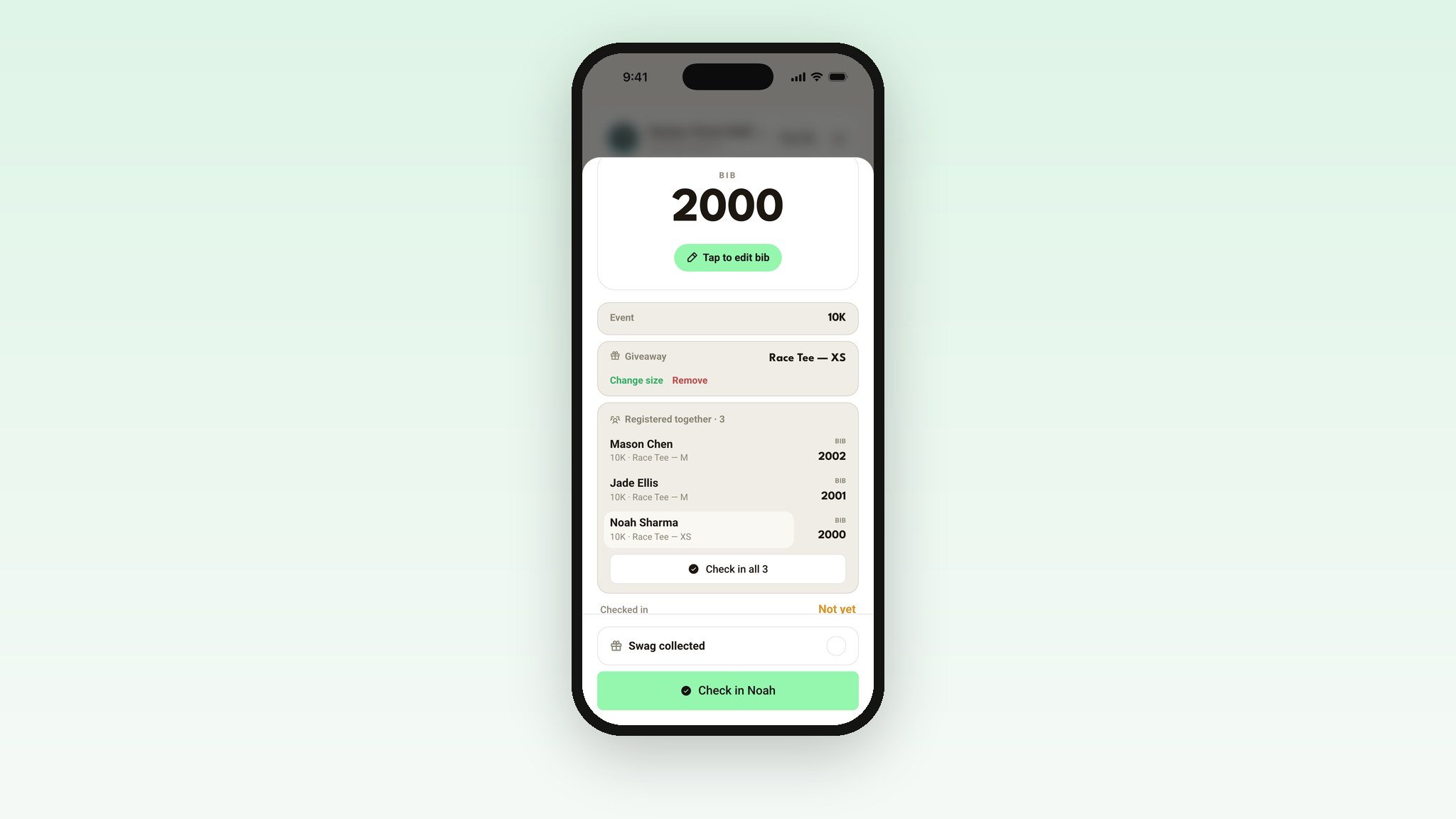
Families check in together
Runners who registered together show up together. One tap checks in the whole group.
Know where you stand
Tap Stats for live progress by distance, plus how many of each shirt size you've handed out and how many are left.
Running a fun run with no bibs?
Turn off Bibs at check-in and the bib fields disappear for everyone. Check-in becomes find them, tap, done. You can also check in your volunteers by role, right from the same screen.
You decide what volunteers see
On your dashboard's Check in page you set the code, choose what volunteers can see and change, and pick when check-in closes. You always have full access, no matter what you turn off for your crew.
Set it up in five minutes
Open your race's dashboard and click Check in.
Set a volunteer check-in code.
Choose what volunteers can see and change.
Turn on Swag collected if you're handing out shirts.
Text the code to your check-in crew the night before.
Get the free app
Search for Race Check In on iPhone or Android, and look for the yellow icon. Rather not install anything? It works in any phone or tablet browser at runthis.run/check-in.
Download on the App Store · Get it on Google Play
Race-morning checklist
Open Check In on every device before runners arrive.
Put your fastest volunteer on Scan QR.
Keep one tablet on Stats so you can watch the line.
Bring chargers. Check-in runs all morning.
Ready?
Open your dashboard, pick your race, and click Check in. Every detail lives in the help center: Race-day check-in.
Timing your race too? Read about the new Run This Stopwatch.
Something you wish it did? Tell me. I read every one.