A sponsor says yes. Then you wait for the check.
Run This sends your sponsors an invoice they can pay online in a minute. Their logo goes on your race page and in your emails, and you track all of it in one place.
The short version
Invoices sponsors pay online. By card, from a link, at your lowest fee.
They can cover the fees. One checkbox, and your race gets the full amount.
Checks still count. Mark an invoice paid by check, cash or bank transfer, with no fee.
Logos where people look. On your race page and in your emails, grouped by level.
Next year starts with this year's list. Renew your race and bring your sponsors with you.
Send the invoice in a minute
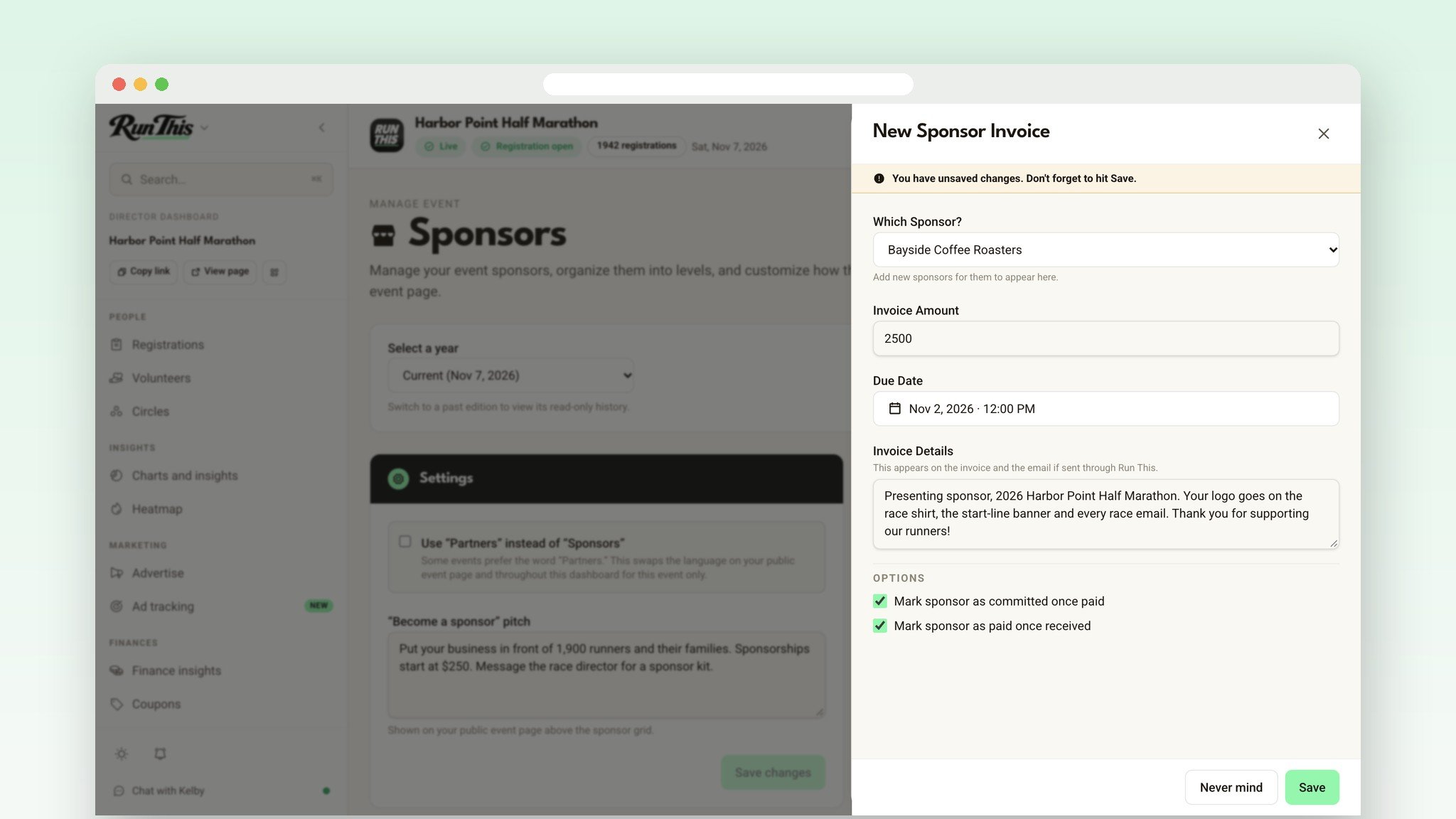
Open Sponsors in your dashboard and click New invoice. Pick the sponsor, set the amount and due date, add any details you want on it, and click Save. Then click Send next to the invoice, then Send Now, and Run This emails it with a button that opens the payment page.
Rather send it yourself? In that same window, copy the payment link into your own email or a text, then click Mark as sent.
They pay by card. You stop chasing checks.
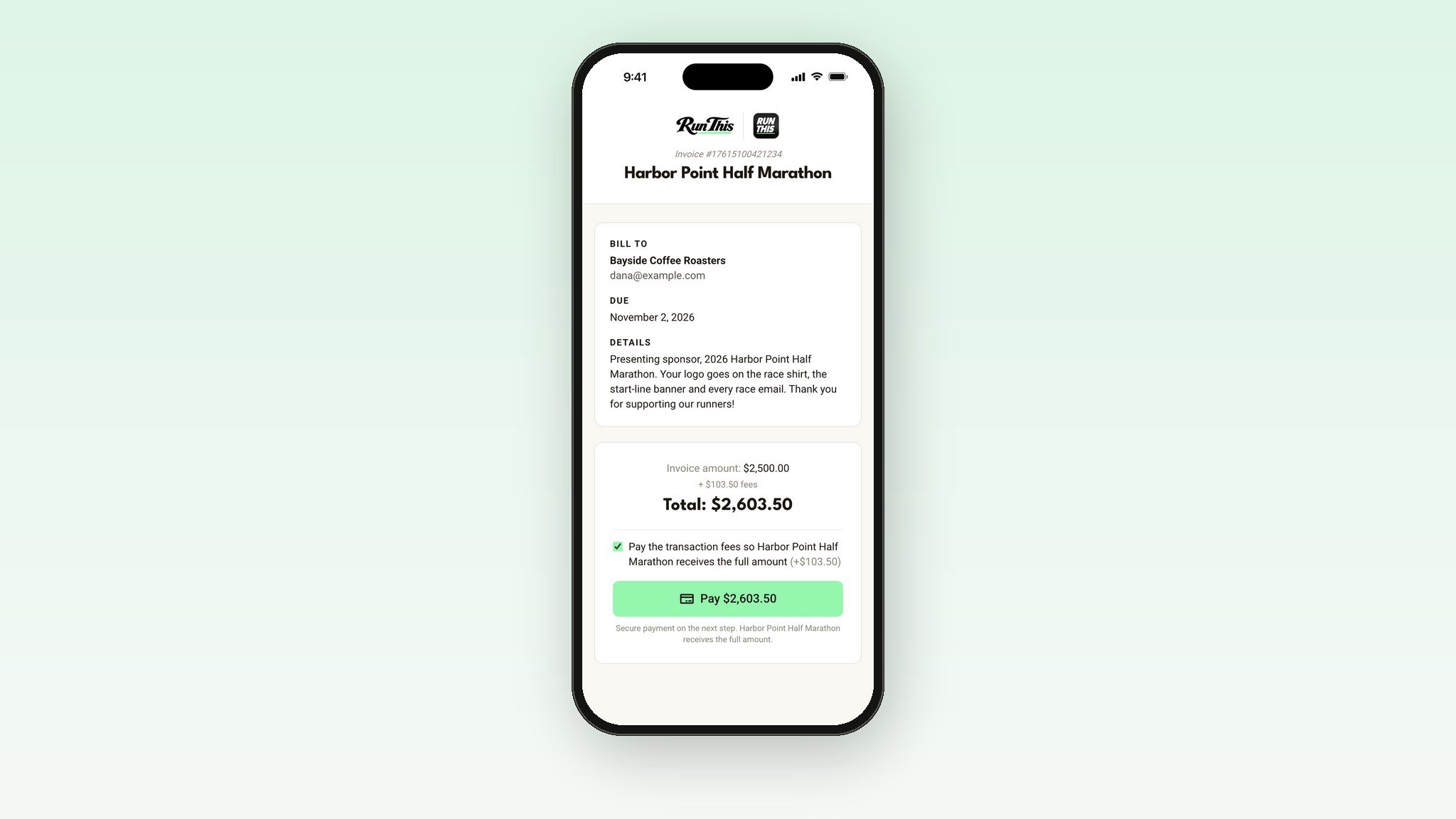
The invoice page shows the amount, the due date and your details, with card checkout right underneath. Sponsor payments get the donation rate, about 4% + 50¢. That's the lowest fee on Run This.
Sponsors can tick a box to pay the fees on top, so your race gets the full invoice amount. If they leave it unticked, they pay the amount on the invoice and the fees come out of it.
Paid by check? That works too.
Click Mark paid, pick how the money came in (check, cash, bank transfer, card terminal or other), and add a check number if you like. There's no fee, because the money never went through Run This.
Either way, the invoice moves to Paid and shows up in your race's finances. You can also have it mark the sponsor Committed and Paid automatically.
Logos on your race page and in your emails
Group sponsors into levels like Presenting, Gold and Silver. Each level gets its own row of logos on your race page, in Large, Medium or Small, so your top sponsors stand out. Add a short "Become a sponsor" pitch above the logos to invite new businesses to get in touch.
Your emails have a Sponsors block that pulls the same list. A sponsor you add later still shows up in your next send.
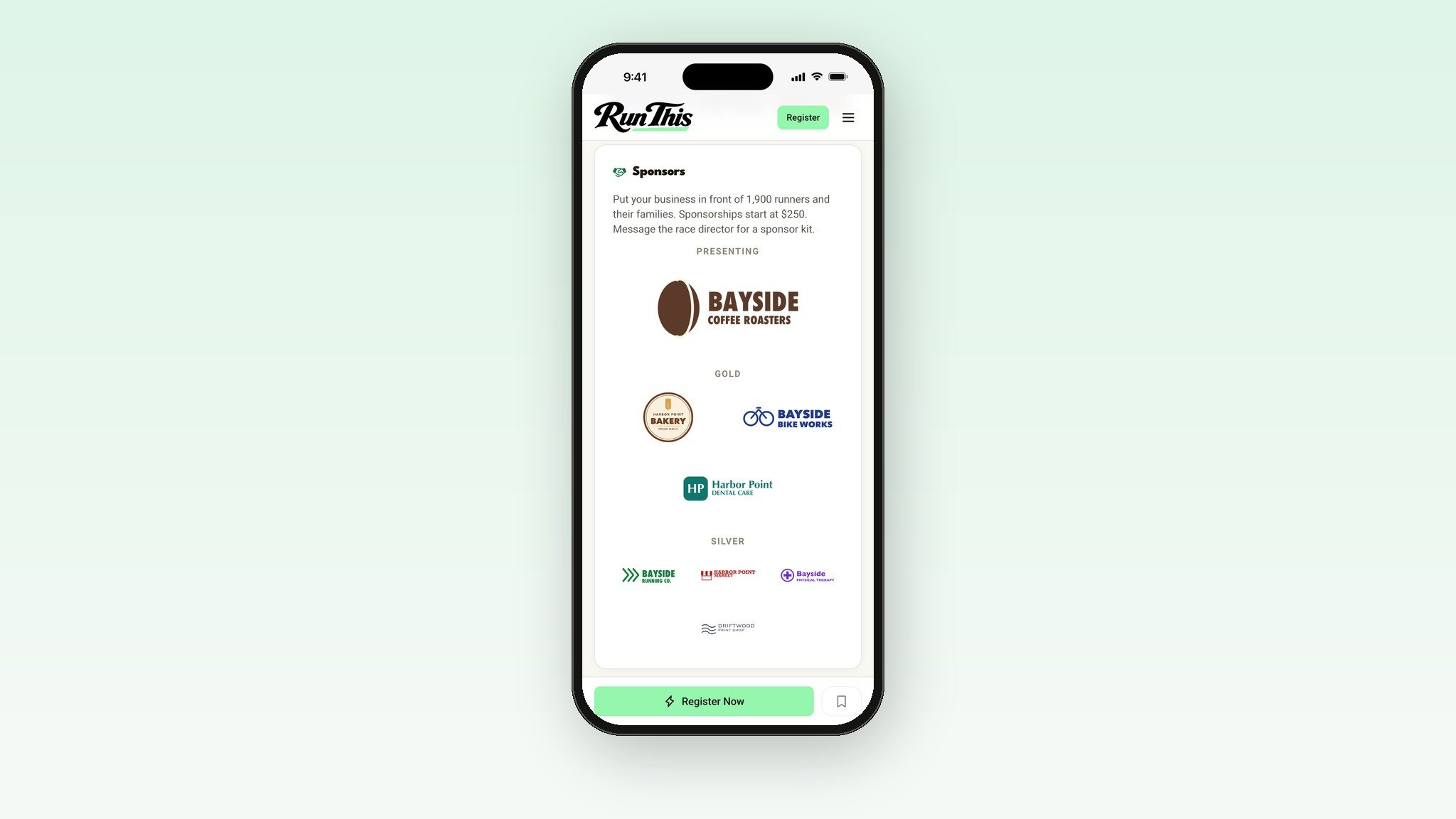
Know where every sponsor stands
Mark each sponsor Not committed, Tentatively committed or Committed. Keep their contact info and private notes in one place, where only you can see them. You can also track a level without showing it, like in-kind donors. Prefer the word "Partners"? One switch changes it everywhere on your race page.
Next year starts with this year's list
Sponsors and invoices belong to each year of your race. When you renew, bring your sponsors forward. You can also open a past year and pull any sponsor into this one. Their name, logo and contact come along, and they start fresh as a new prospect.
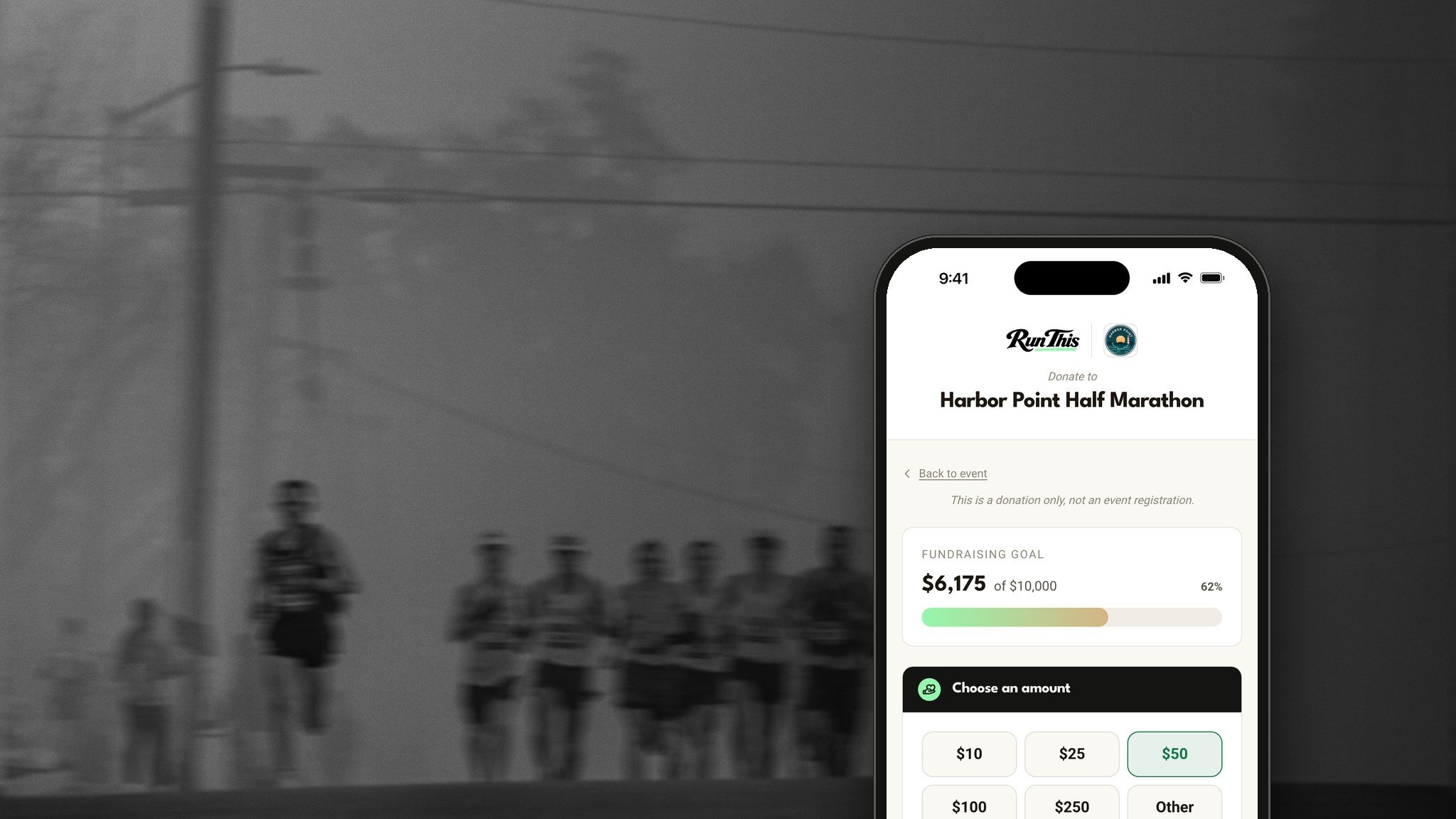
Running a fundraiser? Turn on Count sponsor payments in the total on your Fundraiser page, and paid invoices add to your public amount raised.
On your phone
In the Run This app, open your race in the Director Dashboard, then Sponsors. Add sponsors, upload logos, set levels, and check whether a sponsor has paid while you're standing in front of them. You create and send invoices on the website.
Set it up in five minutes
Open your race's director dashboard and click Sponsors.
Add your levels, then your sponsors and their logos.
Click New invoice, pick a sponsor, and click Save. Then click Send, then Send Now.
Ready?
Open Sponsors in your dashboard. The Sponsors help page has every detail. Planning a charity race? Read How to Organize a Charity 5K or Fun Run Fundraiser. Something you wish it did? Tell me. I read every one.