The week before a race, someone emails the timer a spreadsheet. Then a corrected one. Then another.
On Run This, the timer works from the same live roster the race director sees. Bibs, check-ins and results flow both ways, and nobody emails a file.
The short version
One dashboard per race. Roster, check-in, bibs, results and the Stopwatch.
An API that reads and writes. Pull the roster, and send bibs and live results back.
A RACE RESULT connection. Runners go in by themselves, and results come back.
Timer fees, handled. Added to each registration and paid out automatically.
Hire a timer in a few clicks. Directors pick from a directory of verified companies.
For race directors: hire a timer in a few clicks
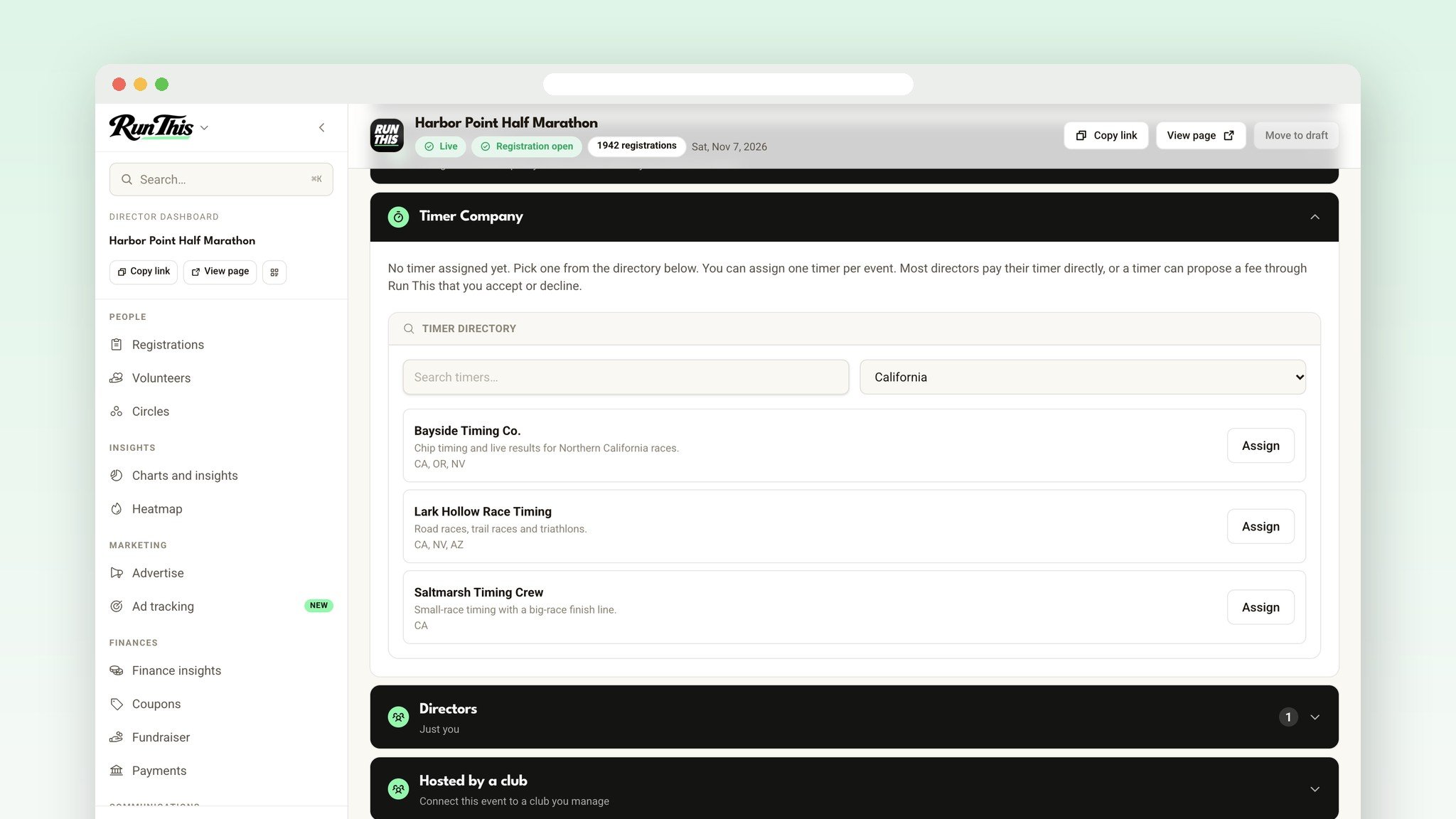
Open your race's Edit event page, then More settings, then the Timer Company card. Search the directory of verified timing companies, filter by state, and click Assign. In the Run This app, it's Edit event, then Timer Company.
Your timer gets their own dashboard for your race. They see your registrations, assign bibs, check runners in and upload results. They don't see your money, your private notes or race and ethnicity answers. You can remove a timer any time.
Agree on a timer fee, out in the open
Most directors and timers settle up on their own, and that still works. A timer can also propose a per-runner fee through Run This: a flat amount, a percentage, or both. Nothing is charged until you click Accept. Then the fee is added to each new paid registration and goes to the timer.
For timing companies: your own dashboard for every race
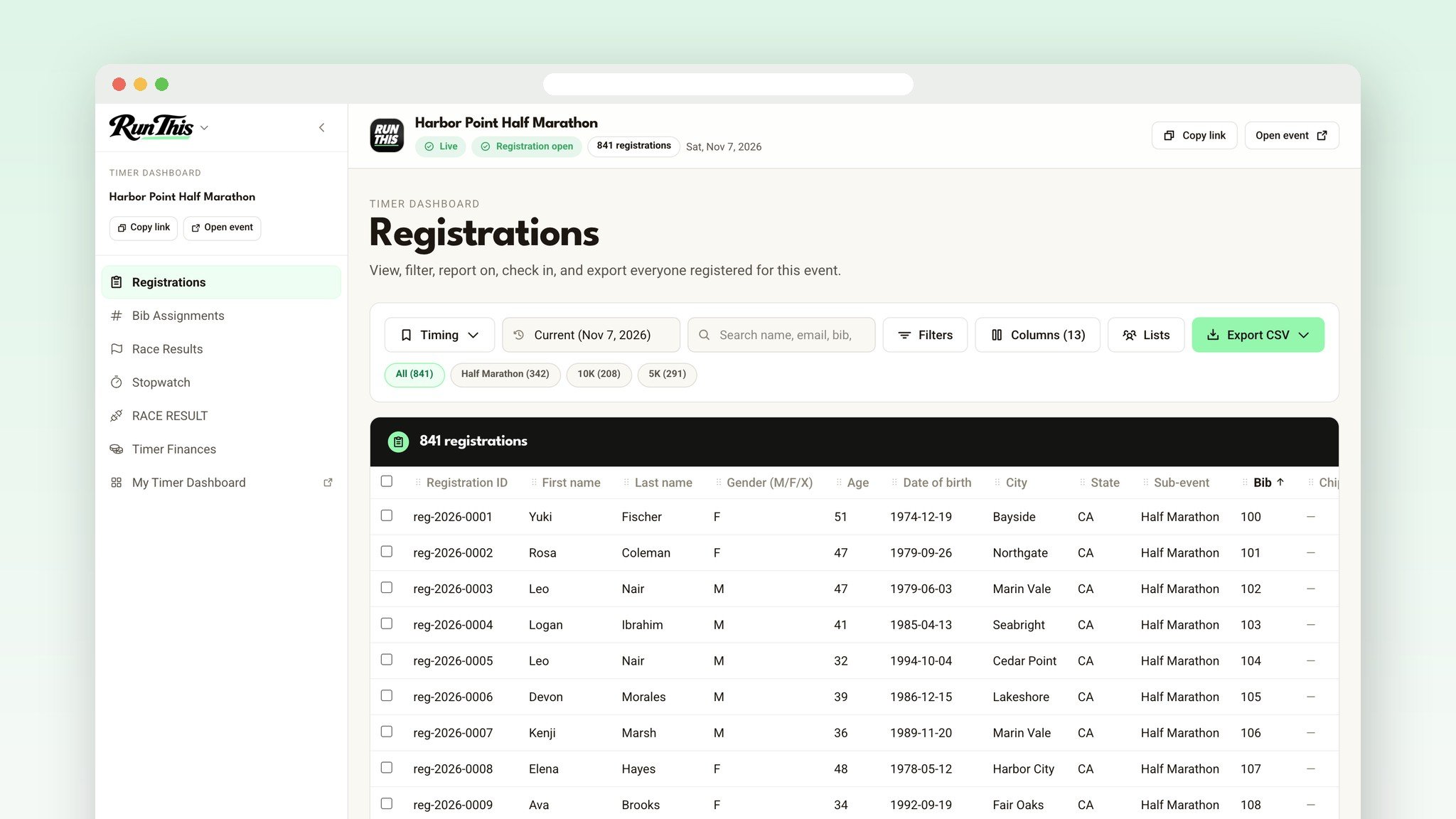
When a director assigns you, their race shows up on the Races page of your timer dashboard. Each race gets its own pages: Registrations (check runners in on race day), Bib Assignments (assign by distance, or upload bib and chip numbers from a CSV), Race Results (upload, edit and publish), the Stopwatch, RACE RESULT and Timer Finances.
The roster opens on a Timing view, with the columns timing software imports, sorted by bib. Export the timing file in one click.
An API that keeps up with race week
Create one API key on your dashboard's API tab. It works for every race that hires you. Pull the full roster once, then check for changes: new runners, name fixes, distance switches and cancellations. Send bibs, chips, check-ins and live results back.
The key only works for races where you're the assigned timer this year, and payment and contact details never come through it. The full API guide is on our help site.
Connected to RACE RESULT
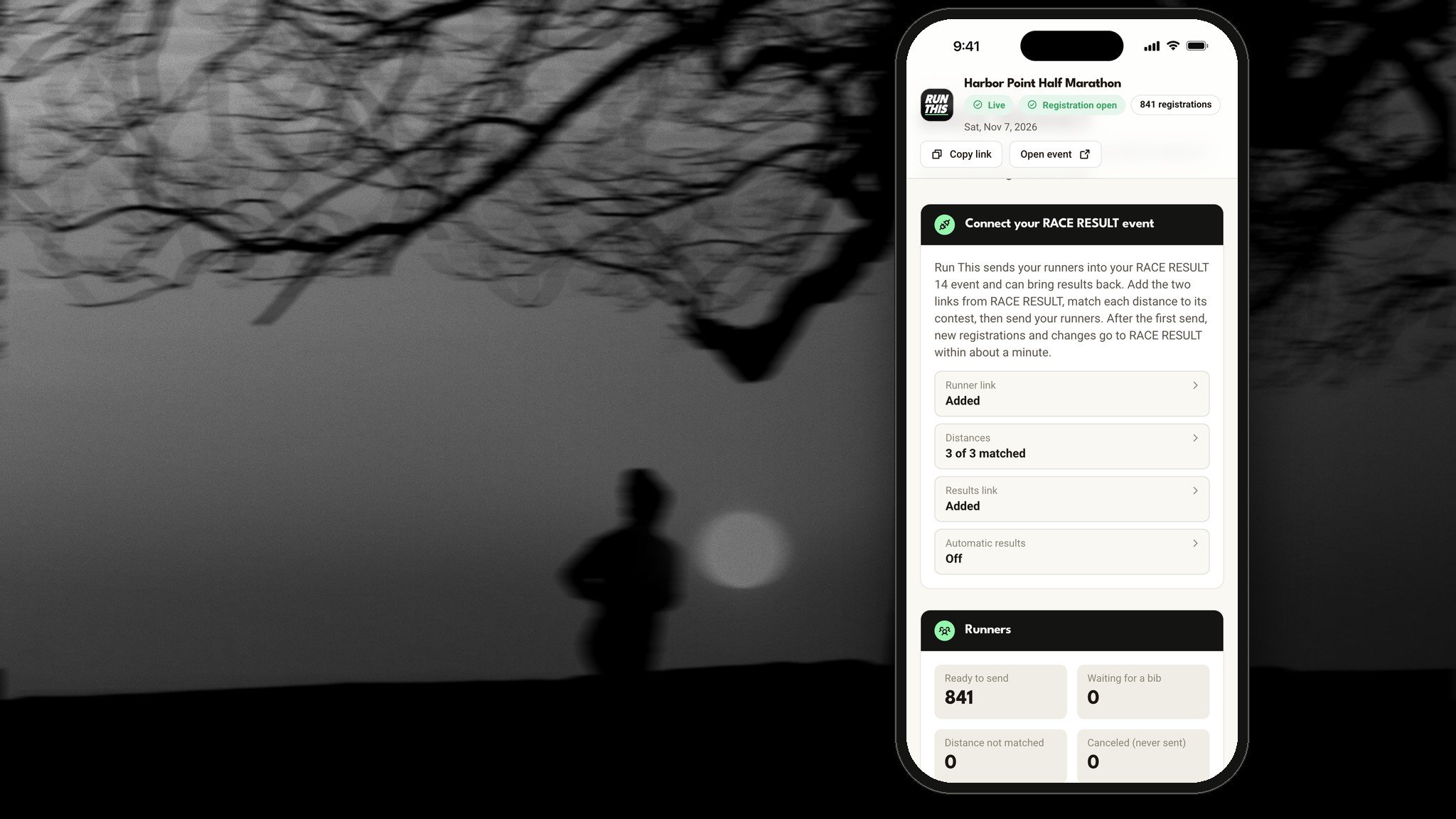
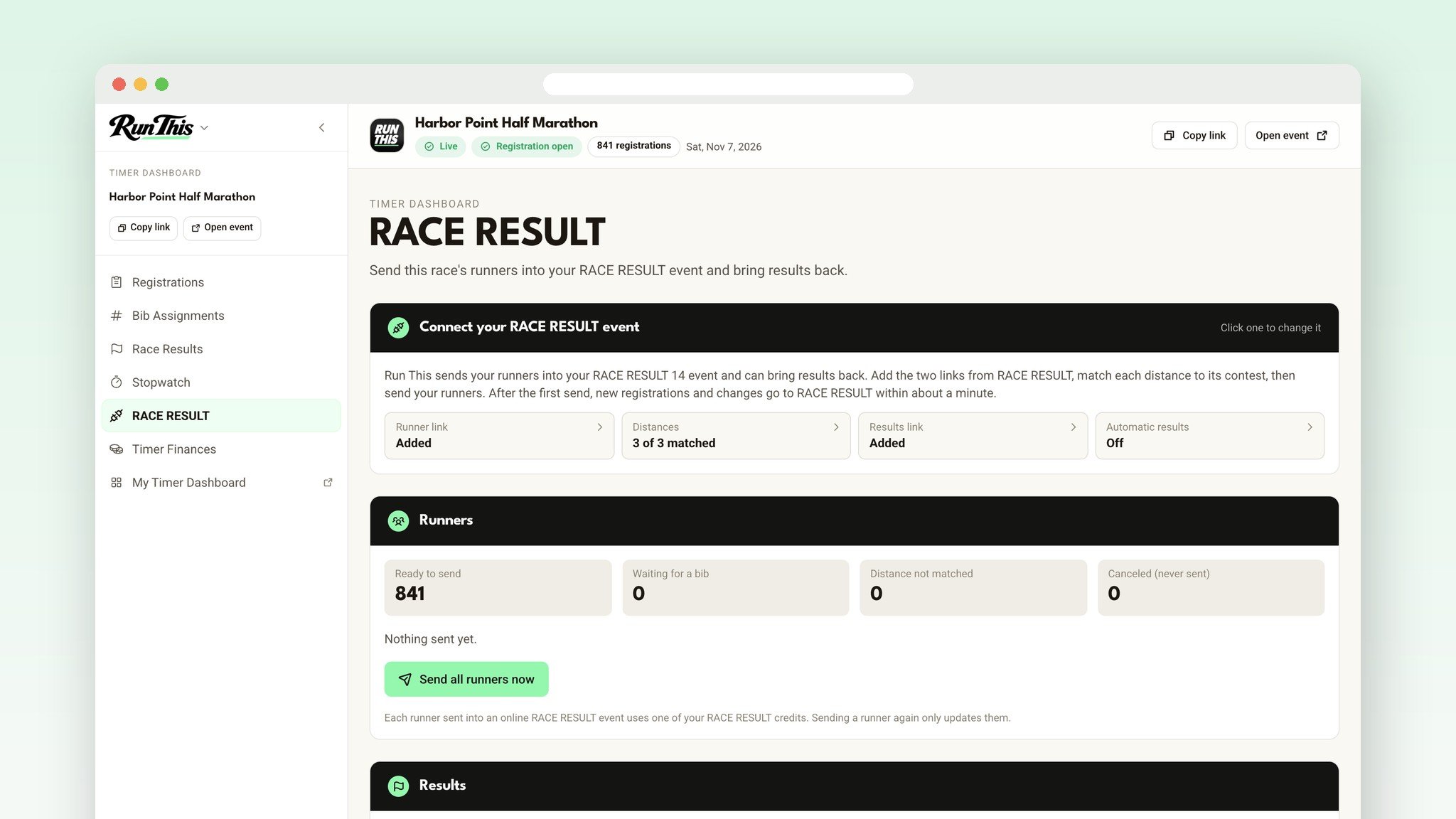
Time with RACE RESULT 14? Paste two links from your RACE RESULT event into the race's RACE RESULT page and click Send all runners now. From then on, new registrations and changes reach RACE RESULT within about a minute.
Results come back when you click Get results now, or once a minute during a time window you set. They stay hidden until you or the director publish them, and getting results never emails runners. See the RACE RESULT setup.
Get paid without chasing anyone
Propose your fee on the race's Timer Finances page. Once the director accepts it, every new paid entry includes it. You keep 100% of the fee, and it pays out to your account about a week after each registration. If an entry is refunded, your share of it comes back out.
Get listed in four steps
Create your company at runthis.run/timer, with your services and the states you serve.
Accept the Timer Company Agreement.
Email hello@runthis.run to get verified. Only verified companies show up in the directory directors pick from.
On your dashboard's Edit Company page, click Set up payouts.
Ready?
Directors: open your Edit event page and find a timer. Timers: create your company. Timing the race yourselves? Read about the Run This Stopwatch. Questions? Tell me. I read every one.