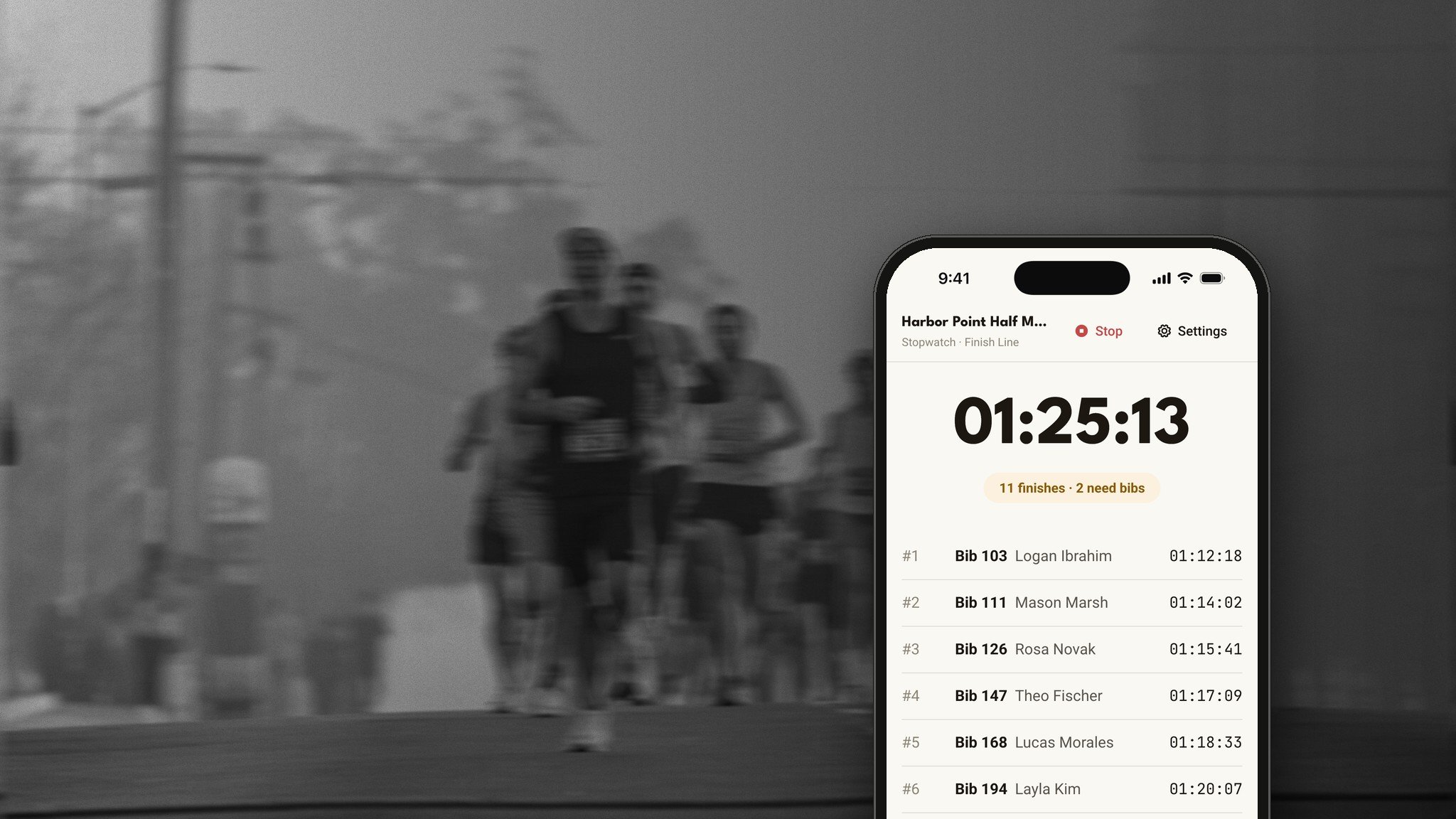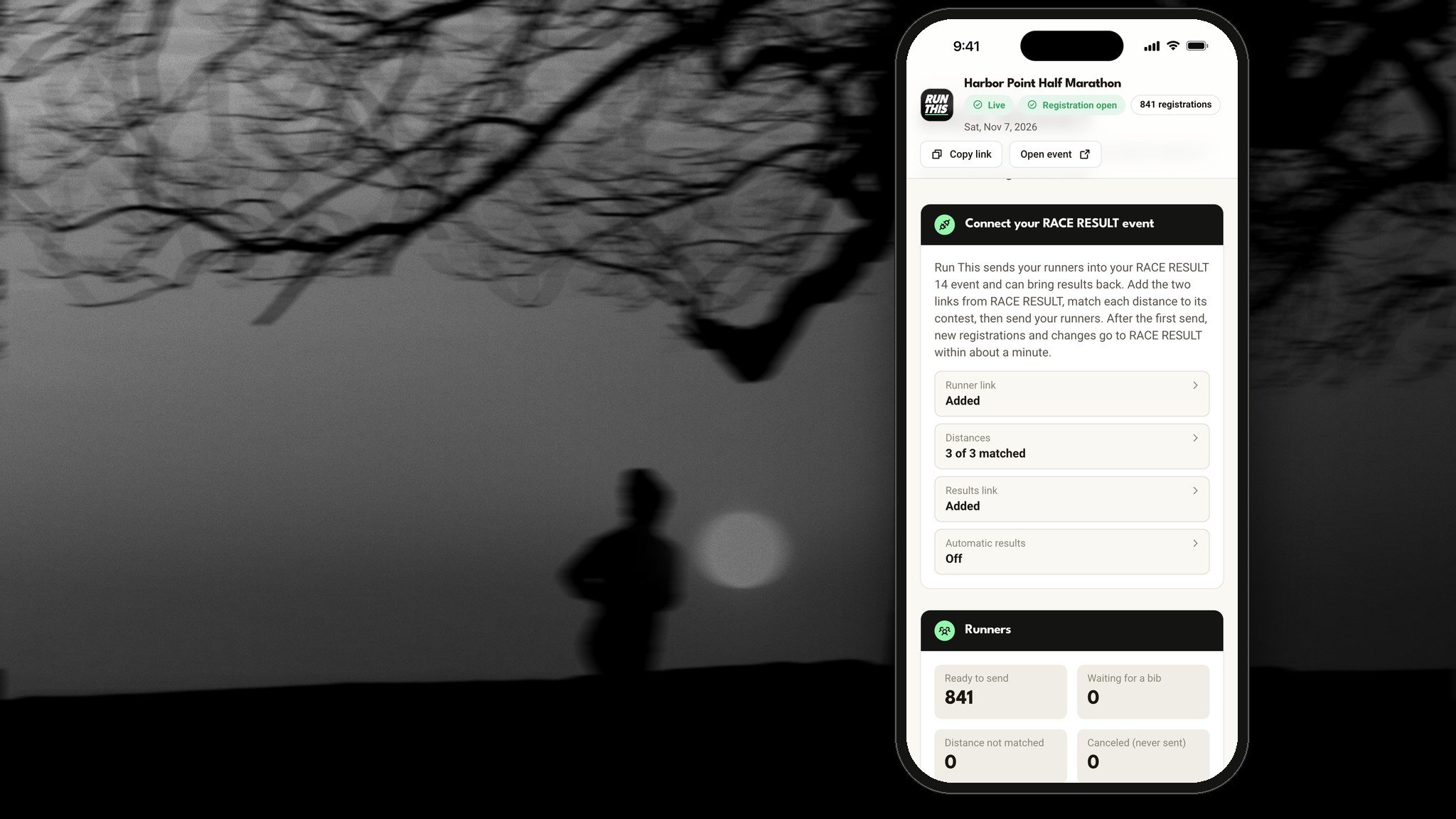


To post race results online, get one clean results file per distance from your timing company or timing app, with bib, name, gender, age and time. Check it for missing or doubled bibs, set your age groups and awards, then publish it on a results page runners can search by name and open on a phone. Aim to post the same day, ideally within an hour of the last finisher. On Run This, you upload any timing company's file, or let the free Run This Stopwatch fill results in for you, and every finish lands on the runner's profile with a finisher card they can share.
What do runners expect from race results?
Runners check results within minutes of finishing, usually on a phone, often still at the finish line. A good results page:
Goes up fast. The same day, and the sooner the better.
Is easy to search. Type a name or a bib and find yourself.
Shows age groups and places. Overall, by gender and by age group.
Works on a phone. No zooming into a PDF.
Is right. A wrong name or a missing finisher is the first thing people notice.
Has a link that lasts. Runners come back to it next year.
Is easy to share. A finish is something people want to post.
Where should I post my results?
You have a few choices:
On your race's results page, on the same site where runners registered. Runners already know where to look, and each result can be tied to the runner's sign-up.
On your timing company's website. Most timing companies post results. Link to them from your race page.
As a PDF or spreadsheet. Quick to make, but hard to read on a phone and hard to search.
On social media. Great for congratulating the winners. Always link to the full results, too.
Whatever you choose, link your results from your race page and your post-race email, so runners don't have to hunt.
What goes in a results file?
Whether it comes from a timing company or a timing app, a results file is a spreadsheet with one row per finisher. Most have these columns:
Place
Bib number
First and last name
Gender
Age or age group
Finish time (gun time, chip time or both)
A status for runners who didn't finish or didn't start
If your sign-up export includes a registration ID, ask your timing company to keep it in the file. It makes matching each finish to the right runner much more reliable than names, which get misspelled.
How do I turn a timing file into a results page?
Get the file for each distance. Ask your timing company to send one per distance, or one file with a distance column.
Check it. Look for blank names, the same bib twice, impossible times and runners with no age.
Set age groups and awards. Decide this before race day if you can.
Upload and match. Each finisher should be matched to their registration.
Look it over, then publish. Read the top of each distance and a few age groups.
On Run This, open Race results in your race dashboard. Pick the distance, upload your timing company's file, and Run This detects the columns for you. You confirm the mapping, check the preview and import. Each row is matched to its registration by registration ID first, then by bib. Results stay private until you publish, and you can publish one distance now and another later. Each distance can be ranked by time, laps, distance, points or a measure of your own.
Do I need a timing company to post results?
No. Many small races time themselves with volunteers. A phone timing app can record finishes and turn them into results the same day.
The Run This Stopwatch is free. Volunteers open it on their phones with a code you give them, no account and no app install needed, and tap as runners cross. Their times feed the same results page as a timing company's file. More in How to Time a 5K Without a Timing Company and The New Run This Stopwatch.
How do I handle age groups and awards?
Pick the setup that fits your race and how many awards you can afford:
Overall only: the top 3 women and the top 3 men. Up to 6 awards.
10-year age groups: like 30-39 and 40-49. Up to 54 awards.
5-year age groups: like 40-44 and 45-49. Up to 96 awards. This is the USATF standard.
Masters groups: for runners 40 and over.
Most races give awards to the top 3 overall, for women and for men, then to the top 3 in each age group. Overall winners usually don't also win their age group, so the next runner moves up.
On Run This, every distance has its own age groups and awards. Pick overall only, 10-year, 5-year, masters or your own groups, and choose how many places win. Non-binary runners get their own groups and awards unless you turn that off. Run This counts the awards as you change them, so you know how many medals to order, and Copy award winners hands your announcer the list on race day.
How fast should results go up?
As fast as you can get them right. Many races post a first version within an hour and fix small mistakes later. Say so on the page if results are still being checked.
Live results let friends and family follow runners while the race is still going. On Run This, publish a distance before it starts and a Follow runners live button appears on your race page on race day. Anyone can search a runner by name and follow them. If your timing company sends split times, followers see each timing mat as it's crossed. Either way, they see the finish. Followers who are signed in get a push when the runner finishes, whether your timing company posts results live or your volunteers time the race with the Stopwatch.
How do I fix mistakes after results are posted?
Mistakes happen: a swapped bib, a misspelled name, a runner in the wrong distance. Fix them quickly, and tell the runner when you have.
On Run This, fix the row, or fix the bib and import again. Results and the runner's trophy update together, so a finish that landed on the wrong runner moves to the right one.
What happens after results go up?
This is your best chance to bring runners back. Post your results link in a thank-you email the same day or the next morning, with the date for next year if you have it.
On Run This, every finish lands on the runner's profile with a trophy and their time and place. Each runner gets a finisher card they can share, and their race history keeps every year they ran. Posting race photos the same week gives runners another reason to share. See Race Photos That Bring Runners Back Next Year.
A results checklist
Timing plan set: a timing company or a volunteer crew
Registration ID kept in the timing file, if you can
Age groups and awards decided before race day
Awards ordered to match the count
Results file checked for blank names, doubled bibs and odd times
Results posted the same day
Results linked from your race page and thank-you email
Corrections made within a day or two
Why post your results on Run This?
Results on Run This don't just sit on a page. Each finish lands on the runner's profile with a trophy, and runners share their finisher cards with the friends who follow them, which is free promotion for next year. Run This is built around runners and their friends. When someone registers for your race, it shows up in their followers' feeds, and the friends who marked them as a favorite get a push. Your announcements can reach everyone who registered or saved your race as a push notification. Runners sign up in a few taps in the free Run This app for iPhone and Android, with Apple Pay, Google Pay or a card. On race day you check runners in from a phone with Run This Check In, time the race with the free Stopwatch or bring your timing company, and post results on your race page. Free races are free. On a paid race, runners pay about 5% + $1 per registration and you keep 100% of your price. Start your race on Run This.
Frequently asked questions
What's the difference between gun time and chip time?
Gun time runs from the start signal. Chip time runs from when each runner crosses the start line. Under athletics rules, gun time is the official time for places and prizes, and many races show both. See How to Time a 5K Without a Timing Company.
Can I use my timing company's results file on Run This?
Yes. Any timing company's export works. Run This detects the columns and you confirm them before importing.
Should results show every runner's age?
Showing the age group is common and is enough for awards. You don't need to show anyone's birthday.
What if a runner says their result is wrong?
Check the timing file and any finish-line video, then fix it and let them know. Most mistakes are a swapped bib.