To time a 5K without a timing company, you need three things: one clock started at the gun, a time for every finisher, and a record of who finished in what order. Set up a finish chute that keeps runners in single file, give one volunteer the clock and another the bib numbers, and keep a backup, like a phone filming the finish line. A phone timing app run by volunteers can handle the clock and the bibs together and turn them into results the same day.
Plenty of races time themselves. The BC Athletics officiating guide puts it plainly: "For smaller events, manual systems are still common."
What are my options for timing a race myself?
Most races pick one main method and one backup.
A stopwatch and a finish list. One volunteer starts a stopwatch at the gun and writes down each finish time. Another writes down bib numbers in finish order. Afterward, you match the two lists line by line. It costs nothing, but it is slow, and one missed line shifts every time after it.
Place cards or bib tear-offs. In the chute, hand each finisher a numbered card, or pull a tear-off tag from their bib and keep the tags in order. The cards give you the order, and the timer's list gives you the times.
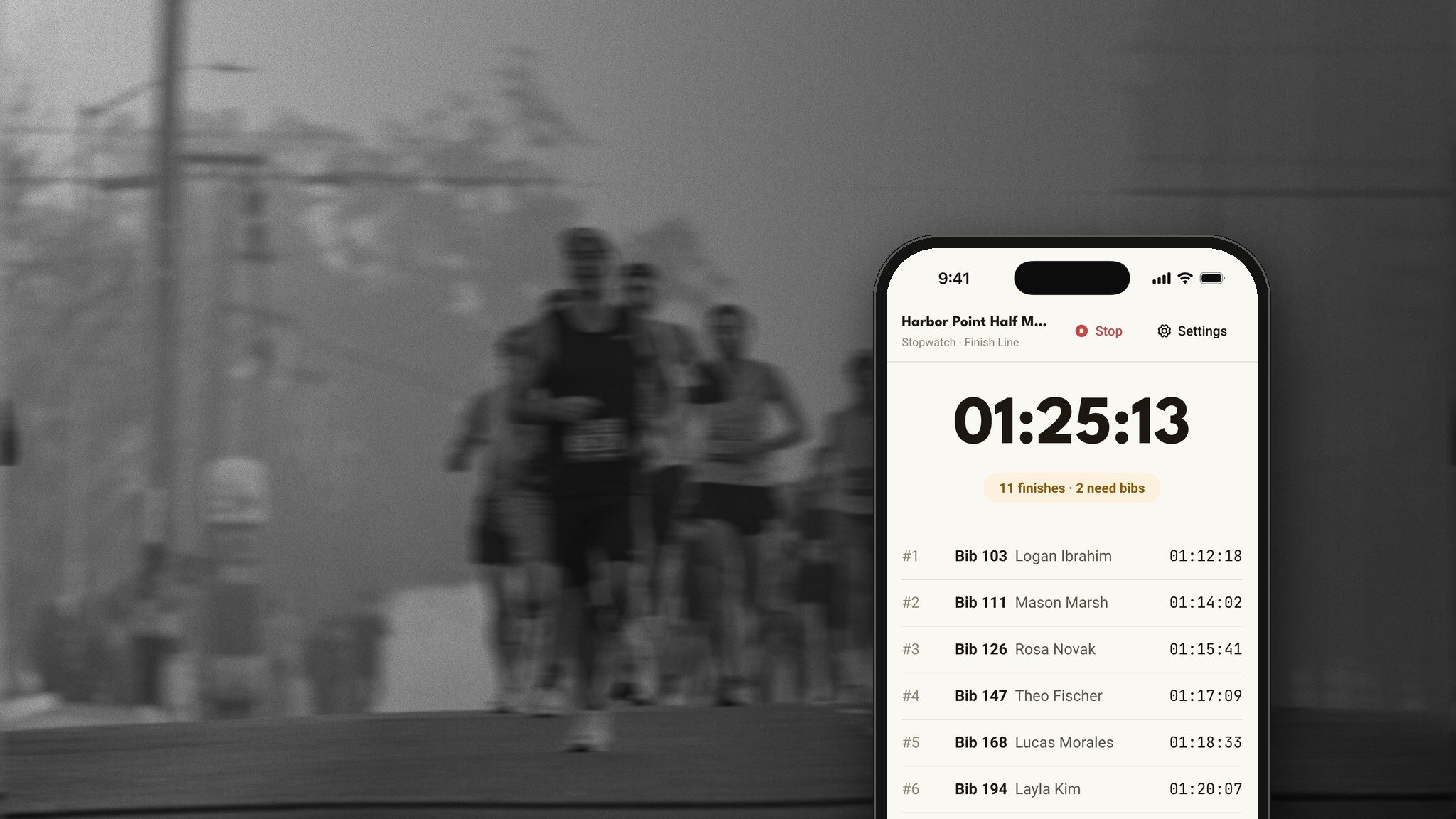
A phone timing app run by volunteers. A volunteer taps as each runner crosses, the bib goes in then or a minute later, and the results come together from your registration list.
Video of the finish line. A phone on a tripod facing the line, with the race clock in the frame if you can. It is a backup, but it settles nearly every question later.
On Run This: the Run This Stopwatch is free. Volunteers open runthis.run/stopwatch on any phone, or the free Run This Stopwatch app for iPhone and Android, type your race's code and tap GO. Nobody needs an account.
What is the difference between gun time and chip time?
Gun time runs from the start signal to the moment a runner crosses the finish line. Chip time (or net time) runs from the moment a runner crosses the start line, which needs a timing mat at the start.
When you time the race yourself, everyone gets gun time. That is normal: under athletics rules, gun time is the official time used for places and prizes, as the BC Athletics guide explains. Say on your race page how runners will be timed.
On Run This: if your waves or distances start at different times, the Stopwatch gives each one its own Start, and every runner is timed from their own start.
How do I set up a finish chute?
The chute is the narrow lane runners walk through right after the line. It keeps them in finish order until someone records who they are.
Pick a straight finish, well past the last turn, so volunteers can see runners coming. The Irish Mountain Running Association's finish-line guidelines recommend a clear view before runners cross.
Make it narrow, with cones, rope or tape, so runners walk through in single file, and long enough to hold everyone who finishes in your busiest minute.
Keep the order. A chute marshal keeps runners in the order they crossed. Welsh Athletics calls this the main job of the people in the finish funnel.
Record bibs at the end. The IMRA guidelines put a helper at the end of the chute who does not let runners leave until their numbers are written down, in order.
Put water and medals after the chute, keep spectators out, and leave a clear path for first aid.
What volunteer jobs does the finish line need?
Three or four people is enough for most self-timed 5Ks:
Timer: starts the clock at the gun and records every finish.
Bib recorder: records each finisher's bib, in order.
Chute marshal: keeps runners in single file and in order.
Backup: runs the video, or keeps a second clock and a paper list.
Brief everyone before the start, and give each person one job.
On Run This: every phone timing your race shares one race clock. At a busy finish, one volunteer taps Record a Finish for every runner while a second adds bibs on another phone. Each sees the other's work within about a second, and a counter shows how many finishes still need a bib.
How do I handle timing mistakes?
Plan for these before race day:
A missed bib. Record the time anyway, and fill in the bib from the chute list or the video.
Two runners at once. Record two times, then use the chute order or the video for who was first.
Someone skipped the chute. Check the video, then ask the runner.
A runner recorded twice. Keep the first finish and remove the extra.
A cut course. Put a volunteer at the turnaround.
On Run This: tap any finish to change its bib, name, distance or time, or to delete it. A bib recorded twice counts once, from its first finish. You can add a checkpoint, like your turnaround, where a volunteer records runners as they pass. And every time is recorded on the phone at the tap, so a weak signal cannot make anyone late.
How do I do age groups and awards?
Decide before race day. The two common setups are:
Overall only: the top three finishers in each gender division.
Age groups: the overall winners, then the top three in each age group. Five-year groups are common, and USATF New England's masters road races score in five-year groups starting at 40 to 44. Ten-year groups need fewer medals.
Overall winners usually do not also win their age group, so the next runner moves up. Collect each runner's age and gender at sign-up.
On Run This: a live awards board on your Stopwatch page fills in as runners finish, overall and by age group. For each distance, choose no age groups, 10-year, 5-year or Masters groups, and the setting shows how many awards you will need. In the Run This app, tap Copy award winners to text the list to your announcer.
How do I post results the same day?
Check three things first: every finish has a bib, the names look right, and the top finishers match what you saw at the line. Then publish, and send runners the link.
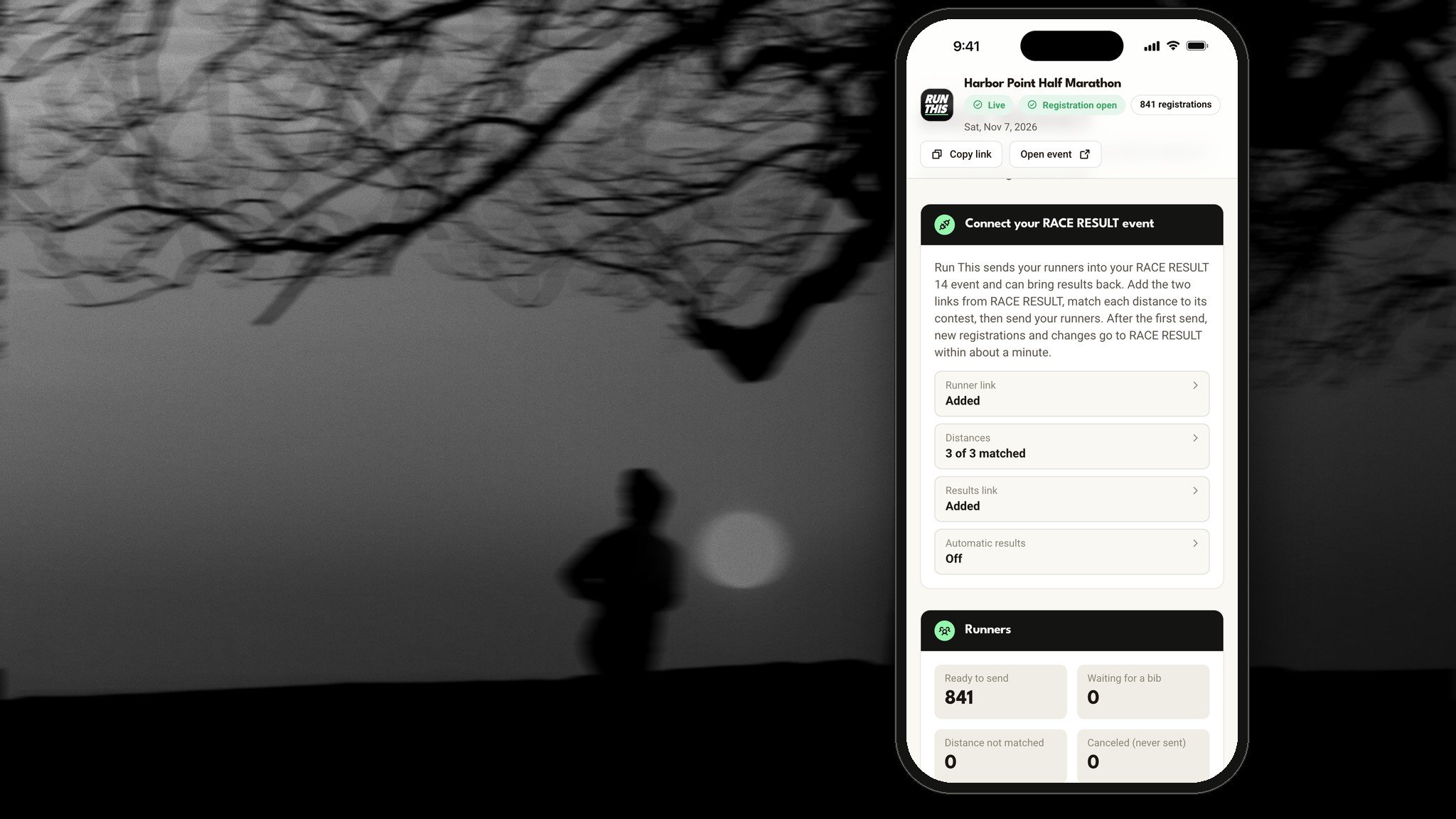
On Run This: on your Stopwatch page, click Send finishes to Race Results. Each finish is matched to its runner's registration, with gender, age group and place filled in. Nothing is public until you publish, one distance at a time if you like. Turn on Send finishes automatically and new finishes go in about every 20 seconds while your crew times. Every finisher gets a finisher card to share. Publishing does not email anyone, so send runners a quick email with the Results block.
When is it worth hiring a timing company?
A timing company is the right call for plenty of races. Welsh Athletics lists what chip timing does well, and it lines up with when to hire one:
Big fields, where many runners finish every minute.
Mass starts, where it takes a while for everyone to cross the start line and runners expect chip time.
Mats along the course, to confirm every runner ran the full distance.
Times that count beyond your race, like a record or a qualifying time. Check the rules of whoever will use the time.
When you would rather hand off the finish line and spend race morning on everything else.
On Run This: if you hire a timing company, assign them from the Timer Company card on your event's Edit page. They get a dashboard for your race with your registrations, bibs, check-in and results.
Race-week timing checklist
Bibs assigned before race day
A practice run on two phones a few days out
Two charged phones at the finish, plus a battery pack
Jobs set: who taps, who records bibs, who marshals the chute
Chute cones, rope or tape, and a tripod for the video phone
Age groups and awards decided, medals counted
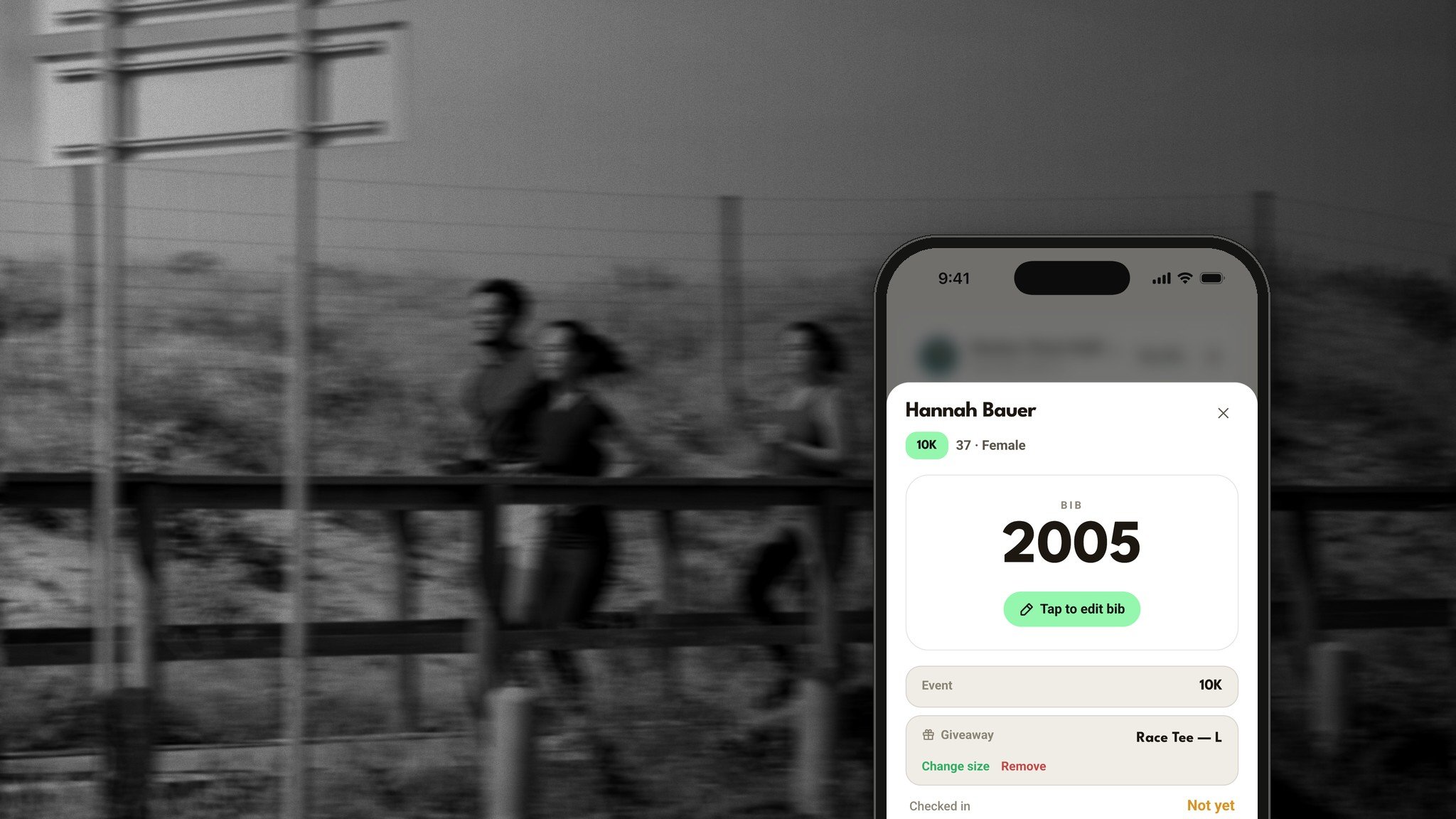
On Run This: assign bibs on your Bib assignments page, so the Stopwatch's bib grid shows every runner's name. For the practice run, open the Stopwatch on two phones, start the clock, record a couple of finishes, then clear them with Restart / start over in Settings.
Frequently asked questions
Can volunteers time a race accurately with phones?
Yes, with a good setup. A narrow chute, one job per volunteer and a video backup matter more than the device. On the Run This Stopwatch, every phone shares one race clock and each time is taken at the tap.
Do I need chip timing for a 5K?
Not always. Many races time themselves with a clock and a bib list. Chip timing earns its cost at big races, mass starts, and races where times count for records or qualifying.
Is the Run This Stopwatch free?
Yes. It is free to download and free to use, in any phone browser or in the Run This Stopwatch app for iPhone and Android.
What if the finish line has no cell signal?
The Run This Stopwatch keeps each time on the phone and keeps trying until it saves, so your crew can keep timing.
Ready to time your race? Open your race's dashboard and click Stopwatch. Your crew's guide is at https://runthis.run/help/stopwatch/how-it-works, and the setup steps are at https://runthis.run/help/directors/timing-and-stopwatch.